Category: Apps & Software

Reptile keeping apps, husbandry software and digital record systems.

  • Scutely review: husbandry, breeding, QR codes and data export

    Editorial note: this review evaluates Scutely’s current public feature set, documentation and pricing against ordinary keeper and breeder workflows. Features and plan limits can change, so confirm them before moving a large collection.

    Verdict: Scutely is one of the more ambitious reptile record systems now available. It combines routine husbandry, breeding records, QR labels, public animal pages and ownership transfers in one web and mobile account. The free plan is useful enough to expose the workflow, while the paid tiers make the most sense for keepers who will use the breeder and batch tools rather than treating the app as a prettier notebook.

    The appeal is breadth, but breadth also creates the main risk. A keeper can spend a weekend building detailed profiles and still discover that the feeding screen, label layout or export does not match the way the room actually runs. Test Scutely with five deliberately awkward records before importing everything: two animals with similar names, a feeding refusal, a breeding loan, a corrected weight and a transfer you do not complete.
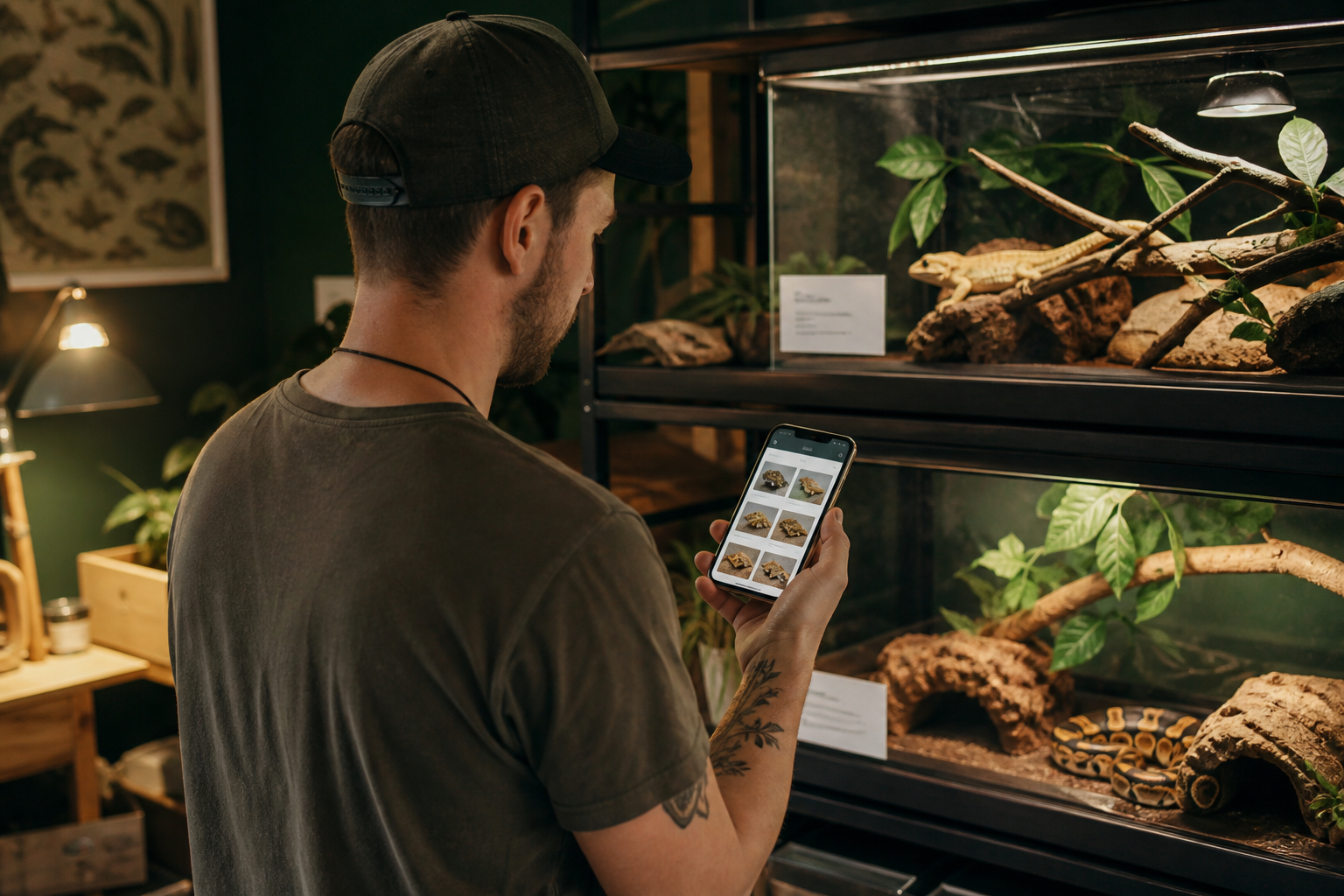
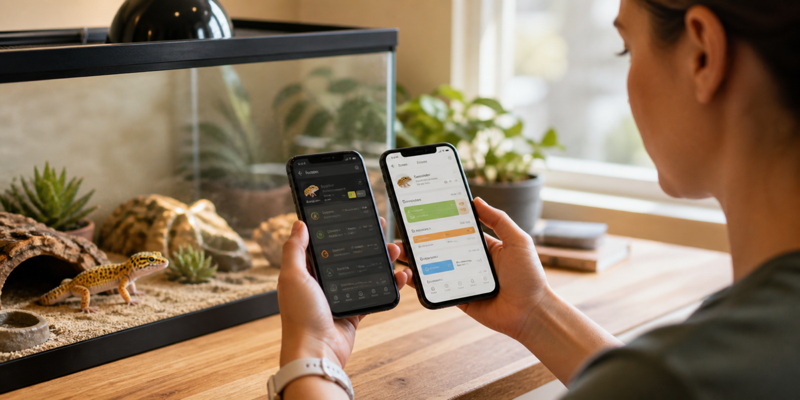
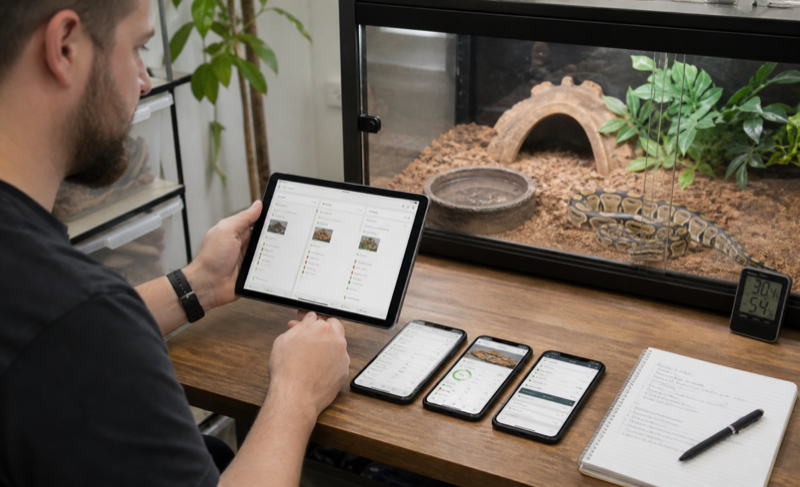
    Keeper using a reptile husbandry tracking app beside organized enclosures

    Scutely at a glance

    Best for Mixed collections and breeders who want care, lineage and QR workflows in one service
    Platforms Web, iOS and Android with account sync
    Free allowance Up to five animals at the time of review
    Paid collection limits 50, 200 or unlimited animals depending on plan
    Notable tools Bulk logging, care schedules, breeding records, pedigrees, QR scanning, public pages and transfers
    Main caution Plan limits and export detail need to be checked with your own sample data

    Daily husbandry is the first test

    Most record apps are easy during setup. The real test arrives on feeding night when one animal refuses, another takes a different prey size and a third needs a medication note. Scutely publishes support for feeding details, supplements, refusals, weight and length, sheds or molts, treatments, environmental readings, cleaning and custom events. That covers the common cases on paper.

    Build a small care group and log the same action for several animals. Then change one animal’s feeder, quantity or result before saving. A useful batch tool keeps the shared parts of the event while making exceptions obvious. If the exception is buried, the speed advantage can create bad data. The reptile feeding tracker comparison explains why refusals and corrections deserve more weight than decorative dashboards.

    Schedules and the feeder pick list are more interesting than a generic reminder. Scutely can group upcoming feedings by prey item and size, which connects the digital record to a practical shopping and thawing workflow. Check how overdue tasks behave, whether a skipped feeding moves the next date and whether several keepers see the same completion state.

    Profiles, IDs and collection structure

    Each animal profile can hold photos, sex, species, traits, lineage and a care timeline. Large collections need stable IDs in addition to names. Two snakes called Luna will eventually cause a mistake. Give every animal a permanent internal ID and store enclosure location separately, because location changes while identity should not.

    Scutely’s care groups and filtering can reduce scrolling, but they need to mirror the physical room. Create groups for racks, rooms or care routines, not every trait you might search later. A keeper who is reorganizing fifty tubs should read the guide to managing a large reptile collection before deciding how much structure to build.

    Quarantine deserves its own test. A visual indicator is helpful, yet the system still needs a clear start date, location, task schedule and rule for moving the animal into the main collection. Software does not enforce physical separation. It should make the status hard to miss and preserve the history after quarantine ends.
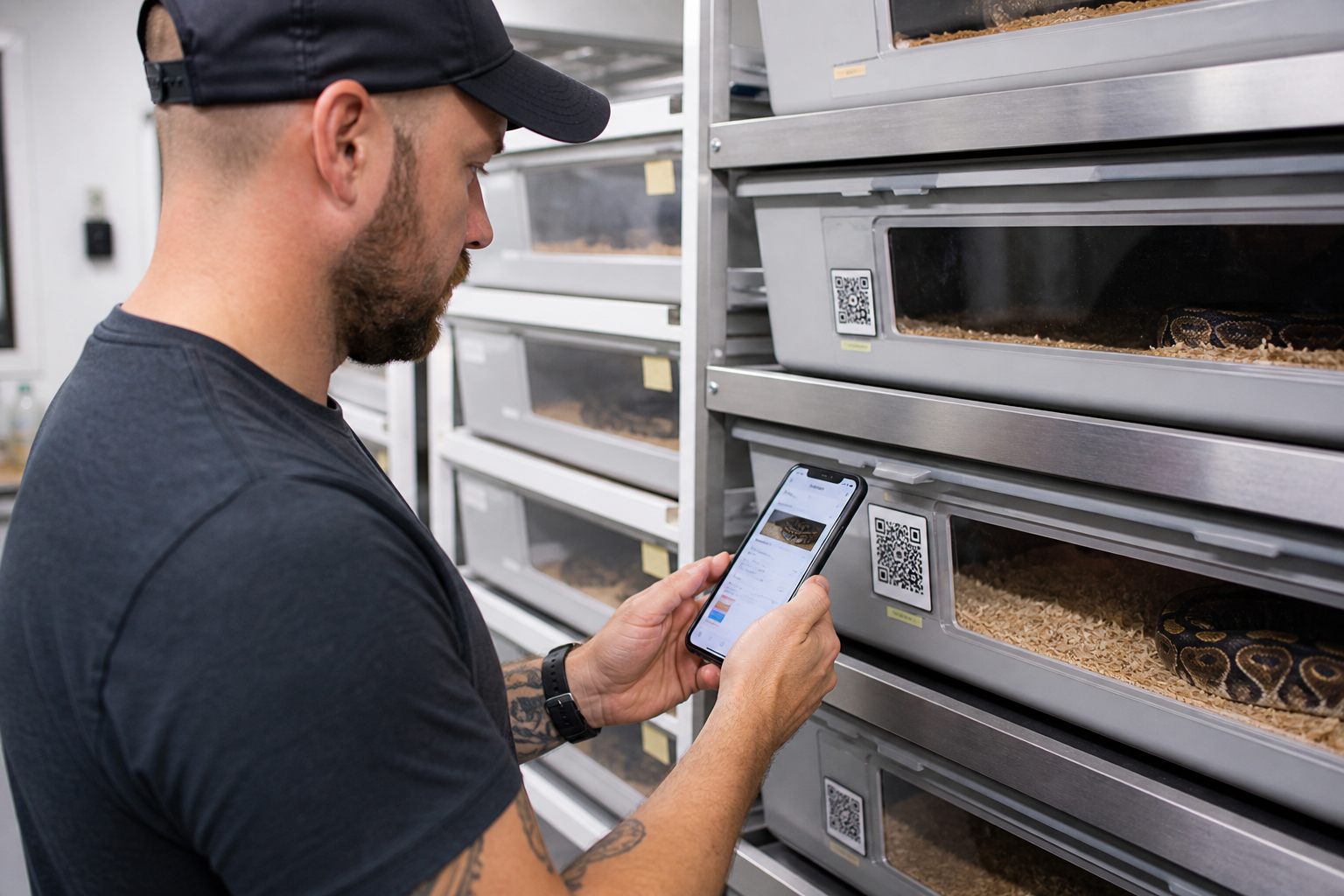
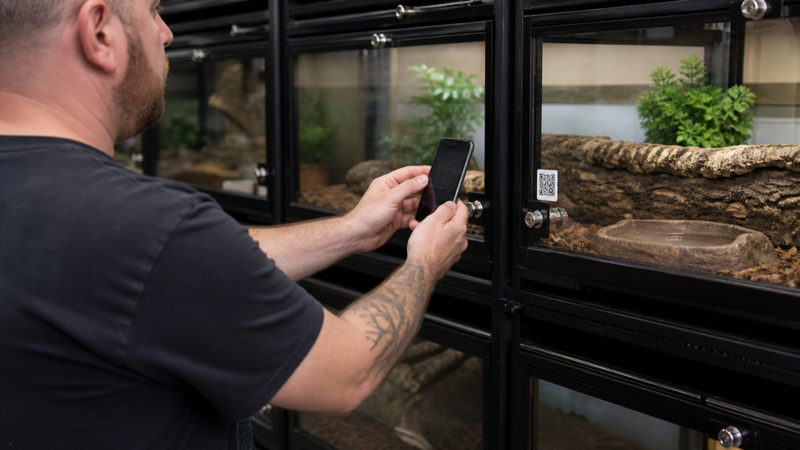
    Keeper scanning a QR enclosure label to open an animal record

    Breeding records and pedigrees

    The Breeder tier adds the reason many people will consider Scutely: fuller family trees, pedigrees and broader customization. The service describes pairing support, clutches, offspring, genetics calculations and lineage that follows an animal through transfer. That is a much deeper job than logging meals.

    Test a three-generation sample before trusting the pedigree view. Include an unknown parent, a possible het, a repeated pairing and an offspring that changes ownership. Check which facts are calculated, which are manually asserted and how corrections propagate. Genetics software can organize claims, but it cannot verify parentage or replace careful identification.

    Breeding loans expose weak permissions quickly. The record should distinguish the owner, current keeper and breeding project without duplicating the animal. Also inspect what the other party can see. Medical notes, purchase price and private contact details should not become public merely because lineage is shared.

    QR scanning and label printing

    Scutely can generate QR codes and open an animal profile for quick logging. Multi-scan mode is intended for batch work, including feeder overrides. This can be excellent in a rack room, but only when the printed label and confirmation screen prevent wrong-animal entries.

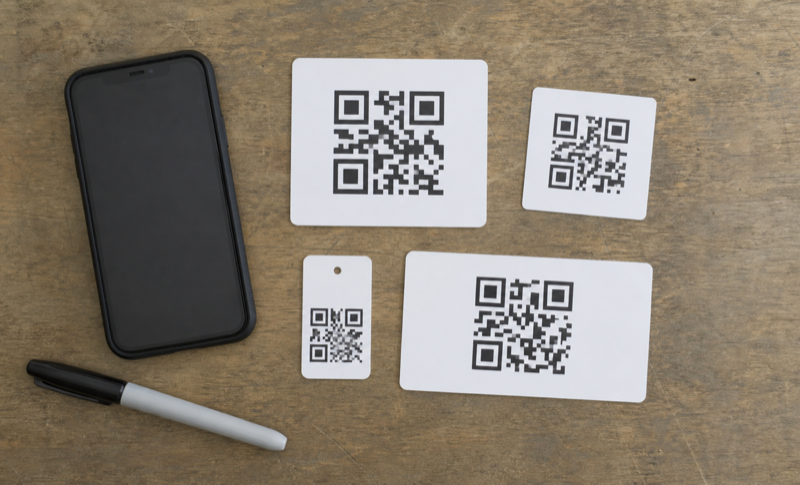
    Print several labels at the smallest size you expect to use. Scan them with the oldest phone in the room, under normal lighting, from an uncomfortable angle. Mist one protected sample, clean another and leave a third near a heat source. Keep the human-readable ID beside the code. The practical QR label setup guide covers contrast, privacy and replacement planning in more detail.

    A scan should open a large photo, name, ID and location before the event is saved. Speed is useful only after identity is clear. For rack codes, review the selected occupants and the action date before applying a batch entry.

    Public animal pages, cards and transfers

    Public profiles and sale cards can reduce repetitive buyer questions. Scutely says keepers choose which details appear and medical records stay private. Test that claim from a browser where you are signed out. Inspect the page source, downloadable images and QR destination, not just the signed-in preview.

    Ownership transfer is more valuable than a static PDF when both parties use the same platform. It can preserve history and lineage instead of forcing the buyer to rebuild a profile. Still, export an independent copy before transferring. Confirm whether the sender retains a record of the sale and what happens if the recipient never accepts.

    Public pages should be treated as publishing, not private record keeping. Remove home addresses, acquisition documents and notes that reveal more than a buyer needs. A show card can identify an animal without exposing the rest of the collection.
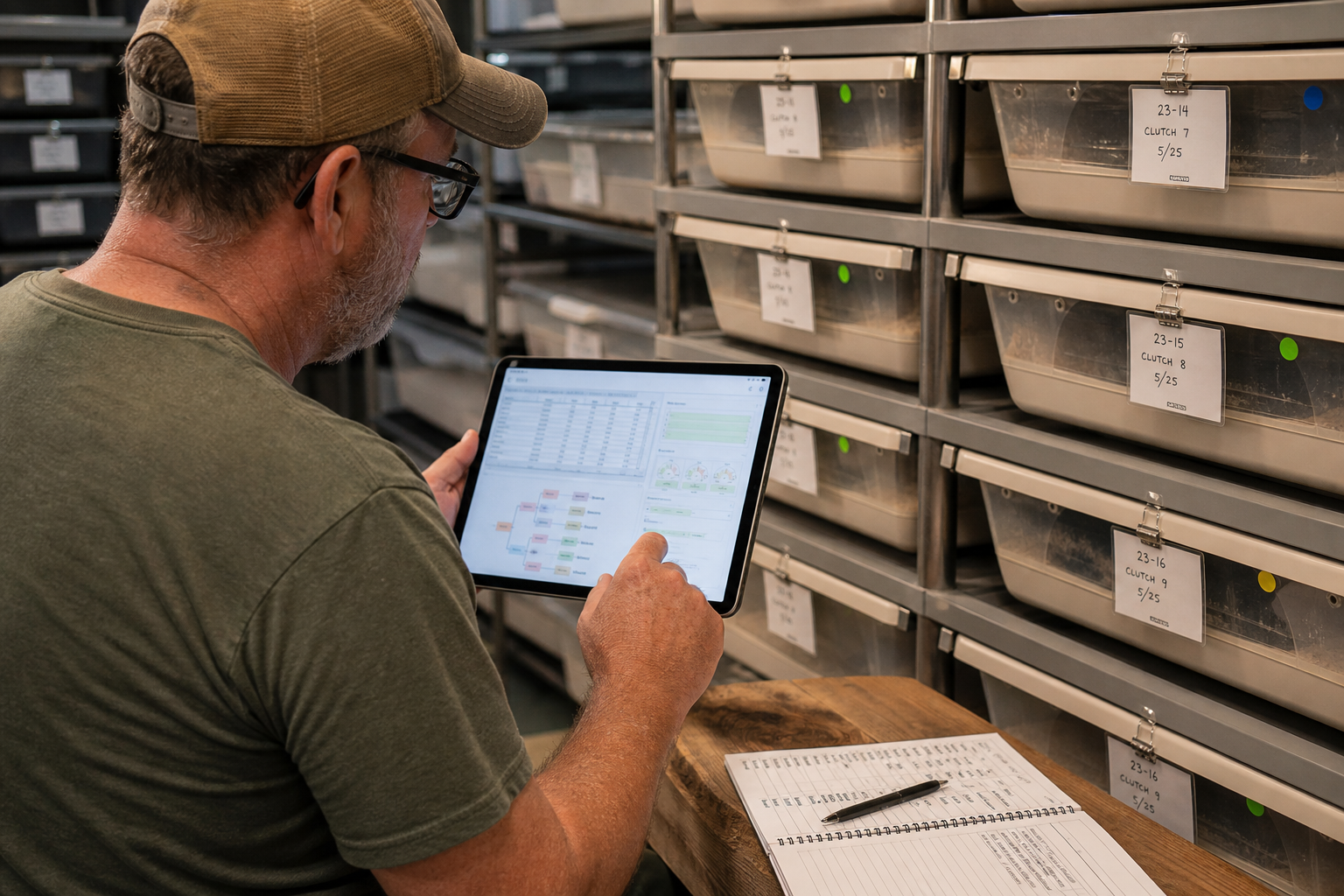
    Breeder reviewing clutch and pedigree records beside labeled incubation tubs

    Pricing and the point where each plan makes sense

    At the time of review, Free covers five animals. Hobbyist raises that to 50 and adds broader photo, sharing, sales-card and customization allowances. Breeder supports 200 animals and unlocks the pedigree depth aimed at breeding projects. Pro removes the practical animal ceiling and expands customization further.

    Animal count is only one cost driver. A ten-animal breeding group may need pedigree tools more than a 60-animal pet collection. Work out which locked feature solves an actual weekly problem. The reptile app pricing comparison shows how to calculate cost over several years rather than comparing a free badge with a monthly number.

    Downgrades deserve attention. Scutely states that animals above the new plan limit are locked rather than deleted. Make sure you understand which animals remain accessible, whether exports still work and how long inactive accounts are retained. The pricing page currently notes that an account unused for five years may be removed with its data.

    Export, backup and leaving the service

    Scutely describes collection export and per-animal history reports. Those are not necessarily the same thing. A readable report is good for a buyer or veterinarian; structured data is better for migration. Export a sample and inspect animal IDs, dates, units, events, lineage, notes and image references.

    Open the file in a spreadsheet, then try to rebuild one animal elsewhere. If important relationships exist only as formatted text, moving later will take manual work. Our data export and privacy checklist covers account deletion, permissions and backup frequency.

    Do not rely on account sync as backup. Sync keeps devices consistent, including accidental changes. Store dated exports outside the service and keep the original import file if you migrate from a spreadsheet.

    How Scutely compares with the main alternatives

    Scutely overlaps with Husbandry.Pro and Reptile Scan more than with a minimal pet diary. Husbandry.Pro remains the obvious comparison for a broad breeder system. Reptile Scan is worth considering when a web-managed, scan-first rack workflow is the priority. Reptile Rocket and Terrarium Tracker are lighter choices for smaller collections.

    Read the Husbandry.Pro review if customization and established breeder workflows matter most. The Reptile Scan review focuses on labels, registrations and the split between web setup and mobile work. For a broader shortlist, start with the best reptile tracking apps guide.

    A sensible seven-day trial

    1. Create five animals with stable IDs, including two with similar names.
    2. Import or enter a short history with feeding, refusal, weight, shed and treatment events.
    3. Build one care group and complete a batch action with an exception.
    4. Print and scan labels from the actual enclosures.
    5. Create a sample pairing and follow the lineage into one offspring.
    6. Open a public page while signed out and inspect every visible field.
    7. Export the collection, open the file and confirm that the records are usable.

    If those seven steps feel natural, Scutely has a credible chance of replacing a mix of notes, spreadsheets and label tools. If two or three steps fight the way the room operates, do not assume a higher plan will fix the workflow.

    Who should choose Scutely?

    Scutely is a strong candidate for a keeper who expects a collection to grow and wants breeding, sales and QR features without running separate systems. The web and mobile combination also suits people who prefer detailed setup on a larger screen and quick actions beside enclosures.

    A keeper with one or two animals may not need this scope. A large commercial operation should test exports, permissions and support response before committing. The app looks most convincing in the middle: serious hobbyists and breeders who need more than a diary but still want a modern interface.

    Frequently asked questions

    Is Scutely free?

    There is a free plan for up to five animals at the time of review. Paid tiers raise collection limits and add more photos, customization, public pages and breeder features.

    Does Scutely work on desktop?

    Yes. Scutely provides a web app and syncs the account with its iOS and Android apps.

    Can Scutely print QR labels?

    It supports animal QR codes, cards and label workflows. Test the exact label size, printer and scan distance you use before producing a full rack.

    Can I export my data?

    Scutely describes collection export and history reports. Verify the file format and included fields with a sample because a readable report and a migration-ready export solve different problems.

  • Husbandry.Pro alternatives: how to choose a safer switch

    Verdict: The best Husbandry.Pro alternatives depend on why you are leaving. Price, workflow friction and weak export each point to a different replacement, so define the problem before moving data.

    Keeper comparing alternative reptile record apps

    Why people look for Husbandry.Pro alternatives

    Common reasons include collection limits, subscription cost, a preference for simpler logging or the need for a specific export. Write down the reason in one sentence. It keeps the search focused when every competitor presents a different feature list.

    Checklist for switching reptile tracking apps

    Test the replacement before migrating

    Create two sample animals and log a week of events. Try reminders, corrections and search. Then export the sample. If the basic loop already feels slow, a full migration will not improve it.

    Protect the original records

    Download every available backup before closing an account. Keep the untouched file and work from a copy. Photos may need a separate download, and attachment links in a spreadsheet may stop working after account deletion.

    Reptile record backup files on a laptop and external drive

    Candidates will be added after import, export and daily logging tests. Each recommendation will explain who gains from switching and who should stay put.

    Start with the reason you want to leave

    If Husbandry.Pro feels too complex, a smaller tracker such as Reptile Rocket or Terrarium Tracker may reduce daily friction. If the problem is scale, Reptile Scan offers rack scanning, batch registrations and team features on its Professional plan. If customization and ownership matter most, a well-designed spreadsheet can still be the better answer.

    Alternative paths

    • Reptile Scan: best starting point for QR labels, racks and enclosure-side actions.
    • Reptile Rocket: lighter mobile records for a small collection.
    • Terrarium Tracker: mixed terrarium pets and readable PDF histories.
    • Spreadsheet plus form: maximum control over columns and backups.

    A feature match is not a migration match. Husbandry.Pro may hold custom fields, breeding relationships, photos and long activity histories that another app cannot import. List the fields you cannot afford to lose before comparing interfaces.

    Safe switching sequence

    1. Export every available file and keep an untouched copy.
    2. Create a small sample in the new system.
    3. Compare dates, units, IDs and notes after import or manual entry.
    4. Run both systems through one normal care cycle.
    5. Export from the new system before cancelling the old plan.

    When to stay

    Do not migrate merely because another app looks cleaner in screenshots. If the current system is reliable, your helpers understand it and exports work, the switching cost may outweigh a modest interface improvement.

    FAQ

    Can I import Husbandry.Pro data directly?

    Import support varies. Ask the destination service which exact format and fields it accepts before changing the source file.

    Should I delete the old account immediately?

    No. Keep it until the new records and independent backup have been checked.

    Recheck the baseline: The full Husbandry.Pro review clarifies which limits justify a switch. Then compare the broader market in our reptile tracking app guide.

  • Reptile Rocket alternatives for simpler or larger collections

    Verdict: Reptile Rocket alternatives should solve a specific mismatch. A keeper with one gecko and a breeder with forty animals are unlikely to need the same replacement.

    Keeper reviewing alternative reptile tracking tools

    Choose the missing capability

    Start with the job that creates friction: faster feeding entry, stronger collection filters, QR access, offline records or a cleaner export. Avoid moving for a feature you will rarely use.

    Run a parallel trial

    For one week, log the same small set of events in the current app and one candidate. Do not migrate everything yet. Compare time, mistakes and how quickly you can find an old note.

    Two phones used in a parallel reptile app trial

    Check the exit before the entrance

    Open the export and account deletion screens during the trial. A tool should explain what can be downloaded and what disappears when the account closes. Keep a local backup before making any final move.

    Choose the alternative by collection size

    Reptile Rocket’s strength is a focused mobile record. A keeper who outgrows it should look first at Husbandry.Pro Next or Reptile Scan. A keeper who finds it too busy may prefer Terrarium Tracker, a spreadsheet or even a paper calendar backed by periodic photos.

    What changes when the collection grows

    Search and individual histories are enough for a handful of animals. Larger rooms need stable IDs, locations, batch actions, feeding lists, clutch links and controlled helper access. Reptile Scan and Husbandry.Pro publish more of those operational features than a simple pet diary.

    Do not confuse a large animal allowance with large-collection design. Add twenty sample animals, move several between enclosures and record the same action for a rack. If the app still requires opening every profile, the advertised limit will not save time.

    What changes when you want simplicity

    Keep only the events you use. Feeding, refusal, shed or molt, weight, cleaning, medication and a general note cover many household collections. Custom fields are helpful until every entry becomes a form. A quiet interface that you use consistently beats an advanced system you avoid.

    Exit checklist

    • Confirm the Reptile Rocket export includes the history you need.
    • Download photos separately if they are not part of the file.
    • Preserve units and time zones.
    • Check subscription cancellation and account deletion separately.
    • Keep the original backup after migration.

    FAQ

    Is Husbandry.Pro always the upgrade?

    No. It is an upgrade in scope, but that scope adds setup and cost.

    Is a spreadsheet a downgrade?

    No. It can be more portable and flexible, though reminders, photos and fast mobile entry take extra work.

    Start with the current product: The Reptile Rocket review shows what you would be leaving. Our tracking app comparison then provides a neutral shortlist.

  • Husbandry.Pro review: Classic vs Next, pricing and workflow

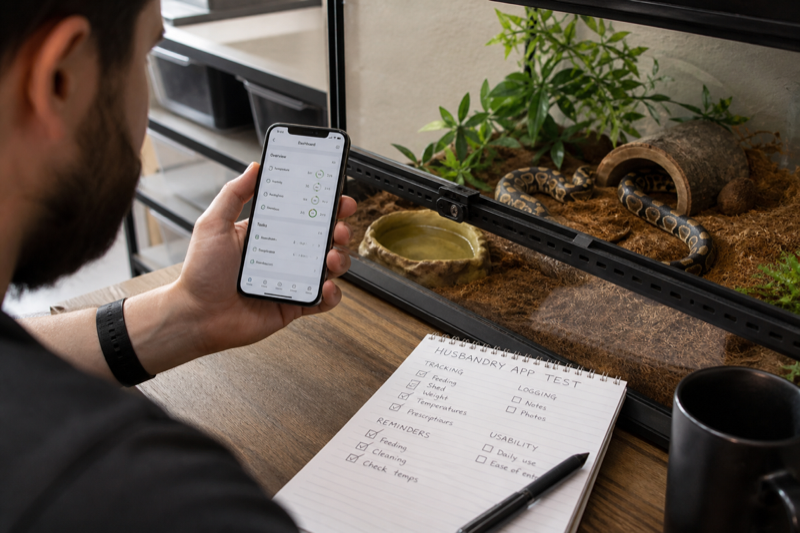
    Independent test of a reptile husbandry app beside an enclosure
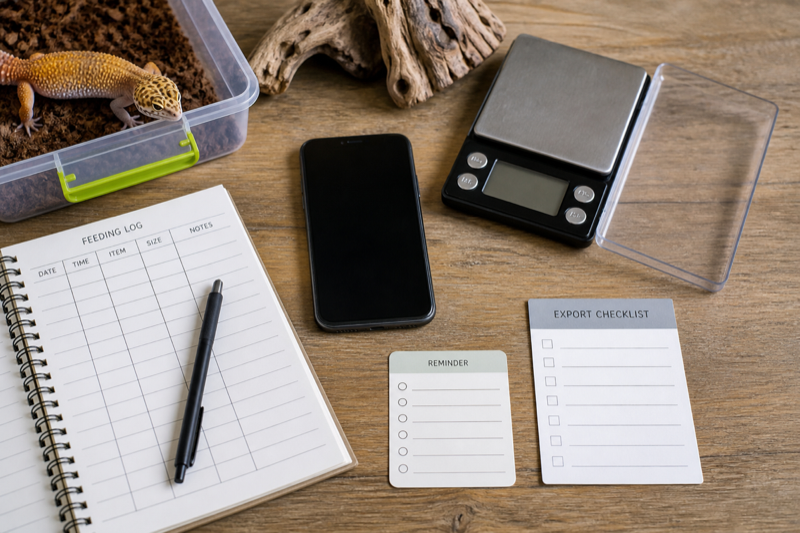
    Reptile app review test kit with phone scale logs and export checklist

    Husbandry.Pro Classic and Next

    Husbandry.Pro now presents two active products under one login. Classic keeps the familiar reptile-first workflow and remains open to new users. Next is the modern rebuild, designed for reptiles and other animals, with new reporting, Flow Codes, sales tools and tiered collection limits. That split is the first thing a new user should understand.

    Next currently lists a free plan for five animals, followed by Hobbyist, Collector, Breeder, Commercial Operation and Institution tiers. The published limits rise from 50 animals on Hobbyist to unlimited animals on Commercial Operation. Some breeder and security features appear only on higher plans.

    Where Husbandry.Pro is strongest

    The platform is built around collection management rather than a single pet diary. Published features include feeding and care activity, reminders, weight charts, breeding plans, QR workflows, sales listings and multi-user options on selected tiers. That breadth is useful for keepers who want one system to grow with them.

    It also creates setup work. Custom animal types, genetics tables, breeding plans and roles only help after someone defines a consistent structure. A five-animal hobbyist can ignore most of that. A breeder should decide naming, IDs and permissions before inviting helpers.

    Migration questions to answer

    • Are you moving into Classic or Next?
    • Which fields import, and how are dates and units handled?
    • Do photos, documents and historical activities move with the animal?
    • Which plan contains the features you already rely on?
    • Can you export a usable copy after migration?

    Create a small test workspace before moving the full collection. Compare a sample animal line by line, including feedings, weights, breeding links and notes. Keep the old system untouched until the new copy survives an export and restore check.

    Who should choose it

    Husbandry.Pro is easiest to recommend to growing collections and breeders who will use its structure. A keeper with one gecko may prefer a lighter app. The free plan makes that decision testable without importing years of history on day one.

    FAQ

    Is Classic being discontinued?

    The company says Classic remains active and open to new and existing users.

    Does every plan include every feature?

    No. Limits and features vary, and the current pricing page notes that Next and Classic do not have identical feature sets.

    Setup that avoids a messy account

    Decide how animals will be named before adding the collection. Use a stable ID for each animal, keep enclosure location separate and choose one unit for weight. Breeders should settle their genetics notation and clutch naming before importing historical records. Changing those conventions later is possible, but cleaning duplicated fields across hundreds of events is tedious.

    Next, turn off fields and modules you will not use. Husbandry.Pro’s breadth is an advantage only when the daily form remains quick. Add one helper with limited access and confirm what that person can view, edit and export. Shared credentials make it impossible to tell who changed a record.

    Our recommendation

    Choose Husbandry.Pro when your collection has outgrown a personal diary and you are prepared to define a consistent system. Next is the logical starting point for new users who want the current product direction. Classic remains relevant for keepers who already understand its reptile-first workflow. For one or two pets, test the free plan against a simpler tracker before committing.

    Compare the next step: See how the workflow differs in Husbandry.Pro vs Reptile Rocket, or use the Husbandry.Pro alternatives guide if export, pricing or collection size is the deciding factor.

  • Reptile Rocket review: strengths, limits and ideal users

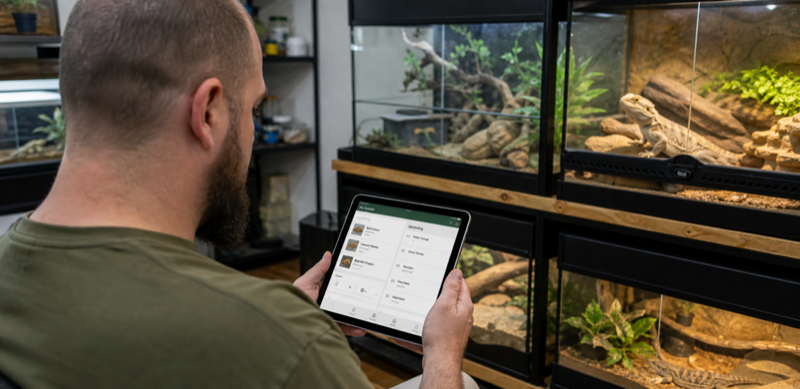
    Keeper testing a reptile collection app on a tablet

    Collection setup

    Generic animal profile grid on a tablet beside enclosure labels

    Records must be portable

    What remains unverified

    What Reptile Rocket covers

    Reptile Rocket is a mobile tracker for reptiles and other exotic animals. Its current Google Play listing describes feeding and shedding logs, measurements, health indicators, breeding projects, animal history, backups, archiving and animal-list export to XLSX. One animal is available without a subscription; additional animals require a paid plan.

    That makes it a sensible candidate for a keeper who wants structured records without a full breeder web console. The spreadsheet export is particularly useful if it contains stable IDs, dates, units and complete event history. Check the file yourself before treating it as a backup.

    Daily workflow

    The important test is how quickly you can move between profiles and add common events. Enter a meal, a refusal, a weight and a shed. Then correct a date and archive a sample animal. A tracker that feels clean during setup can still hide editing and recovery tools several screens deep.

    Breeding projects add value for small operations, but serious breeders should compare clutch links, offspring IDs, batch actions, labels and team access with larger platforms. A feature named “breeding” does not guarantee the workflow you need.

    Privacy and backup

    The Google Play listing currently displays developer-provided declarations of no data sharing and no data collected. Store disclosures are useful summaries, not substitutes for reading the linked privacy policy and checking permissions on your device. Confirm whether backups are local, cloud based or tied to an account.

    Who it suits

    Reptile Rocket is most appealing for a small personal collection that needs more structure than notes but less administration than a breeder platform. The one-animal free allowance is enough to test the core workflow. Collections that need rack scanning, several staff accounts or deep sales tools should compare Reptile Scan and Husbandry.Pro before subscribing.

    FAQ

    Can it replace a spreadsheet?

    Possibly. Export a sample first and check whether the XLSX file preserves the fields and event history you care about.

    Is it free?

    The current Android listing says one animal is free and two or more require a subscription. Pricing can vary by platform and region.

    What the XLSX export can and cannot prove

    A spreadsheet export is encouraging, but the Android listing describes an animal-list export rather than promising that every event, image and breeding relationship appears in one workbook. Create several event types and inspect the actual file. Look for separate sheets, stable IDs, measurement units and full notes. If history is missing, treat the export as a collection index rather than a complete backup.

    Small-collection test

    Use the free animal slot for two normal weeks. Record accepted and refused meals, correct a date, add a weight with decimals and restore a backup on another device if the app supports it. Check notification behavior after restarting the phone. These ordinary tasks say more than the first-run dashboard.

    Our recommendation

    Reptile Rocket deserves a trial for one to several animals when mobile entry and conventional care logs are the priority. It is harder to recommend for a staffed breeding room without clear evidence of batch, label and permission workflows. Export remains the deciding test for anyone leaving a spreadsheet or another app.

    Keep comparing: The Reptile Rocket alternatives guide covers simpler and larger-collection options. For a direct workflow comparison, read Husbandry.Pro vs Reptile Rocket.

  • Terrarium Tracker review: reminders, logs and export

    Verdict: This Terrarium Tracker review will judge whether environment records remain accurate, readable and portable. A colorful graph is useful only when the measurements behind it can be trusted.

    Keeper reviewing terrarium environment readings on a phone

    Manual entry and connected sensors

    Generic terrarium sensor and handwritten environment log

    Reading the graph

    The test will look for clear units, timestamps, missing-data gaps and editable mistakes. We will compare the displayed trend with the raw entries and note any smoothing that changes how the record appears.

    Alerts are not a thermostat

    An alert can report a reading after it crosses a threshold. It does not replace a thermostat or safe equipment setup. The final article will describe notification delay and connection loss without presenting the app as a safety controller.

    What Terrarium Tracker is trying to solve

    Terrarium Tracker is positioned as a lighter care journal for reptiles, amphibians, spiders and other terrarium animals. Published descriptions mention feeding, molting or shedding, cleaning, reminders, photos and PDF care-history export. That mixed-species focus is useful for households that do not want a separate app for every animal group.

    The important limitation is equally clear: this is a record tracker, not an automatic environmental control system. Temperature and humidity values may be entered as care records, but users should confirm any claimed sensor integration before buying hardware. Never assume a graph means the app controls or independently verifies the enclosure.

    What to test

    • Create a reptile and an invertebrate with different event types.
    • Backdate a shed or molt and correct the entry.
    • Set feeding and enclosure-maintenance reminders.
    • Mark tasks complete and check how overdue items behave.
    • Export a PDF and inspect dates, notes and animal identity.

    PDF export is useful for reading and sharing, but it is not always a migration format. If the app does not also provide structured data such as CSV or JSON, changing services may require manual entry.

    Where it fits

    Terrarium Tracker suits a small mixed collection that values a calm interface and readable histories. Large breeders should look for rack management, clutch links, batch actions, inventory and team roles. Those are different jobs, and adding every breeder feature could make a simple journal worse.

    FAQ

    Does it replace thermometer hardware?

    No. Use appropriate thermostats and independent monitoring. Manual environmental notes can add context, but they do not control heat.

    Is PDF export enough?

    It is good for an archive or vet handoff. A structured export is better for moving records into another system.

    Should I use it for medical advice?

    Use it to document observations and treatment instructions from a veterinarian, not to diagnose an animal.

    Check the wider field: Compare Terrarium Tracker with the options in our best reptile tracking apps guide. Before committing records, use the export and privacy checklist.

  • Reptile Scan review: can QR labels speed up daily records?

    Keeper scanning an enclosure QR label with a phone

    The scan test

    Enclosure identification cards with abstract QR patterns

    Identity and error recovery

    Offline and export behavior

    Laptop spreadsheet beside a phone during a reptile record export test

    Publication gate

    How Reptile Scan works

    Reptile Scan pairs a web console with iOS and Android apps. The web side handles setup, collection management, racks, reports and label generation. The mobile app is centered on fast registrations at the enclosure. The company’s getting-started guide states that animals must be added through the web console before the app can be used for routine actions.

    Scanning a label opens the matching animal or rack, where you can record feeding, shedding, cleaning and other actions. Rack codes can support registrations for several animals. This is a real advantage when the bottleneck is finding the correct profile.

    Plans and limits

    The current free plan lists ten reptiles, two clutches and 100 registrations per month. Standard raises the limits to 100 reptiles and ten clutches with unlimited registrations. Professional removes those limits and adds custom actions, batch tools, feed inventory, team sharing, enhanced labels and other breeder features.

    Choose by event volume, not only animal count. Ten animals can generate more than 100 monthly registrations if you log water, cleaning, feeding and observations separately.

    QR labels in daily use

    A code needs a readable printed label, a phone with camera access and a clear confirmation screen. Print several test labels, expose them to normal room conditions and scan from the angles you actually use. Confirm the animal’s ID before saving an event. A scan should reduce searching, not remove the final identity check.

    The system can create normal and large QR labels, rack labels, sales cards and animal exports. Think about what information is visible to anyone who scans a public-facing label, especially at shows or in shared spaces.

    Who should use Reptile Scan

    It is a strong fit for rack-based collections and breeders who want setup on a larger screen and fast mobile actions later. A keeper with one display enclosure may find the web-console requirement unnecessary. The free plan is large enough to test the split workflow before paying.

    FAQ

    Can I add animals in the app?

    The official getting-started guide says animals are created in the web console.

    Can I export an animal for a buyer?

    The guide describes an export file that another Reptile Scan user can import, plus PDF and sales-card options.

    Reports, transfers and sales

    Reptile Scan can create PDFs, sales cards and an export intended for transfer to another Reptile Scan user. Those are different outputs. Use the PDF for a readable summary, the sales card for a handoff and the structured export when another account needs the record. Confirm which private notes appear before giving any file to a buyer.

    Reports and charts become more useful after event names are standardized. If one helper records “mouse,” another records “small mouse” and a third writes everything in notes, feeding totals will be unreliable. Professional users can create custom actions and categories, but a short written naming policy is still worth keeping.

    Our recommendation

    Reptile Scan is one of the strongest options for racks, repeated daily actions and breeder records. The setup is heavier than a one-pet diary, and the web-console requirement will annoy some mobile-only users. Use the free plan to test label durability, scan confirmation and monthly event volume before choosing Standard or Professional.

    Put scanning into context: The QR code setup guide covers label durability and privacy. The comparison of Reptile Rocket vs Reptile Scan shows when scan-first entry is worth the tradeoff.