Verdict: Good reptile feeding tracker apps record an event in seconds and make the history useful later. Refusals, prey details and notes should be first-class entries, not awkward workarounds.
Test the everyday entry flow
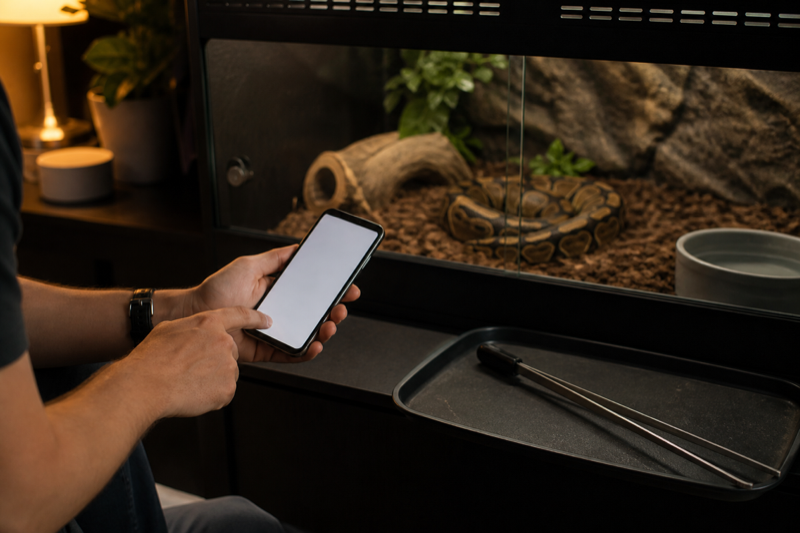
Open an animal profile and time a normal feeding entry. Add prey type, size, result and one note. Repeat it for several animals. The app should preserve the details without forcing you through unrelated fields.
A refusal needs its own clear status. Treating it as a missing entry can make the history misleading. The same applies to skipped feeds that were planned rather than refused.
Reminders need restraint
Feeding reminders should adapt when a schedule changes. Look for easy snooze, edit and cancel controls. Duplicate alerts train people to ignore the app, which defeats the point.
Reading the history
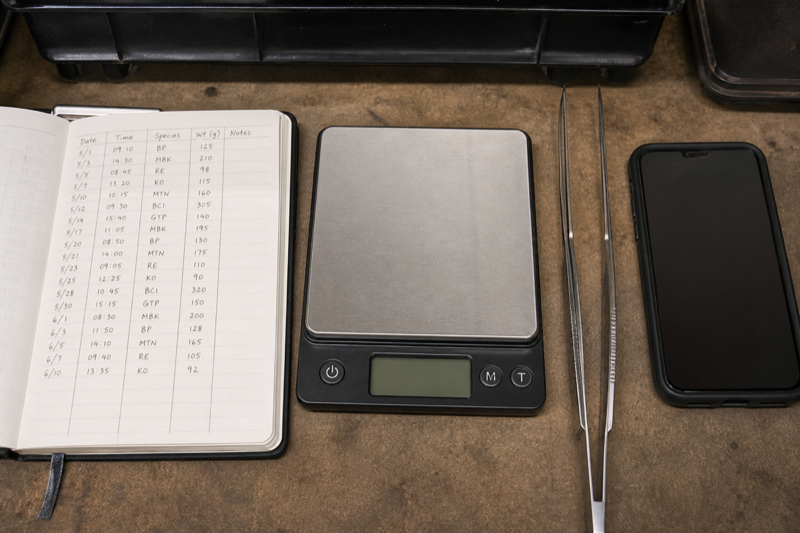
Check whether the timeline can separate successful feeds, refusals and notes. Filters help in a large collection. For a single reptile, a simple chronological view is often quicker.
What a tracker cannot decide
What feeding trackers need to record
A useful feeding event has enough structure to answer later questions without asking you to type an essay. The core fields are date, animal, prey or food, amount, accepted or refused, and an optional note. Snake keepers may add prey weight and feeding method. Lizard keepers may care more about insects, greens and supplement rotation.
Refusals belong in the same timeline as accepted meals. Deleting a failed offer makes the history look cleaner but removes context. Apps should also let you correct a mistaken event without leaving a duplicate behind.
Reminders should follow your plan
Rigid schedules are a poor fit for animals whose feeding changes with age, season, breeding condition or veterinary advice. Look for editable intervals, one-off reminders and a way to mark a task complete without automatically creating the next one. Snooze is helpful, but it should not quietly change the underlying care plan.
For frozen prey, a separate preparation reminder may be more useful than another “feed today” alert. In insect-eating collections, feeder care and supplement rotation can matter as much as the animal’s meal entry.
How to compare apps in fifteen minutes
- Create two animals with different feeding routines.
- Log an accepted meal and a refusal.
- Backdate one event and edit another.
- Set different reminders for each animal.
- Filter the timeline to feeding events only.
- Export or print the history.
If any step feels slow with two profiles, it will feel worse with twenty. Do not assume a premium tier fixes a clumsy entry screen.
Reading patterns without overreacting
Charts can reveal a longer interval between meals or a change in body weight. They cannot explain the cause. Review enclosure conditions, season, reproductive context and the animal’s broader behavior. Persistent or worrying changes belong in a conversation with an experienced reptile veterinarian.
FAQ
Should I log every feeder insect?
Usually a count or portion is more practical. Choose a method you can repeat consistently.
Do automatic feeding predictions help?
They can remind you to review the schedule. They should not override species, age, body condition or veterinary guidance.
Build the rest of the record: The tracking app comparison covers complete animal histories, while the guide to large collection management explains repeatable feeding-night checks.