The scan test
Identity and error recovery
Offline and export behavior
Publication gate
How Reptile Scan works
Reptile Scan pairs a web console with iOS and Android apps. The web side handles setup, collection management, racks, reports and label generation. The mobile app is centered on fast registrations at the enclosure. The company’s getting-started guide states that animals must be added through the web console before the app can be used for routine actions.
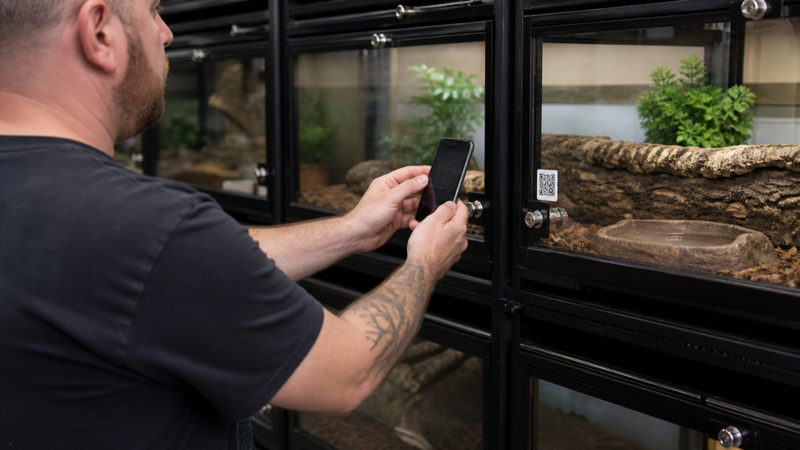
Scanning a label opens the matching animal or rack, where you can record feeding, shedding, cleaning and other actions. Rack codes can support registrations for several animals. This is a real advantage when the bottleneck is finding the correct profile.
Plans and limits
The current free plan lists ten reptiles, two clutches and 100 registrations per month. Standard raises the limits to 100 reptiles and ten clutches with unlimited registrations. Professional removes those limits and adds custom actions, batch tools, feed inventory, team sharing, enhanced labels and other breeder features.
Choose by event volume, not only animal count. Ten animals can generate more than 100 monthly registrations if you log water, cleaning, feeding and observations separately.
QR labels in daily use
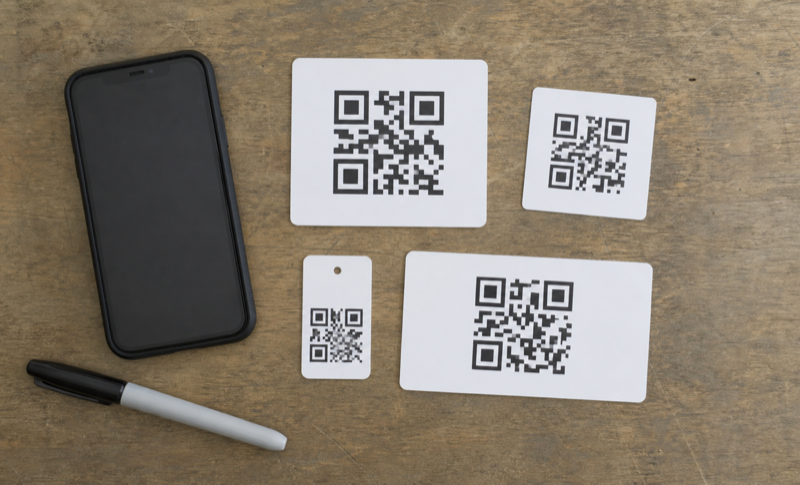
A code needs a readable printed label, a phone with camera access and a clear confirmation screen. Print several test labels, expose them to normal room conditions and scan from the angles you actually use. Confirm the animal’s ID before saving an event. A scan should reduce searching, not remove the final identity check.
The system can create normal and large QR labels, rack labels, sales cards and animal exports. Think about what information is visible to anyone who scans a public-facing label, especially at shows or in shared spaces.
Who should use Reptile Scan
It is a strong fit for rack-based collections and breeders who want setup on a larger screen and fast mobile actions later. A keeper with one display enclosure may find the web-console requirement unnecessary. The free plan is large enough to test the split workflow before paying.
FAQ
Can I add animals in the app?
The official getting-started guide says animals are created in the web console.
Can I export an animal for a buyer?
The guide describes an export file that another Reptile Scan user can import, plus PDF and sales-card options.
Reports, transfers and sales
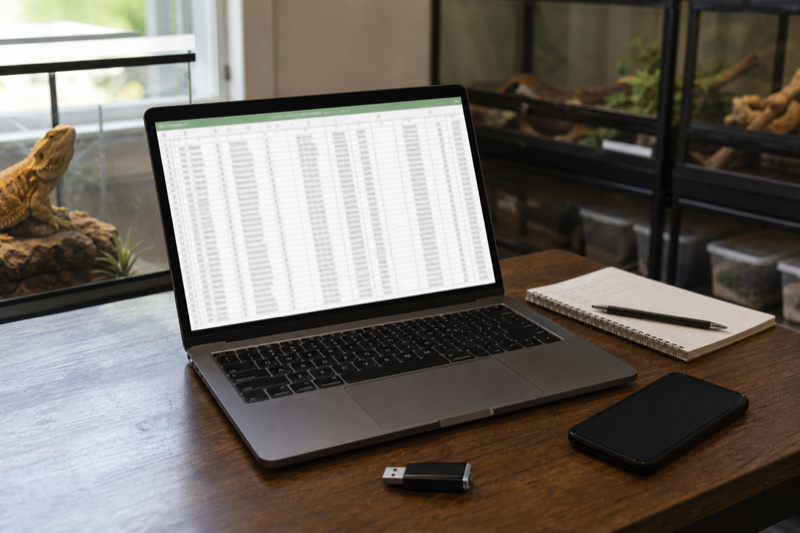
Reptile Scan can create PDFs, sales cards and an export intended for transfer to another Reptile Scan user. Those are different outputs. Use the PDF for a readable summary, the sales card for a handoff and the structured export when another account needs the record. Confirm which private notes appear before giving any file to a buyer.
Reports and charts become more useful after event names are standardized. If one helper records “mouse,” another records “small mouse” and a third writes everything in notes, feeding totals will be unreliable. Professional users can create custom actions and categories, but a short written naming policy is still worth keeping.
Our recommendation
Reptile Scan is one of the strongest options for racks, repeated daily actions and breeder records. The setup is heavier than a one-pet diary, and the web-console requirement will annoy some mobile-only users. Use the free plan to test label durability, scan confirmation and monthly event volume before choosing Standard or Professional.
Put scanning into context: The QR code setup guide covers label durability and privacy. The comparison of Reptile Rocket vs Reptile Scan shows when scan-first entry is worth the tradeoff.