Category: Breeding & Records

Breeding records, collection management and lineage tools.

  • Reptile incubator setup: control, airflow and failure tests before eggs arrive

    Reptile incubator setup: control, airflow and failure tests before eggs arrive

    Quick verdict: Set up and test a reptile incubator weeks before eggs arrive. The important qualities are stability, independent verification, gentle circulation where appropriate and predictable behavior during power loss. A precise display is not proof of a stable egg box.

    Reptile incubator setup: control, airflow and failure tests before eggs arrive is a narrow buying and setup question, so this guide stays focused on that job. It does not repeat our broader category pages. The aim is to help you choose, install and verify the equipment without turning one convenient device into a single point of failure.

    What matters in this comparison

    Factor Option or result Why it matters
    Controller display Shows control sensor Not an independent check
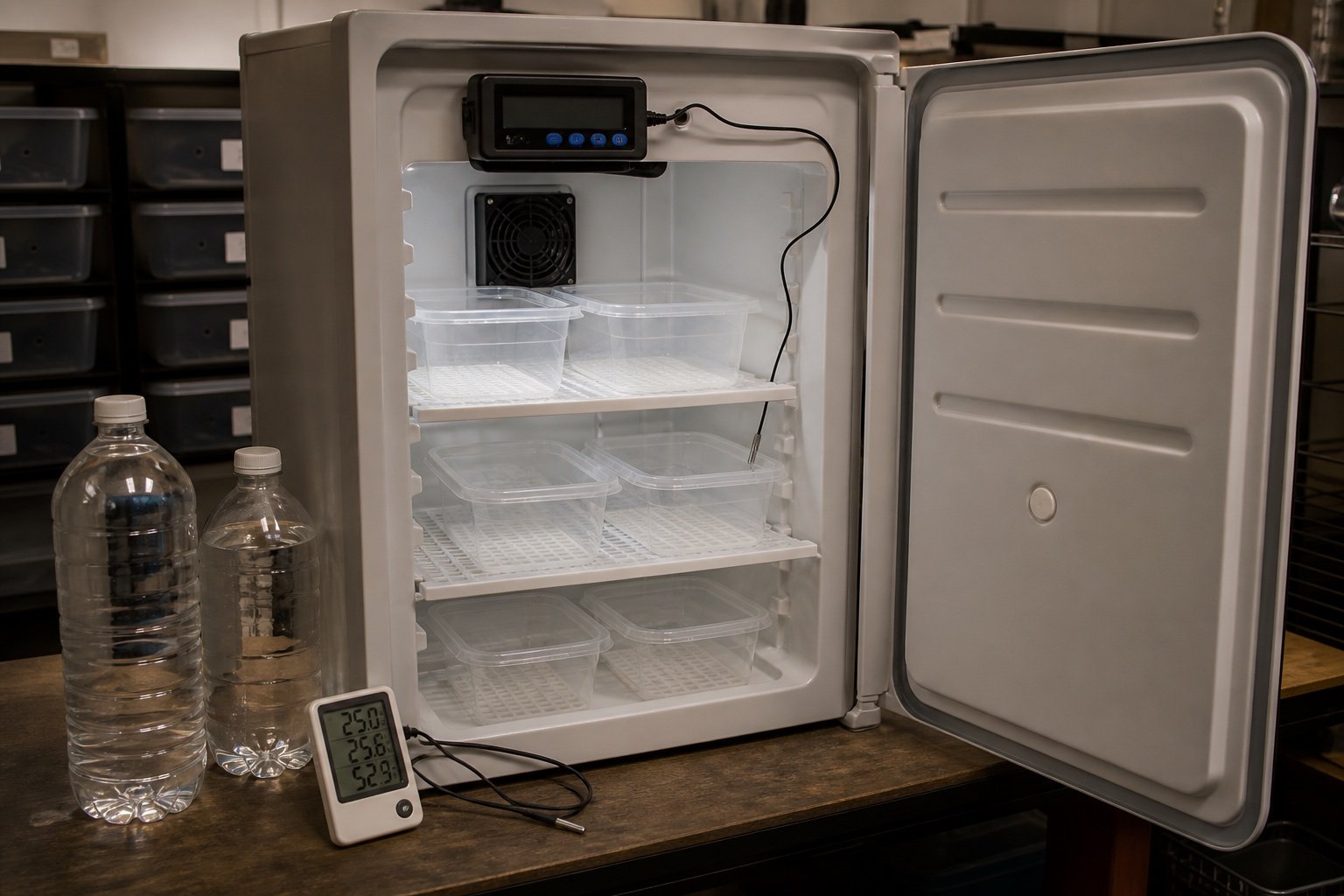
    Independent logger Records actual cycle Place near egg containers
    Water medium Adds thermal mass Must not create unsafe humidity or spills
    Egg boxes Create microclimate Ventilation depends on species and method

    Specifications are useful for screening products, but enclosure performance depends on placement. Room temperature, ventilation, mesh, substrate moisture and animal access can move the result far from a brochure figure. Work from a measured baseline and change one variable at a time.

    How to set it up

    1. Run empty for several days

    Find the basic control cycle. Test the result under normal enclosure conditions and write down what you observed. A setting that works on an empty bench can behave differently after decor, ventilation and daily room changes are added.

    2. Add thermal mass

    Test with the same shelves and water planned for use. Test the result under normal enclosure conditions and write down what you observed. A setting that works on an empty bench can behave differently after decor, ventilation and daily room changes are added.

    3. Map shelf temperatures

    Top and bottom can differ. Test the result under normal enclosure conditions and write down what you observed. A setting that works on an empty bench can behave differently after decor, ventilation and daily room changes are added.

    4. Simulate a brief outage

    Record cooling and restart behavior. Test the result under normal enclosure conditions and write down what you observed. A setting that works on an empty bench can behave differently after decor, ventilation and daily room changes are added.

    5. Prepare a written log

    Track set point, logger, checks and interventions. Test the result under normal enclosure conditions and write down what you observed. A setting that works on an empty bench can behave differently after decor, ventilation and daily room changes are added.

    What ownership looks like after the first week

    The first week should be treated as commissioning, not proof that the system will remain stable. Check the morning minimum, daytime peak and the transition between them. Look for loose probes, wet connectors, drifting clocks, blocked vents and any behavior that suggests the animal cannot use the intended zone.

    After the setup settles, use a short written routine. A glance at the device is not enough. Compare it with an independent instrument, inspect cables and mounts, and review stored history when available. Replace consumable parts based on condition and verified performance rather than memory.

    Common mistakes

    • Trusting one built-in sensor
    • Changing set point to chase every small fluctuation
    • Adding untested fans that dry boxes
    • Opening the incubator on every check
    • Placing eggs before testing alarm and outage behavior

    Who this approach suits

    This approach suits keepers who want a system that another person can understand during a holiday or emergency. It also scales better across several enclosures because labels, baseline readings and failure tests remove guesswork. If a device requires constant manual correction, the installation needs work even when its feature list looks impressive.

    How to verify the result in a real enclosure

    Write the failure order before buying backup equipment. Decide what happens if power disappears, Wi-Fi drops, a relay sticks on or a caregiver presses the wrong control. Critical devices should fail into a state that gives you time to respond, and their normal state should be visible without opening several apps.

    Run the plan with real labels and real cables. Disconnect one item at a time, confirm the expected alert, and record how quickly conditions move. That rate of change is more useful than a generic emergency number because it reflects the enclosure, room and season you actually have.

    A practical seven-day check

    1. Day one: photograph positions, record room conditions and capture baseline readings.
    2. Day two: review the full day-night transition and check that schedules occurred at the intended local time.
    3. Day three: inspect mounts, probe restraints, plugs, tubing and any area exposed to moisture.
    4. Day four: compare the main reading with an independent instrument placed beside it long enough to stabilize.
    5. Day five: review animal access and behavior. Confirm that equipment does not block hides, climbing routes or the cool zone.
    6. Day six: simulate one safe failure, such as a short internet loss or power interruption, then check recovery.
    7. Day seven: save the final settings and observations in the enclosure record.

    Repeat the short version of this audit after major cleaning, seasonal room changes or equipment replacement. The point is not constant tinkering. It is catching the few changes that can quietly alter a previously stable habitat.

    Related Reptile Tech Lab guides

    Frequently asked questions

    Should I rely on the built-in display?

    No. Use a separate thermometer, hygrometer, light meter or logger appropriate to the job. Independent verification catches probe movement and controller errors.

    How long should I test before animals or eggs depend on it?

    At least one complete day-night cycle, and longer for equipment affected by room weather or water use. Incubation and emergency systems deserve several days plus a power-loss test.

    Can an app replace local control?

    An app is useful for history and alerts. Critical regulation should continue safely when the phone, router or cloud service is unavailable.

    What should I record?

    Record device model, installation date, set points, probe location, baseline readings and the result of outage or disconnection tests. Those notes make later troubleshooting much faster.
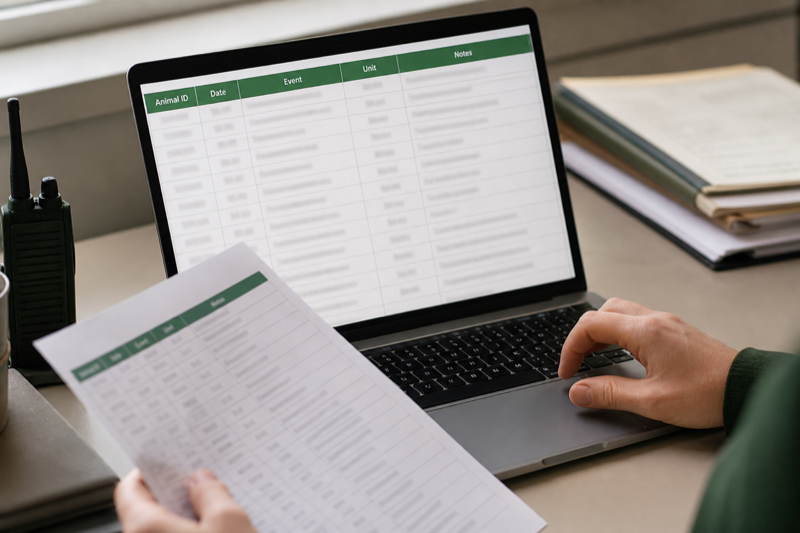
  • How to move from a reptile spreadsheet to an app

    Verdict: To move from a reptile spreadsheet to an app safely, clean a copy, test a small import and compare the result with the original. Never make the only copy fit an importer.

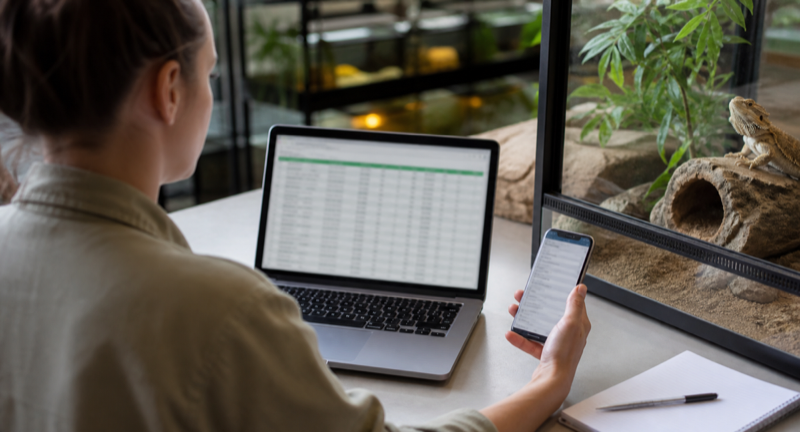
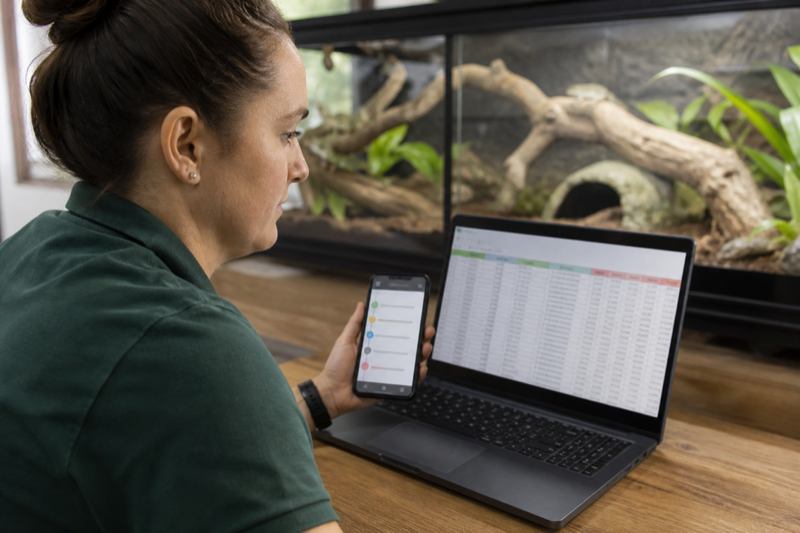
    Keeper moving reptile records from a spreadsheet to a phone app

    Prepare the spreadsheet copy

    Keep the original untouched. In a duplicate file, use one row per event and consistent columns for animal ID, date, event type, value, unit and notes. Separate mixed entries before import.

    Cleaning columns in a reptile record spreadsheet

    Normalize dates and weights

    Pick one date format and one weight unit. Check decimal separators, especially when records cross regions. Empty cells should mean empty, not zero.

    Import a small sample

    Start with two animals and several event types. Confirm names, dates, weights and notes in the app. If a field maps incorrectly, fix the copy and repeat rather than repairing hundreds of entries by hand.

    Keeper comparing imported reptile records with an original spreadsheet

    Keep a way back

    After migration, export from the new app and open the result. Store that file beside the original spreadsheet. A successful import is only half the job. You also need a workable exit.

    Design the destination before importing

    A spreadsheet row and an app event are not always the same thing. Decide which column identifies the animal, which column describes the event and where units live. Clean those fields in a copy of the spreadsheet. Never edit the only version of your history.

    A practical mapping table

    Spreadsheet fieldApp destinationCommon problem
    Animal nameDisplay nameNames are not unique
    Internal IDAnimal ID or referenceLeading zeros disappear
    DateEvent dateDay and month are reversed
    WeightMeasurementUnits are stored in the same cell
    Meal resultAccepted or refusedFree-text wording is inconsistent
    NotesEvent noteLine breaks or long text are truncated

    Clean without rewriting history

    Standardize obvious variants such as “refused,” “no” and “didn’t eat,” but keep the original file unchanged. Give animals stable IDs before resolving duplicate names. Store units in a dedicated column and convert only when you can verify the math.

    Test import

    Import two animals and a small date range. Compare every row, then create a fresh event in the app and export it again. This round trip shows how the service represents dates, units and notes. If direct import is unavailable, prioritize recent and medically relevant records, while keeping the complete spreadsheet as an archive.

    Run both systems briefly

    A short overlap catches missing reminders and unfamiliar workflows. Pick a cutover date so new events do not split across both systems forever. After the switch, make a dated export from the app.

    FAQ

    Should I import empty cells?

    Usually not. Empty and zero can mean different things, especially for weight or prey count.

    Can a PDF be imported?

    Rarely. PDF is useful for reading; CSV, XLSX or a documented app format is better for migration.

    Protect the migration: Use the data export and privacy checklist before importing, then compare required fields against the reptile app feature index.

  • QR codes for reptile records: a practical setup guide

    Verdict: QR codes for reptile records can cut profile search time, but the code should point to a stable identifier rather than contain private animal or owner data.

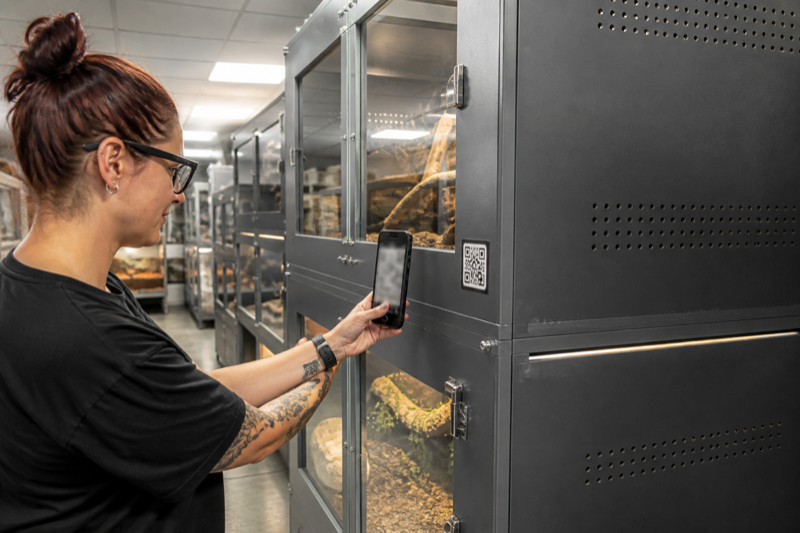
    Keeper scanning a QR code on a reptile enclosure

    Choose what the code opens

    A code can open a local record, a web profile or an app deep link. Test what happens when the user is logged out, offline or using a new phone. A printed label will outlive many app sessions.

    Keep private data out of the pattern

    Anyone with a camera may scan a visible code. Store only a random ID or protected link when possible. Do not encode an address, phone number or private care history directly.

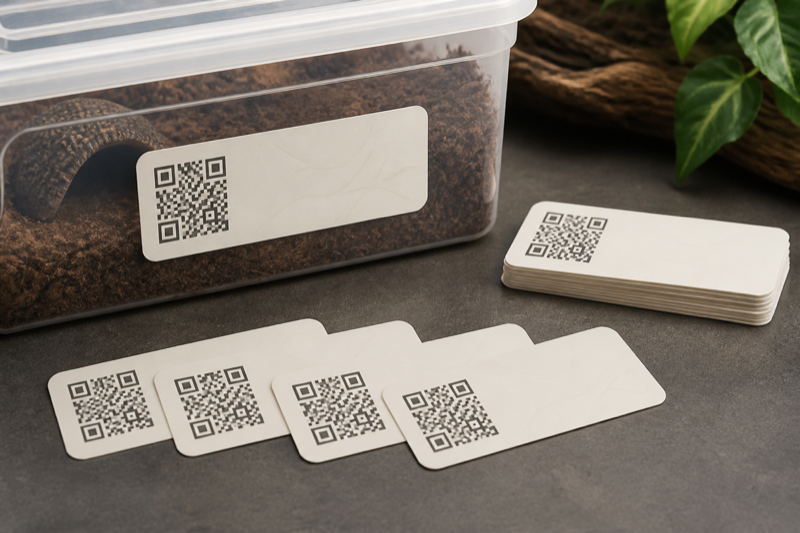
    Durable reptile enclosure label with a nonfunctional QR pattern

    Print for the room

    Use high contrast, quiet space around the code and a surface that resists moisture and cleaning. Test labels from the angle and distance you actually use. Keep the animal name or ID readable without a phone.

    Plan for replacement

    Maintain a label list and print date. If links change, replace labels in a controlled batch and destroy obsolete copies so they do not send a keeper to the wrong profile.

    Use QR codes as pointers, not databases

    A label should identify the animal or enclosure and open the correct record. Avoid packing private notes or changing care instructions directly into a static code. A short stable ID is easier to replace, audit and transfer.

    Choose a label system

    Reptile Scan can generate animal and rack labels in several print formats. Husbandry.Pro offers QR-based workflows, and other services such as ReptiDex publish public-profile code options. A home-built system can point to an internal form or spreadsheet, but permissions need careful testing.

    Print for the room you have

    • Use enough contrast and quiet space around the code.
    • Keep the human-readable animal ID beside it.
    • Protect labels from spray, abrasion and cleaning products.
    • Do not place adhesive where an animal can contact or ingest it.
    • Test with the oldest phone your helpers use.

    Prevent wrong-animal records

    The screen after scanning should show a large ID, name, photo and enclosure location. Require a visual check before a batch action. Keep a correction procedure that does not erase the audit trail. For rack codes, show the selected occupants before saving.

    Public and private codes

    Scan labels while signed out. A public sale card may be intentional; a private medical note is not. Reprint codes when an animal moves to a new owner or when the destination URL changes. Keep an inventory that links each physical label to its record.

    FAQ

    Do QR codes work offline?

    The camera can read the pattern, but a web record usually needs a network connection. Test your actual app in airplane mode.

    What if a label is damaged?

    The readable ID should still let a helper search manually. Keep spare labels and the source file.

    Test the complete workflow: The Reptile Scan review evaluates a scan-first app, while the guide to large collection management shows where labels fit into daily checks.

  • How to manage a large reptile collection with fewer errors

    Verdict: To manage a large reptile collection, build a boring system that survives busy days. Stable identity, short logging steps and regular backups prevent more errors than a complicated dashboard.

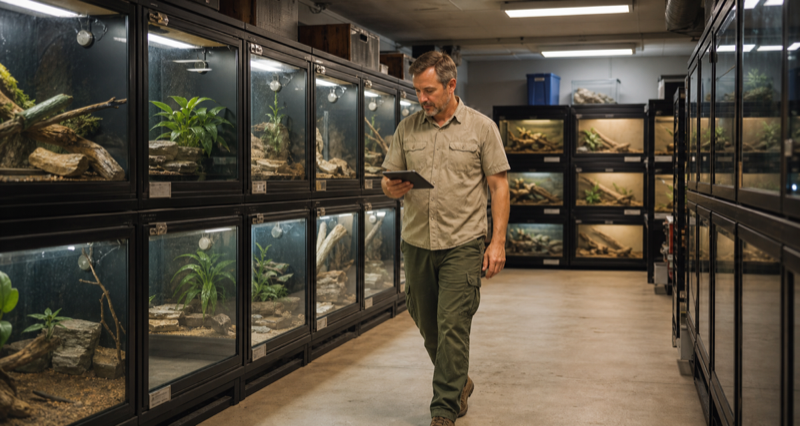
    Keeper working in an organized large reptile collection

    Give every animal a stable ID

    Names can repeat and enclosures can move. Use an ID that stays with the animal, then display it on the profile, enclosure and export. Never recycle an old ID.

    Design rounds around exceptions

    Routine work should be quick to record. Refusals, unusual weight changes, medication and incomplete sheds need more visible follow-up. An exception list is often more useful than a stream of every normal event.

    Keeper checking an exception list during reptile room rounds

    Limit batch actions

    Batch entry saves time, but only when the selected animals remain obvious. Review the selection before saving and confirm a sample afterward. Make correction steps part of staff training.

    Back up outside the app

    Schedule exports and store them in a second location. Open a backup occasionally. A file that exists but cannot be read is not a useful backup.

    External backup of reptile collection records

    Review the system monthly

    Look for skipped fields, duplicate reminders and profiles that are hard to identify. Remove steps nobody uses. A collection workflow should become calmer as it matures.

    Build the system around exceptions

    Routine feeding is easy. Refusals, temporary enclosures, medication, loans, sales and staff changes expose weak record systems. Give every animal a permanent ID and every enclosure a location code. Names can change without breaking history.

    Separate the daily queue from the archive

    Active tasks should show what needs attention today. Historical records should remain searchable but stay out of the queue. Archive sold or deceased animals without deleting them. Use status fields for quarantine, breeding loans and temporary holds.

    Reduce batch mistakes

    • Review the selected rack or group before saving.
    • Show the event date and action in plain language.
    • Give helpers only the permissions they need.
    • Keep correction and undo tools easy to find.
    • Export a dated backup before major reorganizations.

    Handoffs need context

    A helper needs animal identity, enclosure location, the exact task and the last relevant event. They do not need every breeding or sales field. Role-based views and completion records reduce both clutter and uncertainty. Never solve collaboration by sharing the owner’s password.

    Audit once a month

    Compare the digital list with the physical room. Look for duplicate IDs, animals in the wrong location, overdue tasks that were actually completed and profiles with no recent activity. Open the latest export on another device. A backup that has never been opened is only a hope.

    FAQ

    How many animals justify an app?

    The threshold is personal. Complexity, breeding activity and the number of helpers matter more than the raw count.

    Should every action be logged?

    No. Track events that support care, health, compliance or reliable handoffs. Too much logging lowers consistency.

    Choose supporting tools: Our guide to the best reptile apps for breeders covers collection structure. The feeding tracker comparison focuses on the busiest recurring workflow.