Verdict: To move from a reptile spreadsheet to an app safely, clean a copy, test a small import and compare the result with the original. Never make the only copy fit an importer.
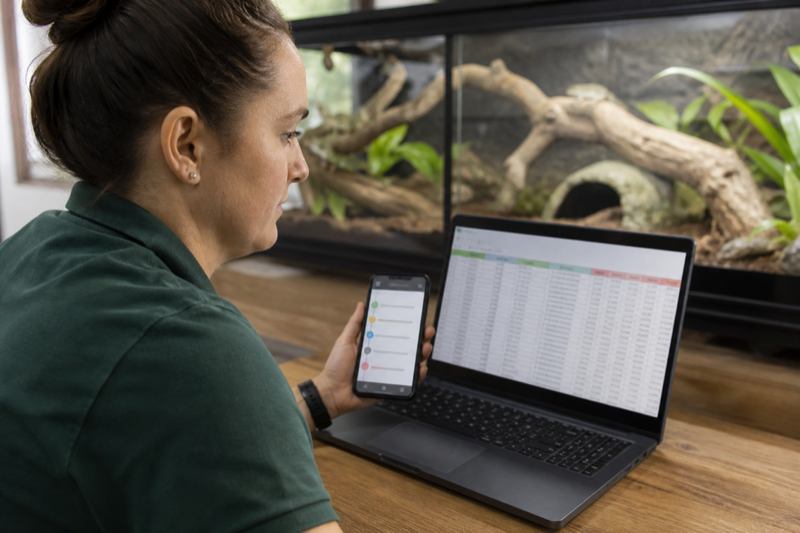
Prepare the spreadsheet copy
Keep the original untouched. In a duplicate file, use one row per event and consistent columns for animal ID, date, event type, value, unit and notes. Separate mixed entries before import.
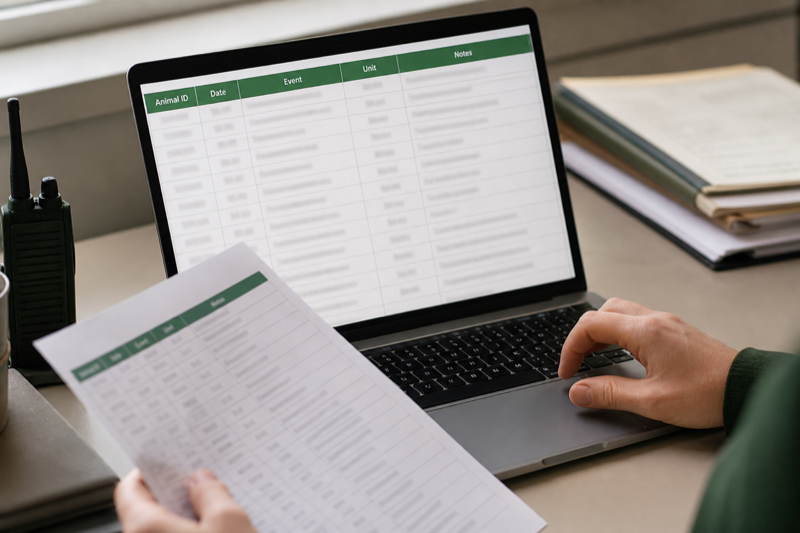
Normalize dates and weights
Pick one date format and one weight unit. Check decimal separators, especially when records cross regions. Empty cells should mean empty, not zero.
Import a small sample
Start with two animals and several event types. Confirm names, dates, weights and notes in the app. If a field maps incorrectly, fix the copy and repeat rather than repairing hundreds of entries by hand.

Keep a way back
After migration, export from the new app and open the result. Store that file beside the original spreadsheet. A successful import is only half the job. You also need a workable exit.
Design the destination before importing
A spreadsheet row and an app event are not always the same thing. Decide which column identifies the animal, which column describes the event and where units live. Clean those fields in a copy of the spreadsheet. Never edit the only version of your history.
A practical mapping table
| Spreadsheet field | App destination | Common problem |
|---|---|---|
| Animal name | Display name | Names are not unique |
| Internal ID | Animal ID or reference | Leading zeros disappear |
| Date | Event date | Day and month are reversed |
| Weight | Measurement | Units are stored in the same cell |
| Meal result | Accepted or refused | Free-text wording is inconsistent |
| Notes | Event note | Line breaks or long text are truncated |
Clean without rewriting history
Standardize obvious variants such as “refused,” “no” and “didn’t eat,” but keep the original file unchanged. Give animals stable IDs before resolving duplicate names. Store units in a dedicated column and convert only when you can verify the math.
Test import
Import two animals and a small date range. Compare every row, then create a fresh event in the app and export it again. This round trip shows how the service represents dates, units and notes. If direct import is unavailable, prioritize recent and medically relevant records, while keeping the complete spreadsheet as an archive.
Run both systems briefly
A short overlap catches missing reminders and unfamiliar workflows. Pick a cutover date so new events do not split across both systems forever. After the switch, make a dated export from the app.
FAQ
Should I import empty cells?
Usually not. Empty and zero can mean different things, especially for weight or prey count.
Can a PDF be imported?
Rarely. PDF is useful for reading; CSV, XLSX or a documented app format is better for migration.
Protect the migration: Use the data export and privacy checklist before importing, then compare required fields against the reptile app feature index.