Verdict: Govee H5075 is a useful low-cost logger for a dry or moderately humid reptile enclosure. The local display, Bluetooth history, alert thresholds and CSV export cover more than a basic stick-on gauge. It is not a Wi-Fi monitor, the published open-air range is optimistic inside real rooms, and prolonged high humidity deserves caution.
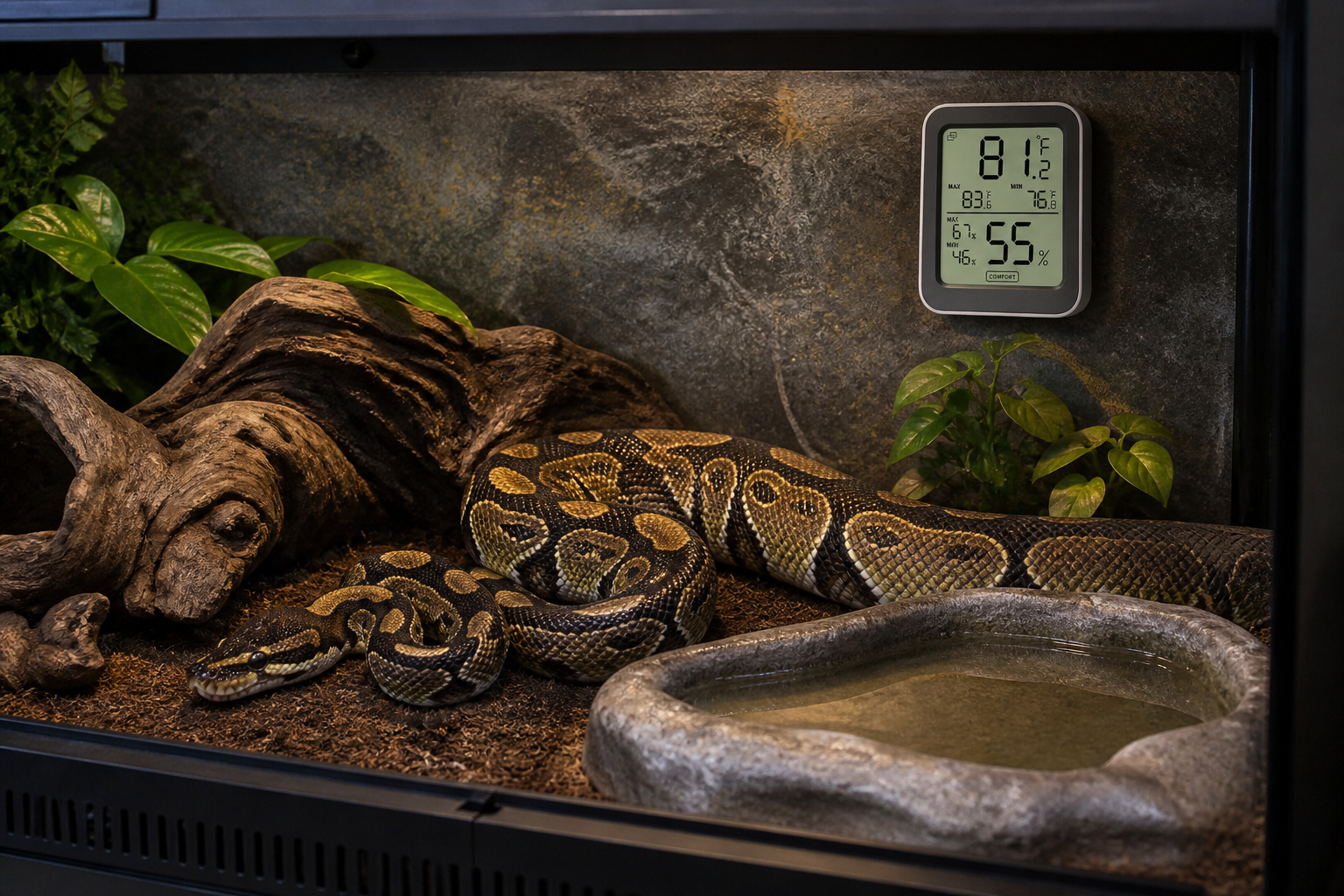
Govee H5075 at a glance
| Connection | Bluetooth only on the H5075 |
|---|---|
| Display | Local LCD for temperature and relative humidity |
| Published range | Up to 50 m or 164 ft in open, unobstructed conditions |
| History | Govee Home app with CSV export |
| Power | Two AAA batteries, with about six months quoted battery life |
| Best fit | Budget trend logging in ordinary indoor humidity |
| Main caution | No native Wi-Fi and no claim that the body belongs in direct spray |
What it does better than a basic gauge
The display makes a fast visual check possible, while the app preserves a trend. That combination matters. A gauge without history can look normal five minutes after a short heat spike. H5075 lets you review the curve and export the records instead of trusting memory.
Alert ranges can warn while the phone is close enough and the app is functioning. Test them before relying on them. Put the sensor in the enclosure, close every door, walk to the place where you normally sit and trigger a temporary threshold. Bluetooth range through glass, PVC, walls and water will be shorter than the open-field figure.
It is not a thermostat
H5075 measures conditions but does not switch the heater safely. A proper thermostat still controls the heat source. The logger is independent evidence that the controlled enclosure behaves as expected.
Pair it with the right controller from the reptile thermostat comparison. If the Govee and thermostat disagree, place their sensors together temporarily and investigate instead of changing the setpoint blindly.
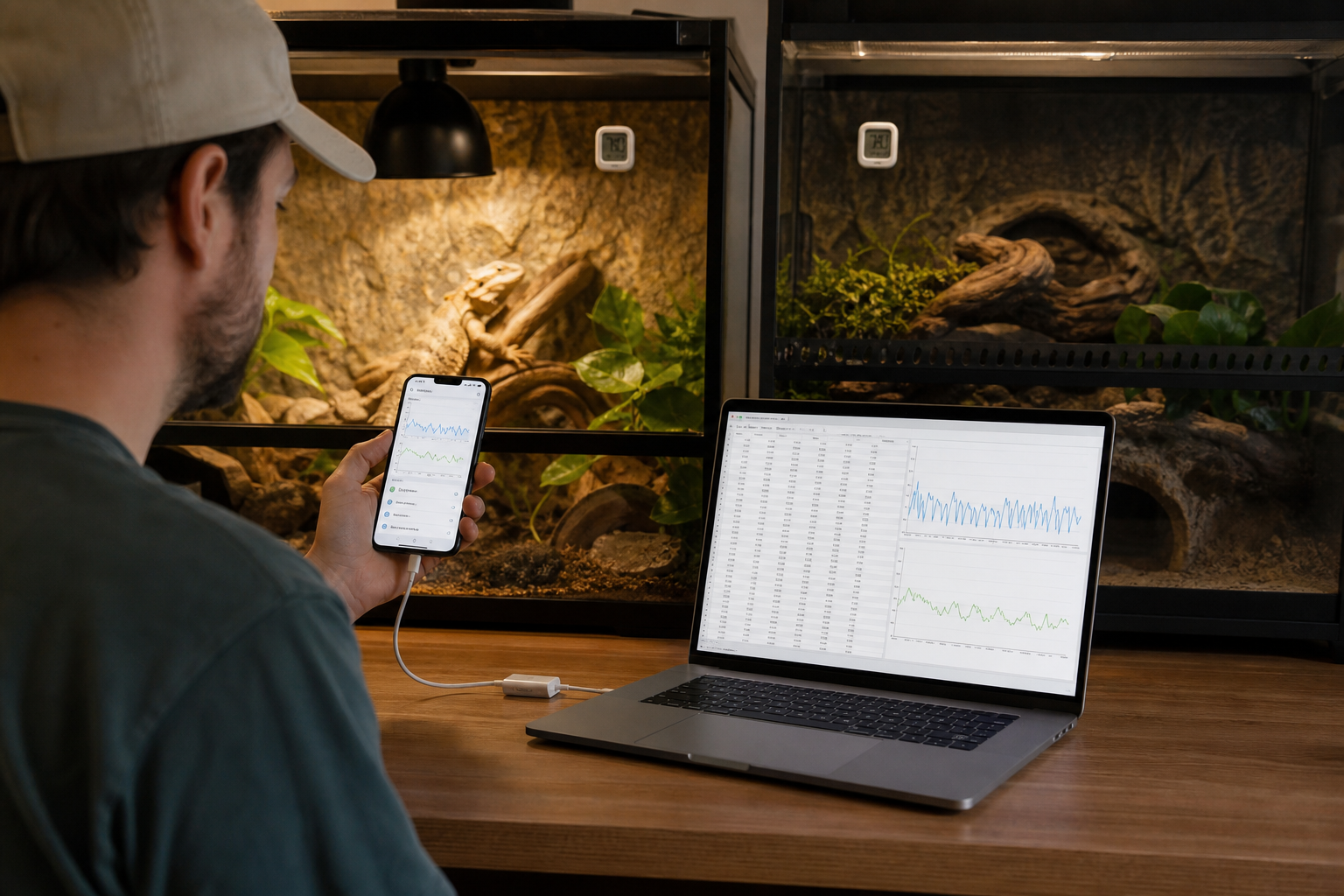
Placement inside a reptile enclosure
Mount the H5075 where air can circulate and the animal cannot knock it into water. Do not place it on the basking surface, against cold glass or directly beneath a lamp. Those positions measure local radiation or material temperature rather than representative air.
For a snake enclosure, secure the unit mechanically without exposed sticky pads. Strong animals can move surprisingly heavy accessories. For a tropical vivarium, keep it outside the nozzle cone and watch whether the humidity reading returns smoothly after each misting cycle.
One H5075 cannot describe a full gradient. Add a second air sensor at the opposite end or move a logger during setup. The thermometer and hygrometer guide covers placement by enclosure type.
Temperature and humidity accuracy
Govee markets the H5075 around a Swiss-made sensing component and fast readings. Treat any published accuracy as a tolerance, not a promise that two units will match digit for digit. Response time, airflow and radiant heat can create larger practical differences than the sensor specification.
Compare a new unit with another trusted device in a stable room for several hours. Repeat at a second normal condition. If the offset stays consistent, document it. If it changes wildly, do not solve the problem with a single calibration value.
Humidity becomes less reliable near extremes and after long exposure to saturation. A condensation-covered consumer sensor is being used outside the calm conditions in which most specifications are measured. Let it dry and compare again.
Bluetooth, history and synchronization
Bluetooth keeps the product inexpensive and avoids another Wi-Fi device, but remote monitoring stops when no phone or compatible gateway is present. The app may collect stored readings after reconnecting. Check the history gap yourself rather than assuming every sample survived.
Name sensors by enclosure ID, not only animal name. Animals move. A label such as RACK-A-03 makes exported data easier to match with physical locations. When the animal moves, note the date in the husbandry record.
Do not confuse Govee models. Some related sensors work with gateways or have Wi-Fi built in. The H5075 product page specifically says it is Bluetooth only. A seller title that says smart does not change the radio hardware.
CSV export
Govee states that H5075 history can be downloaded from the Home app. Export during the first week. Open the file and check timestamps, units, device name and sampling interval. A file is not a backup until another program can read it.
Keep dated copies outside the app, especially before removing a device or changing accounts. The reptile app export and privacy checklist is equally relevant to environmental sensors.
Battery and maintenance
Govee quotes roughly six months from two AAA cells. Cold rooms, frequent synchronization, weak batteries and display use can change that. Replace both cells together and record the date. Rechargeable AAA cells may have a different voltage curve, so follow Govee’s battery guidance.
After replacement, confirm time, units, thresholds and history synchronization. A display returning to life does not prove the app still recognizes the correct sensor.
Dust the ventilation openings gently. Do not spray cleaner into the body. If the unit receives direct mist, remove power, allow it to dry and compare it with another sensor before returning it to service.
How it compares with SwitchBot and SensorPush
SwitchBot Meter Plus offers a larger display, longer onboard history and an optional hub ecosystem. SensorPush HT.w is a better physical choice for splash-prone conditions and provides a purpose-built gateway. Govee H5075 wins on simple, inexpensive local logging when Bluetooth is enough.
The decision is less about claimed accuracy than the room. A sensor that cannot stay connected or tolerate the humidity is a poor buy even if its laboratory tolerance looks better.
Seven-day evaluation
- Install fresh batteries and give the sensor a stable device name.
- Compare it beside another trusted sensor for several hours.
- Place it in the final enclosure and test Bluetooth from normal locations.
- Set temporary thresholds and confirm alerts.
- Watch a complete heat and misting cycle.
- Export a CSV and open it on a computer.
- Check mounting, condensation and battery status at the end of the week.
Who should buy the H5075?
Buy it for a modest collection where you want trends and exports without purchasing a hub. It works particularly well as a room logger or as one point in a dry-enclosure gradient.
Choose a water-resistant sensor for consistently wet vivaria. Choose a gateway system when alerts must reach you away from home. Choose a wired probe display when wireless radios struggle through rack material.
Turn the first week into a baseline
Place the H5075 in its final location and leave the enclosure routine unchanged for seven days. Mark feeding, misting, doors-open cleaning and room heating changes in a simple log. When the graph rises or falls, those notes give the curve a cause. Without them, the app is just a collection of unexplained peaks.
Review daily minimums and maximums, but also look at how quickly the enclosure recovers. A humidity spike after misting may be normal, while a slow return to baseline can signal reduced ventilation or wet substrate. Temperature recovery after a door opening can reveal whether the heat source has enough reserve.
Alarm limits that produce useful alerts
Set initial limits outside the normal measured range, not directly on an ideal target copied from a care sheet. Tight limits can create repeated notifications during ordinary cycles, and users eventually ignore them. After the baseline week, narrow the limits around conditions that genuinely require investigation.
Bluetooth reach is part of the alarm system. Walk through the home with the phone and note where the sensor stops updating. If an alert matters while nobody is nearby, the H5075 alone is the wrong architecture. Use a compatible gateway product or a networked alternative, then test internet and power failures.
Using several H5075 sensors
Give each device a name that identifies room, enclosure and position, such as Rack A, Ball Python 3, Cool Side. Avoid names based only on species when several animals share the room. Put the same label on the physical sensor so exported data can be traced after devices are moved.
Synchronize and export on a fixed schedule. A monthly CSV archive is usually enough for routine husbandry, while a new enclosure may justify weekly review. Store the file beside feeding and health records. The methods in our spreadsheet-to-app migration guide help keep identifiers consistent.
Frequently asked questions
Does Govee H5075 have Wi-Fi?
No. Govee describes H5075 as a Bluetooth device. Other Govee models and gateway combinations offer remote connectivity.
Can it export data?
Yes. The current product FAQ says historical data can be downloaded through the Govee Home app. Test the CSV before depending on it.
Can it sit inside a tropical vivarium?
Keep it away from direct spray and condensation. For persistently wet conditions, a water-resistant sensor is a safer choice.
Will alerts work when I leave home?
Not through the H5075’s Bluetooth connection by itself. Remote alerts require compatible network hardware or a different model.