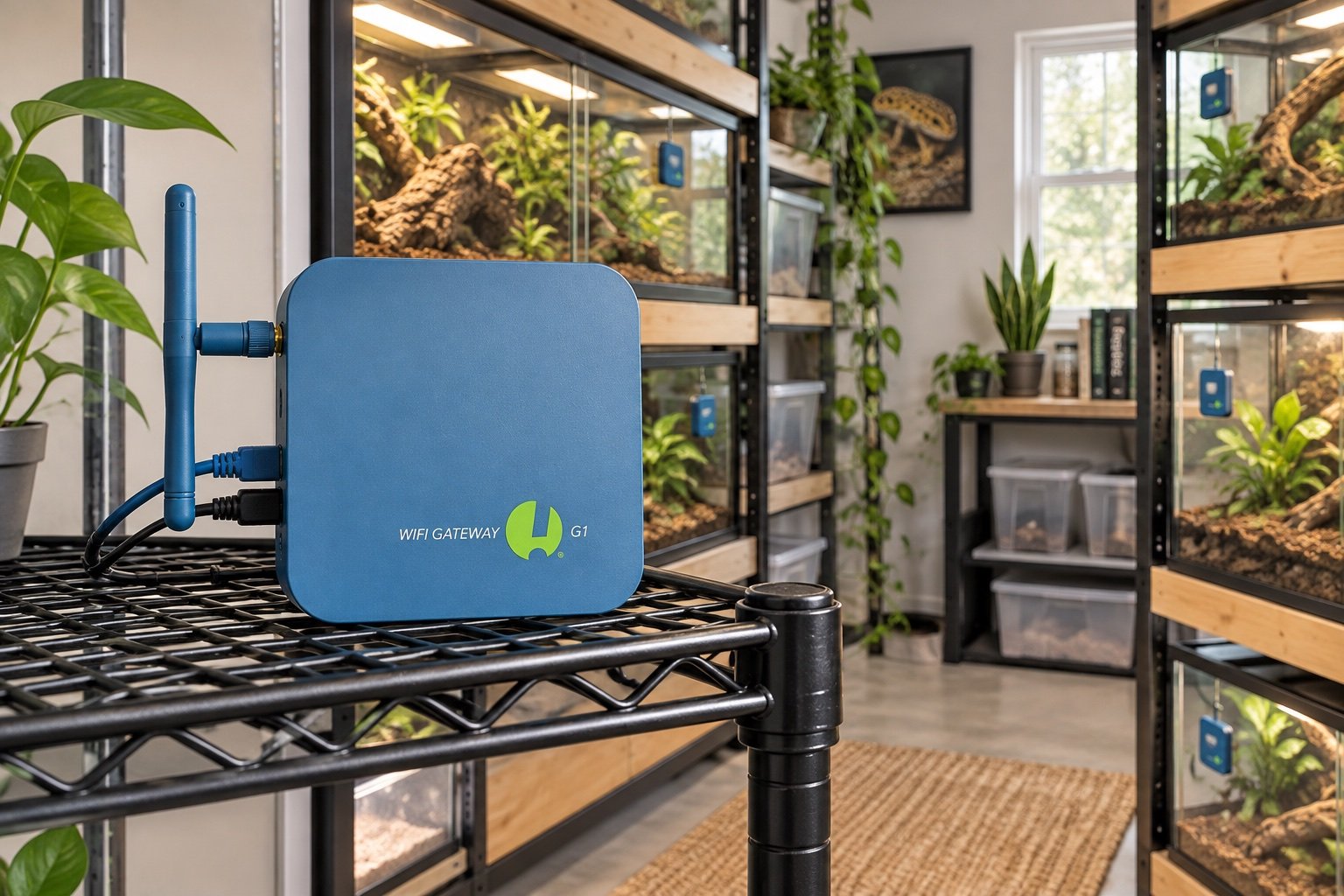
Quick verdict: The G1 Gateway turns local SensorPush loggers into a remote monitoring system without a monthly fee. It is a good fit for a reptile room with several sensors, provided the building has reliable power and the gateway sits where Bluetooth can reach the collection.
This guide is built around commissioning, not box-opening. Compare it with our SensorPush HT.w review and Govee vs SensorPush before changing a live enclosure.
| Point | What to know |
|---|---|
| Network | 2.4 GHz Wi-Fi or Ethernet with DHCP |
| Updates | Remote updates about once per minute |
| Fees | No monthly gateway fee |
| Power | 5 V, 2 A adapter or supported USB power |
The gateway sits between two radio problems
Sensors talk to the gateway over Bluetooth, while the gateway reaches the internet over Wi-Fi or Ethernet. A strong router signal does not fix a weak sensor path. Put the gateway near the collection first, then solve its network connection. Metal racks and water-heavy enclosures can create dead spots that only appear after doors are closed.
Ethernet is the quieter choice
If a cable can reach the reptile room, Ethernet removes one wireless link. The network still needs DHCP because the G1 does not offer a normal static-address setup. No inbound port forwarding is required; SensorPush lists outbound web traffic and time synchronization. Keep the gateway on an isolated device network if that matches the household security plan.
Remote alerts still depend on power and internet
The gateway cannot report a blackout if the router and gateway lose power at the same time. A small UPS for the gateway and network may extend visibility, though it does not heat an enclosure. Test an actual router reboot and a gateway power cycle. Our UPS vs surge protector guide separates monitoring runtime from heater backup.
One-minute updates are enough for trends
Reptile enclosure temperatures usually change slowly enough that a one-minute remote interval captures the useful curve. It will not turn a SensorPush device into a thermostat. Alerts tell you something crossed a boundary; they do not remove power from a failed heater. Keep control and monitoring on independent hardware.
Who should buy it
A single sensor that is checked from the next room may not justify a gateway. Several enclosures, travel, shared care or an outbuilding make the value clearer. Read our SensorPush HT.w review first, because the gateway cannot improve a poor sensor location or an unsuitable humidity rating.
A seven-day field check
Run the finished setup for a week before treating it as settled. On day one, photograph every position and record the room conditions. Watch the first warm-up and the final hour of the schedule. Midweek, compare the main reading with an independent instrument placed beside it long enough to stabilize. Near the end of the week, test a safe interruption such as a network loss or short power cut.
Do not tune settings every time a single reading looks odd. Look for a repeated pattern and change one variable. A clear notebook entry is more useful than a folder of screenshots with no explanation.
Separate a useful alert from ordinary noise
Set warnings far enough from normal cycling that they mean something, but early enough to allow a response. Review a full week of data before tightening limits. Misting peaks, nighttime drops and door-open care periods may be expected. Label those events in the record so they are not mistaken for hardware faults.
Every alarm needs a person, a time window and an action. If nobody can reach the enclosure, a remote notification mainly documents the problem. Keep contact details and the safe immediate steps with the care instructions, then test the alert on another network.
Use independent evidence for the important claim
If a thermostat says the basking zone is safe, confirm the surface with the correct instrument. If a logger claims the room stayed stable, compare it with a second sensor during commissioning. If an app says a schedule ran, observe the actual lamp, fan or pump. Independent checks should use a different device and, where possible, a different power path.
Agreement once is not proof forever. Recheck after moving decor, replacing a bulb, changing substrate depth or altering room heating. Those changes can affect the habitat more than a small adjustment inside the app.
Check the setup at two room temperatures
A controller that behaves well on a mild afternoon may struggle during the coldest night or hottest sunny day. Repeat the map when the room changes naturally. Do not create dangerous conditions for a test, but use seasonal weather to confirm that the system has enough capacity and still leaves a cool retreat.
Room data helps explain enclosure data. Place a temporary logger outside the habitat while commissioning and note HVAC cycles, open windows and direct sun. Remove it later if it adds no actionable information.
Know which number deserves action
Small consumer-sensor differences are normal. Focus on repeated drift, missed cycles and values that cross a husbandry or equipment limit. Write the action beside the threshold: inspect a probe, disable one heater, call the local carer or move the animal to the prepared backup.
An alarm with no response rule becomes background noise. Test delivery, acknowledge it and record how long the response took. Then adjust the threshold only if the normal data shows that it is poorly placed.
Common mistakes
- Trusting the first stable-looking number without mapping the surrounding zone
- Changing several settings at once and losing the cause of the result
- Leaving probes, cables or mounts where normal animal movement can shift them
- Treating an app or remote alert as the primary safety control
- Skipping a power-recovery test because the device retained settings once
Related Reptile Tech Lab guides
Frequently asked questions
Does the gateway require a subscription?
SensorPush states that there is no monthly gateway fee.
Can it use 5 GHz Wi-Fi?
The published Wi-Fi band is 2.4 GHz.
Does it control heaters?
No. It monitors compatible SensorPush sensors.
Will it work through a power outage?
Only while the gateway, network and internet path remain powered.