Author: lasipton@gmail.com

  • Reptile Rocket vs Reptile Scan: profiles or scan-first records?

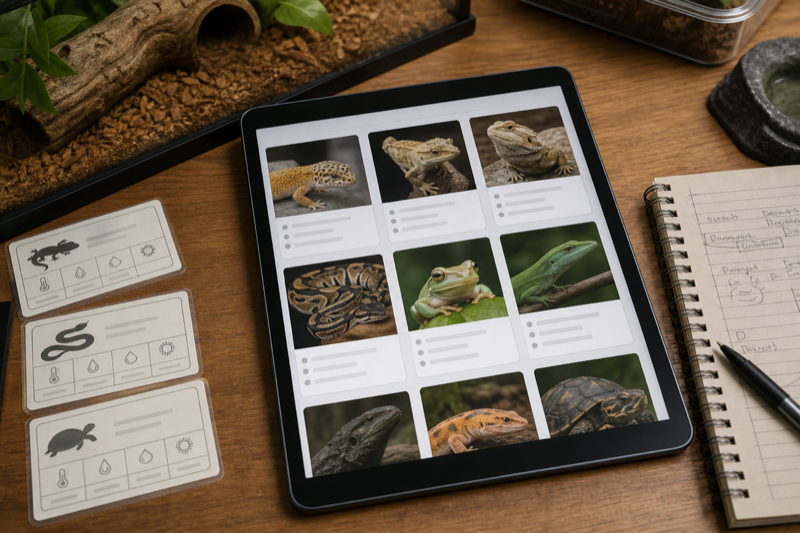
    Verdict: Reptile Rocket vs Reptile Scan is a workflow choice. A profile-first app may suit browsing and planning, while a scan-first system can be faster at the enclosure. Both approaches need an error test.
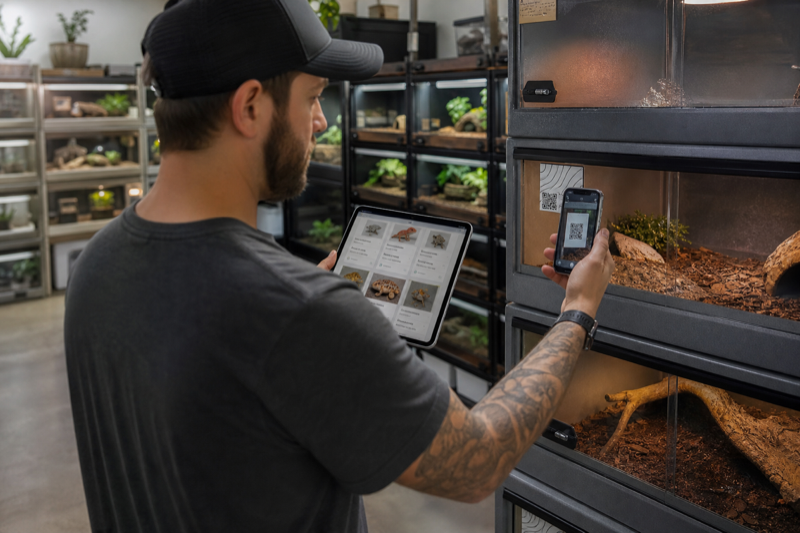
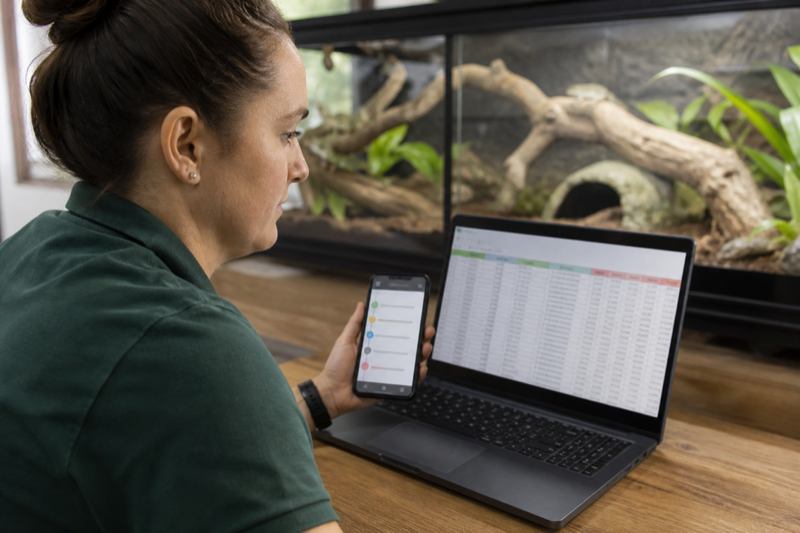
    Keeper comparing tablet profiles with a phone QR workflow

    Reptile Rocket vs Reptile Scan in daily use
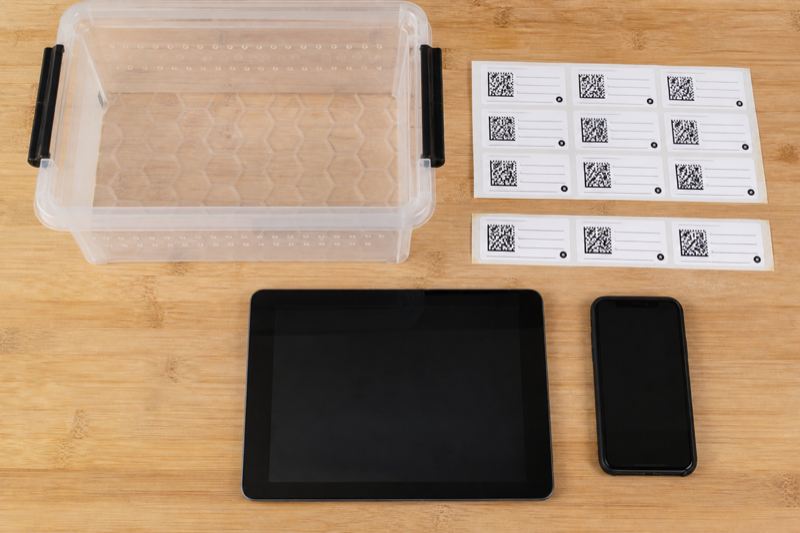
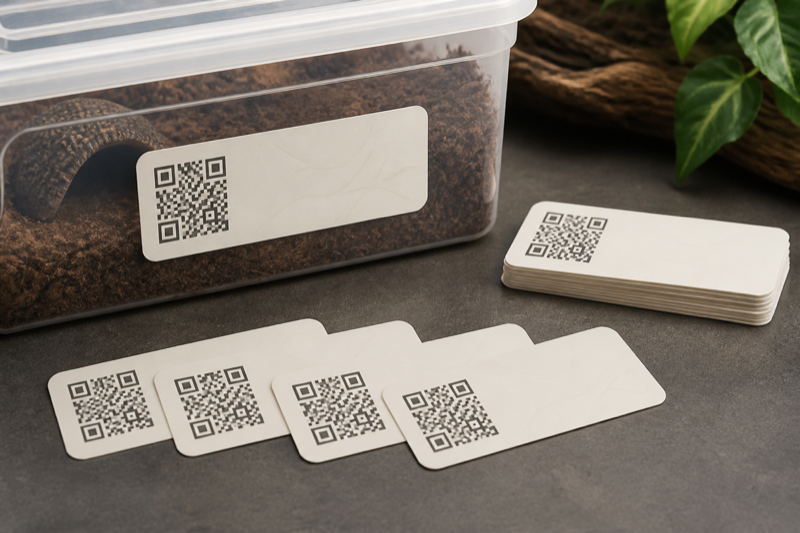
    Reptile enclosure labels beside phone and tablet

    Browsing versus direct access

    Profile browsing helps when you do not know which animal needs attention. A label can provide quicker direct access when you are already standing at an enclosure. The stronger option depends on the task.

    Offline recovery and export

    Profiles versus scans

    Reptile Rocket starts from the animal profile and its history. Reptile Scan is built around a web-managed collection with mobile QR access at cages and racks. If you usually decide what needs care from a list, profile browsing feels natural. If you walk the room and work enclosure by enclosure, scanning can remove repeated searching.

    Where each app has the edge

    NeedBetter starting point
    One or a few petsReptile Rocket
    Rack and cage labelsReptile Scan
    Batch registrationsReptile Scan Professional
    XLSX animal-list exportReptile Rocket listing
    Team sharing and breeder toolsReptile Scan Professional

    The error test matters

    Print two similar labels and place them beside one another. Scan each, confirm the displayed identity and add a sample event. Then deliberately select the wrong animal and see whether the app makes the mistake obvious before saving. Speed without confirmation can spread errors through an entire rack.

    Reptile Rocket needs a different test. Create animals with similar names, switch between profiles and add several events. Search, photos, IDs and location fields should make the selected animal unmistakable.

    Cost and scale

    Reptile Rocket allows one animal without a subscription. Reptile Scan’s free plan has a higher animal allowance but also caps monthly registrations. Standard and Professional expand scale and features. Count both animals and events before comparing prices.

    FAQ

    Are QR labels safe to expose publicly?

    That depends on what the code reveals. Scan a finished label with a phone that is not signed in and check the public result.

    Can either replace a backup?

    No. Export records on a schedule and store a dated copy outside the service.

    Decision guide

    Pick Reptile Rocket if you recognize animals by browsing a short list and normally record one event at a time. Pick Reptile Scan if physical location drives the work and scanning a tub or rack would remove repeated searching. The more similar animals you keep, the more important visible IDs and photos become in either app.

    Ownership and handoff

    Reptile Scan publishes several transfer and PDF options through its web console. Reptile Rocket publishes XLSX animal-list export on its Android listing. Neither label alone proves a complete migration path. Check event history, photos, notes and units, then store the result outside the account.

    Final choice

    Reptile Scan is the stronger operational system for QR-heavy rooms and breeders. Reptile Rocket is the calmer choice for a few pets. Run the error test before paying for either one. The better app is the one that makes the selected animal unmistakable before a record is saved.

    Go deeper on each option: Read the complete Reptile Rocket review for profile-based management, then see the Reptile Scan review for QR speed and label testing.
  • Reptile Rocket alternatives for simpler or larger collections

    Verdict: Reptile Rocket alternatives should solve a specific mismatch. A keeper with one gecko and a breeder with forty animals are unlikely to need the same replacement.

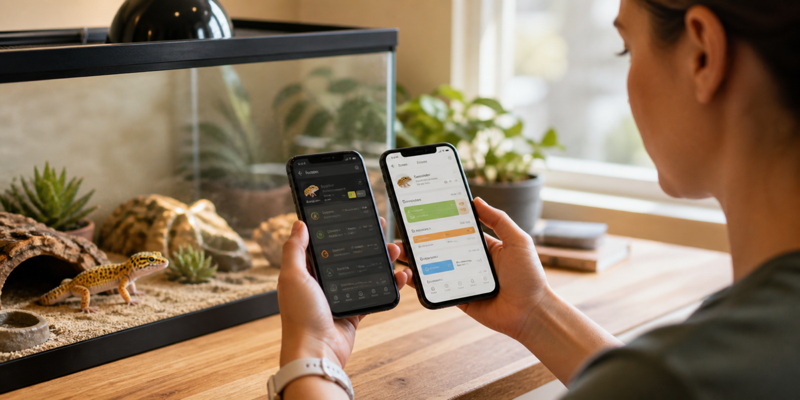
    Keeper reviewing alternative reptile tracking tools

    Choose the missing capability

    Start with the job that creates friction: faster feeding entry, stronger collection filters, QR access, offline records or a cleaner export. Avoid moving for a feature you will rarely use.

    Run a parallel trial

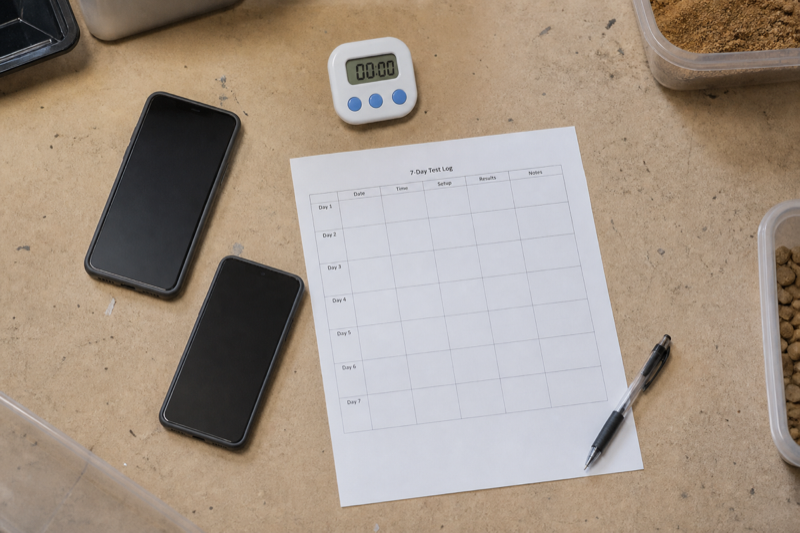
    For one week, log the same small set of events in the current app and one candidate. Do not migrate everything yet. Compare time, mistakes and how quickly you can find an old note.

    Two phones used in a parallel reptile app trial

    Check the exit before the entrance

    Open the export and account deletion screens during the trial. A tool should explain what can be downloaded and what disappears when the account closes. Keep a local backup before making any final move.

    Choose the alternative by collection size

    Reptile Rocket’s strength is a focused mobile record. A keeper who outgrows it should look first at Husbandry.Pro Next or Reptile Scan. A keeper who finds it too busy may prefer Terrarium Tracker, a spreadsheet or even a paper calendar backed by periodic photos.

    What changes when the collection grows

    Search and individual histories are enough for a handful of animals. Larger rooms need stable IDs, locations, batch actions, feeding lists, clutch links and controlled helper access. Reptile Scan and Husbandry.Pro publish more of those operational features than a simple pet diary.

    Do not confuse a large animal allowance with large-collection design. Add twenty sample animals, move several between enclosures and record the same action for a rack. If the app still requires opening every profile, the advertised limit will not save time.

    What changes when you want simplicity

    Keep only the events you use. Feeding, refusal, shed or molt, weight, cleaning, medication and a general note cover many household collections. Custom fields are helpful until every entry becomes a form. A quiet interface that you use consistently beats an advanced system you avoid.

    Exit checklist

    • Confirm the Reptile Rocket export includes the history you need.
    • Download photos separately if they are not part of the file.
    • Preserve units and time zones.
    • Check subscription cancellation and account deletion separately.
    • Keep the original backup after migration.

    FAQ

    Is Husbandry.Pro always the upgrade?

    No. It is an upgrade in scope, but that scope adds setup and cost.

    Is a spreadsheet a downgrade?

    No. It can be more portable and flexible, though reminders, photos and fast mobile entry take extra work.

    Start with the current product: The Reptile Rocket review shows what you would be leaving. Our tracking app comparison then provides a neutral shortlist.

  • How to move from a reptile spreadsheet to an app

    Verdict: To move from a reptile spreadsheet to an app safely, clean a copy, test a small import and compare the result with the original. Never make the only copy fit an importer.

    Keeper moving reptile records from a spreadsheet to a phone app

    Prepare the spreadsheet copy

    Keep the original untouched. In a duplicate file, use one row per event and consistent columns for animal ID, date, event type, value, unit and notes. Separate mixed entries before import.

    Cleaning columns in a reptile record spreadsheet

    Normalize dates and weights

    Pick one date format and one weight unit. Check decimal separators, especially when records cross regions. Empty cells should mean empty, not zero.

    Import a small sample

    Start with two animals and several event types. Confirm names, dates, weights and notes in the app. If a field maps incorrectly, fix the copy and repeat rather than repairing hundreds of entries by hand.

    Keeper comparing imported reptile records with an original spreadsheet

    Keep a way back

    After migration, export from the new app and open the result. Store that file beside the original spreadsheet. A successful import is only half the job. You also need a workable exit.

    Design the destination before importing

    A spreadsheet row and an app event are not always the same thing. Decide which column identifies the animal, which column describes the event and where units live. Clean those fields in a copy of the spreadsheet. Never edit the only version of your history.

    A practical mapping table

    Spreadsheet fieldApp destinationCommon problem
    Animal nameDisplay nameNames are not unique
    Internal IDAnimal ID or referenceLeading zeros disappear
    DateEvent dateDay and month are reversed
    WeightMeasurementUnits are stored in the same cell
    Meal resultAccepted or refusedFree-text wording is inconsistent
    NotesEvent noteLine breaks or long text are truncated

    Clean without rewriting history

    Standardize obvious variants such as “refused,” “no” and “didn’t eat,” but keep the original file unchanged. Give animals stable IDs before resolving duplicate names. Store units in a dedicated column and convert only when you can verify the math.

    Test import

    Import two animals and a small date range. Compare every row, then create a fresh event in the app and export it again. This round trip shows how the service represents dates, units and notes. If direct import is unavailable, prioritize recent and medically relevant records, while keeping the complete spreadsheet as an archive.

    Run both systems briefly

    A short overlap catches missing reminders and unfamiliar workflows. Pick a cutover date so new events do not split across both systems forever. After the switch, make a dated export from the app.

    FAQ

    Should I import empty cells?

    Usually not. Empty and zero can mean different things, especially for weight or prey count.

    Can a PDF be imported?

    Rarely. PDF is useful for reading; CSV, XLSX or a documented app format is better for migration.

    Protect the migration: Use the data export and privacy checklist before importing, then compare required fields against the reptile app feature index.

  • QR codes for reptile records: a practical setup guide

    Verdict: QR codes for reptile records can cut profile search time, but the code should point to a stable identifier rather than contain private animal or owner data.

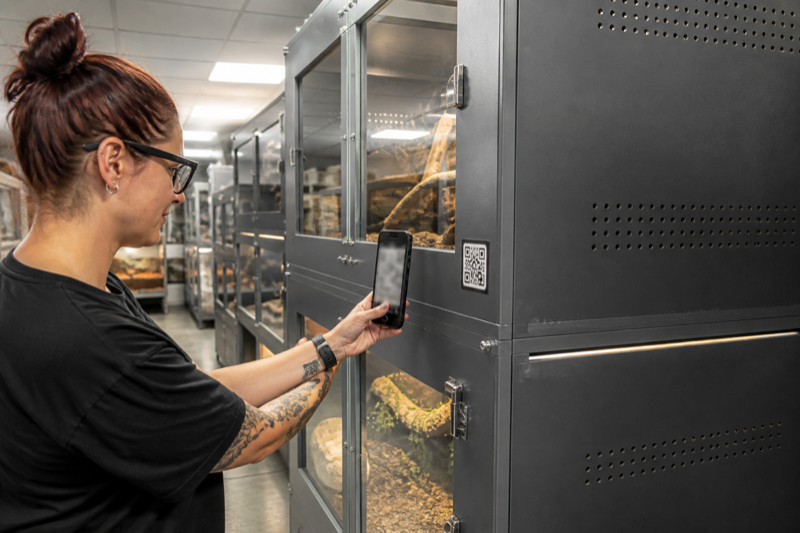
    Keeper scanning a QR code on a reptile enclosure

    Choose what the code opens

    A code can open a local record, a web profile or an app deep link. Test what happens when the user is logged out, offline or using a new phone. A printed label will outlive many app sessions.

    Keep private data out of the pattern

    Anyone with a camera may scan a visible code. Store only a random ID or protected link when possible. Do not encode an address, phone number or private care history directly.

    Durable reptile enclosure label with a nonfunctional QR pattern

    Print for the room

    Use high contrast, quiet space around the code and a surface that resists moisture and cleaning. Test labels from the angle and distance you actually use. Keep the animal name or ID readable without a phone.

    Plan for replacement

    Maintain a label list and print date. If links change, replace labels in a controlled batch and destroy obsolete copies so they do not send a keeper to the wrong profile.

    Use QR codes as pointers, not databases

    A label should identify the animal or enclosure and open the correct record. Avoid packing private notes or changing care instructions directly into a static code. A short stable ID is easier to replace, audit and transfer.

    Choose a label system

    Reptile Scan can generate animal and rack labels in several print formats. Husbandry.Pro offers QR-based workflows, and other services such as ReptiDex publish public-profile code options. A home-built system can point to an internal form or spreadsheet, but permissions need careful testing.

    Print for the room you have

    • Use enough contrast and quiet space around the code.
    • Keep the human-readable animal ID beside it.
    • Protect labels from spray, abrasion and cleaning products.
    • Do not place adhesive where an animal can contact or ingest it.
    • Test with the oldest phone your helpers use.

    Prevent wrong-animal records

    The screen after scanning should show a large ID, name, photo and enclosure location. Require a visual check before a batch action. Keep a correction procedure that does not erase the audit trail. For rack codes, show the selected occupants before saving.

    Public and private codes

    Scan labels while signed out. A public sale card may be intentional; a private medical note is not. Reprint codes when an animal moves to a new owner or when the destination URL changes. Keep an inventory that links each physical label to its record.

    FAQ

    Do QR codes work offline?

    The camera can read the pattern, but a web record usually needs a network connection. Test your actual app in airplane mode.

    What if a label is damaged?

    The readable ID should still let a helper search manually. Keep spare labels and the source file.

    Test the complete workflow: The Reptile Scan review evaluates a scan-first app, while the guide to large collection management shows where labels fit into daily checks.

  • How to manage a large reptile collection with fewer errors

    Verdict: To manage a large reptile collection, build a boring system that survives busy days. Stable identity, short logging steps and regular backups prevent more errors than a complicated dashboard.

    Keeper working in an organized large reptile collection

    Give every animal a stable ID

    Names can repeat and enclosures can move. Use an ID that stays with the animal, then display it on the profile, enclosure and export. Never recycle an old ID.

    Design rounds around exceptions

    Routine work should be quick to record. Refusals, unusual weight changes, medication and incomplete sheds need more visible follow-up. An exception list is often more useful than a stream of every normal event.

    Keeper checking an exception list during reptile room rounds

    Limit batch actions

    Batch entry saves time, but only when the selected animals remain obvious. Review the selection before saving and confirm a sample afterward. Make correction steps part of staff training.

    Back up outside the app

    Schedule exports and store them in a second location. Open a backup occasionally. A file that exists but cannot be read is not a useful backup.

    External backup of reptile collection records

    Review the system monthly

    Look for skipped fields, duplicate reminders and profiles that are hard to identify. Remove steps nobody uses. A collection workflow should become calmer as it matures.

    Build the system around exceptions

    Routine feeding is easy. Refusals, temporary enclosures, medication, loans, sales and staff changes expose weak record systems. Give every animal a permanent ID and every enclosure a location code. Names can change without breaking history.

    Separate the daily queue from the archive

    Active tasks should show what needs attention today. Historical records should remain searchable but stay out of the queue. Archive sold or deceased animals without deleting them. Use status fields for quarantine, breeding loans and temporary holds.

    Reduce batch mistakes

    • Review the selected rack or group before saving.
    • Show the event date and action in plain language.
    • Give helpers only the permissions they need.
    • Keep correction and undo tools easy to find.
    • Export a dated backup before major reorganizations.

    Handoffs need context

    A helper needs animal identity, enclosure location, the exact task and the last relevant event. They do not need every breeding or sales field. Role-based views and completion records reduce both clutter and uncertainty. Never solve collaboration by sharing the owner’s password.

    Audit once a month

    Compare the digital list with the physical room. Look for duplicate IDs, animals in the wrong location, overdue tasks that were actually completed and profiles with no recent activity. Open the latest export on another device. A backup that has never been opened is only a hope.

    FAQ

    How many animals justify an app?

    The threshold is personal. Complexity, breeding activity and the number of helpers matter more than the raw count.

    Should every action be logged?

    No. Track events that support care, health, compliance or reliable handoffs. Too much logging lowers consistency.

    Choose supporting tools: Our guide to the best reptile apps for breeders covers collection structure. The feeding tracker comparison focuses on the busiest recurring workflow.

  • Reptile app feature index: the fields that matter

    Verdict: A reptile app feature index is useful when every yes or no has a source, test date and clear definition. Marketing labels alone do not make a dependable comparison.

    Structured comparison table for reptile app features

    What the reptile app feature index records

    The index covers platforms, animal profiles, feeding, weight, sheds, reminders, multi-animal workflows, import, export, offline behavior, privacy controls and connected sensors.

    How a feature earns a yes

    We count a feature only when it works in the public version we can test. A roadmap item is not available. A beta receives its own label. Regional or plan limits sit beside the result.

    Test notes and evidence used for a reptile app feature comparison

    Definitions prevent misleading tables

    Export means a user can obtain a usable copy of records, not merely a screenshot or PDF summary. Offline means a defined task works without a network and syncs later. Each term will link to its test rule.

    Update policy

    Identity fields

    Use a permanent internal ID, display name, species, sex when known, date of birth or acquisition, source and current status. Morph and genetics fields may matter for breeders, but they should not replace the stable ID. Enclosure location belongs in its own field because it changes.

    Care events

    Feeding should support accepted and refused results, prey or food details and notes. Measurements need value, unit and date. Shed or molt events need a result. Cleaning, water, medication and health observations should be separate event types when you expect to filter them later.

    Environment fields

    Store the measurement, unit, sensor location and time. A number without placement can be misleading. Manual readings and automatically imported sensor data should be distinguishable. Equipment replacement dates for UVB lamps, probes and batteries belong in tasks or maintenance history.

    Breeding and transfer fields

    Pairings, clutches, parent links, hatch dates and offspring IDs need relationships rather than copied notes. Transfer records should preserve the animal’s identity and a useful care summary without exposing unrelated private information.

    Fields that cause trouble

    • One giant notes box for every event
    • Weight without a unit
    • Names used as unique identifiers
    • Dates stored in an ambiguous local format
    • Automatic predictions mixed with observed facts
    • Required fields that do not apply to every species

    A good default form

    Keep the first screen short: animal, event, date, result and note. Reveal specialized fields only when the selected event needs them. Fast defaults are welcome, but the saved record should show what the app filled automatically.

    FAQ

    Should I record veterinary diagnoses?

    Record the veterinarian’s wording and instructions accurately. Do not turn app suggestions into diagnoses.

    Are photos part of the record?

    They can be. Check whether they appear in exports or require a separate backup.

    Use the index with two checks: Compare ongoing cost in the reptile app pricing guide, then verify portability and account risks with the export and privacy checklist.

  • Reptile app pricing comparison: calculate the real cost

    Verdict: A reptile app pricing comparison should show the cost for your collection over time. Monthly headline prices hide annual commitments, animal limits and paid export or storage.

    Keeper comparing reptile app subscription costs

    Build a reptile app pricing comparison

    Record currency, region, billing period, tax treatment and check date. Note whether the same account covers multiple devices and whether the plan limits animals, photos or reminders.

    Notebook calculation of one year and three year reptile app cost

    Calculate one and three years

    Include required add-ons and likely plan upgrades as the collection grows. Treat a temporary launch discount separately from the standard renewal price.

    Free trials need an exit check

    Record the trial end date and cancellation method. Check whether records remain readable after cancellation and whether export is available before the account closes.

    Dated reptile app price history notes

    Current free and paid structures

    Husbandry.Pro Next publishes a free five-animal plan and paid tiers that increase animal limits and unlock breeder, security and team features. Reptile Scan publishes Free, Standard and Professional plans, with both animal and monthly-registration limits on Free. Reptile Rocket offers one animal before a subscription is required. Store prices can vary by country and platform.

    Calculate annual cost

    Use the price you will actually pay, including taxes, monthly versus annual billing and the tier required for your expected animal count. Add label supplies, supported sensors or separate cloud storage only if the workflow needs them. Do not assign an hourly dollar value to every setup task, but do acknowledge migration and training time.

    Watch for threshold jumps

    A plan can be inexpensive until animal number 51, a second user or a required export feature pushes you into the next tier. Model today’s collection and a realistic next-year collection. For Reptile Scan, include event volume because the free plan caps registrations as well as animals.

    Cancellation questions

    • Does the plan renew automatically?
    • What remains readable after cancellation?
    • Can you export before and after the paid period ends?
    • Are photos, documents and deleted animals included?
    • Is account deletion separate from cancelling billing?

    Value is not the longest feature list

    Pay for the workflow that saves effort or reduces errors. A breeder may reasonably pay for batch actions and team roles. A one-snake keeper may get more value from a free tracker or a calendar by the enclosure.

    FAQ

    Is annual billing always better?

    Only after the app has survived a real trial and you are comfortable with export. Monthly billing costs more but reduces commitment.

    Should price be the final ranking factor?

    No. Reliability, portability and daily usability can outweigh a small monthly difference.

    Pressure-test the price: Our free reptile apps guide shows where no-cost plans become restrictive. The export and privacy checklist covers the cost of leaving later.

  • Reptile app data export and privacy: what to check

    Verdict: Reptile app data export deserves a test before you enter years of history. A portable file, understandable permissions and a clear deletion process are basic ownership controls.

    Keeper checking reptile app privacy and export settings

    Run a reptile app data export test

    Create two sample animals with feeding, weight, shed and note entries. Export them, open the file on another device and compare every field with the app. Look for missing units, changed dates and truncated notes.

    Exported reptile records opened on a laptop beside a phone

    Review permissions in context

    A camera permission may support photos or scanning. Location access needs a clear reason. Check whether optional permissions can be denied without breaking unrelated records.

    Find the deletion path

    Account deletion should explain what disappears, what may be retained and how long the process takes. Export first. Deleting an app from a phone does not necessarily delete the account.

    Keep independent backups

    Store dated exports outside the service and test them occasionally. Portability is not a one-time migration task. It is a habit that protects the animal history from product changes, lost access and simple mistakes.

    Export before you commit

    Create two sample animals and several event types, then export. Open the file outside the app. Look for stable IDs, full timestamps, units, event names and complete notes. Check whether photos and documents are included or need a separate download.

    Readable is not the same as portable

    A PDF is useful for a vet, buyer or archive. CSV and XLSX are easier to inspect and move into another system. A proprietary export may preserve more relationships, but only if another account or service can import it. Ideally, keep both a human-readable report and structured data.

    Read privacy disclosures carefully

    Apple’s privacy labels and Google Play’s Data safety section summarize information supplied by developers. Use them to compare apps, then read the linked policy and check device permissions. Camera access may support photos or QR scanning. Location access deserves a specific explanation.

    Account deletion and app deletion differ

    Removing an app from a phone does not necessarily close the account or erase cloud data. Find the deletion route before entering years of records. Export first, note any retention period and cancel billing separately when required.

    Backup routine

    1. Export after the initial setup.
    2. Make a dated export on a regular schedule.
    3. Store it outside the app account.
    4. Open a sample file and compare several records.
    5. Keep at least one older version in case the newest file contains a mistake.

    FAQ

    Does “no data collected” mean no risk?

    No. Store declarations are helpful, but you should still review permissions, backups, account behavior and the current policy.

    What if an app has no export?

    Limit the history you entrust to it or choose another system. Screenshots are a poor substitute for structured records.

    Turn the checklist into a migration plan: Follow the guide to moving from a spreadsheet to an app, and use the feature index to verify that essential fields survive the move.

  • Husbandry.Pro review: Classic vs Next, pricing and workflow

    Independent test of a reptile husbandry app beside an enclosure
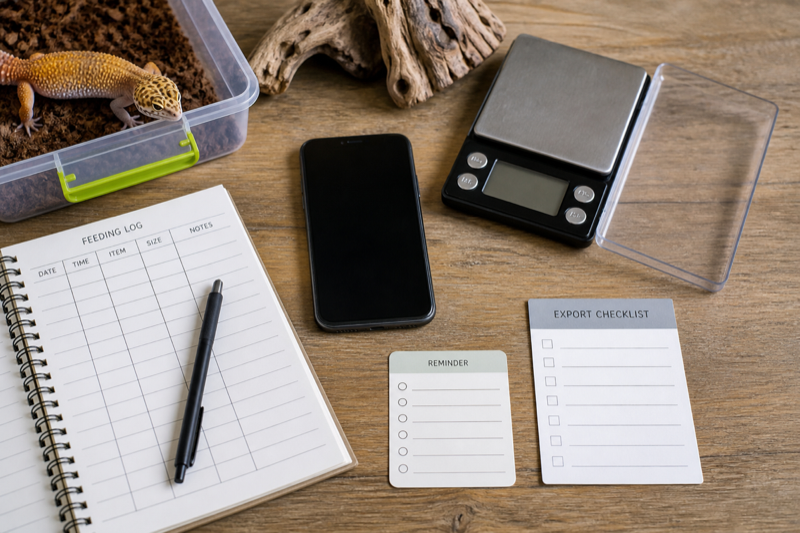
    Reptile app review test kit with phone scale logs and export checklist

    Husbandry.Pro Classic and Next

    Husbandry.Pro now presents two active products under one login. Classic keeps the familiar reptile-first workflow and remains open to new users. Next is the modern rebuild, designed for reptiles and other animals, with new reporting, Flow Codes, sales tools and tiered collection limits. That split is the first thing a new user should understand.

    Next currently lists a free plan for five animals, followed by Hobbyist, Collector, Breeder, Commercial Operation and Institution tiers. The published limits rise from 50 animals on Hobbyist to unlimited animals on Commercial Operation. Some breeder and security features appear only on higher plans.

    Where Husbandry.Pro is strongest

    The platform is built around collection management rather than a single pet diary. Published features include feeding and care activity, reminders, weight charts, breeding plans, QR workflows, sales listings and multi-user options on selected tiers. That breadth is useful for keepers who want one system to grow with them.

    It also creates setup work. Custom animal types, genetics tables, breeding plans and roles only help after someone defines a consistent structure. A five-animal hobbyist can ignore most of that. A breeder should decide naming, IDs and permissions before inviting helpers.

    Migration questions to answer

    • Are you moving into Classic or Next?
    • Which fields import, and how are dates and units handled?
    • Do photos, documents and historical activities move with the animal?
    • Which plan contains the features you already rely on?
    • Can you export a usable copy after migration?

    Create a small test workspace before moving the full collection. Compare a sample animal line by line, including feedings, weights, breeding links and notes. Keep the old system untouched until the new copy survives an export and restore check.

    Who should choose it

    Husbandry.Pro is easiest to recommend to growing collections and breeders who will use its structure. A keeper with one gecko may prefer a lighter app. The free plan makes that decision testable without importing years of history on day one.

    FAQ

    Is Classic being discontinued?

    The company says Classic remains active and open to new and existing users.

    Does every plan include every feature?

    No. Limits and features vary, and the current pricing page notes that Next and Classic do not have identical feature sets.

    Setup that avoids a messy account

    Decide how animals will be named before adding the collection. Use a stable ID for each animal, keep enclosure location separate and choose one unit for weight. Breeders should settle their genetics notation and clutch naming before importing historical records. Changing those conventions later is possible, but cleaning duplicated fields across hundreds of events is tedious.

    Next, turn off fields and modules you will not use. Husbandry.Pro’s breadth is an advantage only when the daily form remains quick. Add one helper with limited access and confirm what that person can view, edit and export. Shared credentials make it impossible to tell who changed a record.

    Our recommendation

    Choose Husbandry.Pro when your collection has outgrown a personal diary and you are prepared to define a consistent system. Next is the logical starting point for new users who want the current product direction. Classic remains relevant for keepers who already understand its reptile-first workflow. For one or two pets, test the free plan against a simpler tracker before committing.

    Compare the next step: See how the workflow differs in Husbandry.Pro vs Reptile Rocket, or use the Husbandry.Pro alternatives guide if export, pricing or collection size is the deciding factor.

  • Reptile Rocket review: strengths, limits and ideal users

    Keeper testing a reptile collection app on a tablet

    Collection setup

    Generic animal profile grid on a tablet beside enclosure labels

    Records must be portable

    What remains unverified

    What Reptile Rocket covers

    Reptile Rocket is a mobile tracker for reptiles and other exotic animals. Its current Google Play listing describes feeding and shedding logs, measurements, health indicators, breeding projects, animal history, backups, archiving and animal-list export to XLSX. One animal is available without a subscription; additional animals require a paid plan.

    That makes it a sensible candidate for a keeper who wants structured records without a full breeder web console. The spreadsheet export is particularly useful if it contains stable IDs, dates, units and complete event history. Check the file yourself before treating it as a backup.

    Daily workflow

    The important test is how quickly you can move between profiles and add common events. Enter a meal, a refusal, a weight and a shed. Then correct a date and archive a sample animal. A tracker that feels clean during setup can still hide editing and recovery tools several screens deep.

    Breeding projects add value for small operations, but serious breeders should compare clutch links, offspring IDs, batch actions, labels and team access with larger platforms. A feature named “breeding” does not guarantee the workflow you need.

    Privacy and backup

    The Google Play listing currently displays developer-provided declarations of no data sharing and no data collected. Store disclosures are useful summaries, not substitutes for reading the linked privacy policy and checking permissions on your device. Confirm whether backups are local, cloud based or tied to an account.

    Who it suits

    Reptile Rocket is most appealing for a small personal collection that needs more structure than notes but less administration than a breeder platform. The one-animal free allowance is enough to test the core workflow. Collections that need rack scanning, several staff accounts or deep sales tools should compare Reptile Scan and Husbandry.Pro before subscribing.

    FAQ

    Can it replace a spreadsheet?

    Possibly. Export a sample first and check whether the XLSX file preserves the fields and event history you care about.

    Is it free?

    The current Android listing says one animal is free and two or more require a subscription. Pricing can vary by platform and region.

    What the XLSX export can and cannot prove

    A spreadsheet export is encouraging, but the Android listing describes an animal-list export rather than promising that every event, image and breeding relationship appears in one workbook. Create several event types and inspect the actual file. Look for separate sheets, stable IDs, measurement units and full notes. If history is missing, treat the export as a collection index rather than a complete backup.

    Small-collection test

    Use the free animal slot for two normal weeks. Record accepted and refused meals, correct a date, add a weight with decimals and restore a backup on another device if the app supports it. Check notification behavior after restarting the phone. These ordinary tasks say more than the first-run dashboard.

    Our recommendation

    Reptile Rocket deserves a trial for one to several animals when mobile entry and conventional care logs are the priority. It is harder to recommend for a staffed breeding room without clear evidence of batch, label and permission workflows. Export remains the deciding test for anyone leaving a spreadsheet or another app.

    Keep comparing: The Reptile Rocket alternatives guide covers simpler and larger-collection options. For a direct workflow comparison, read Husbandry.Pro vs Reptile Rocket.