Author: lasipton@gmail.com

  • Best thermometers and hygrometers for reptile enclosures

    Editorial note: specifications below come from current manufacturer documentation. Consumer sensors can drift, especially in persistent high humidity, so compare them with a known reference before trusting alarms.

    Verdict: The best reptile thermometers and hygrometers depend on enclosure conditions. SwitchBot Meter Plus is the strongest value for a readable display, long local history and CSV export. SensorPush HT.w is the better fit for splash-prone tropical setups. Govee H5075 is an inexpensive Bluetooth logger for drier enclosures, while a simple probe display remains useful as a permanent local check. Use at least two measurement points and keep temperature control on a separate thermostat.
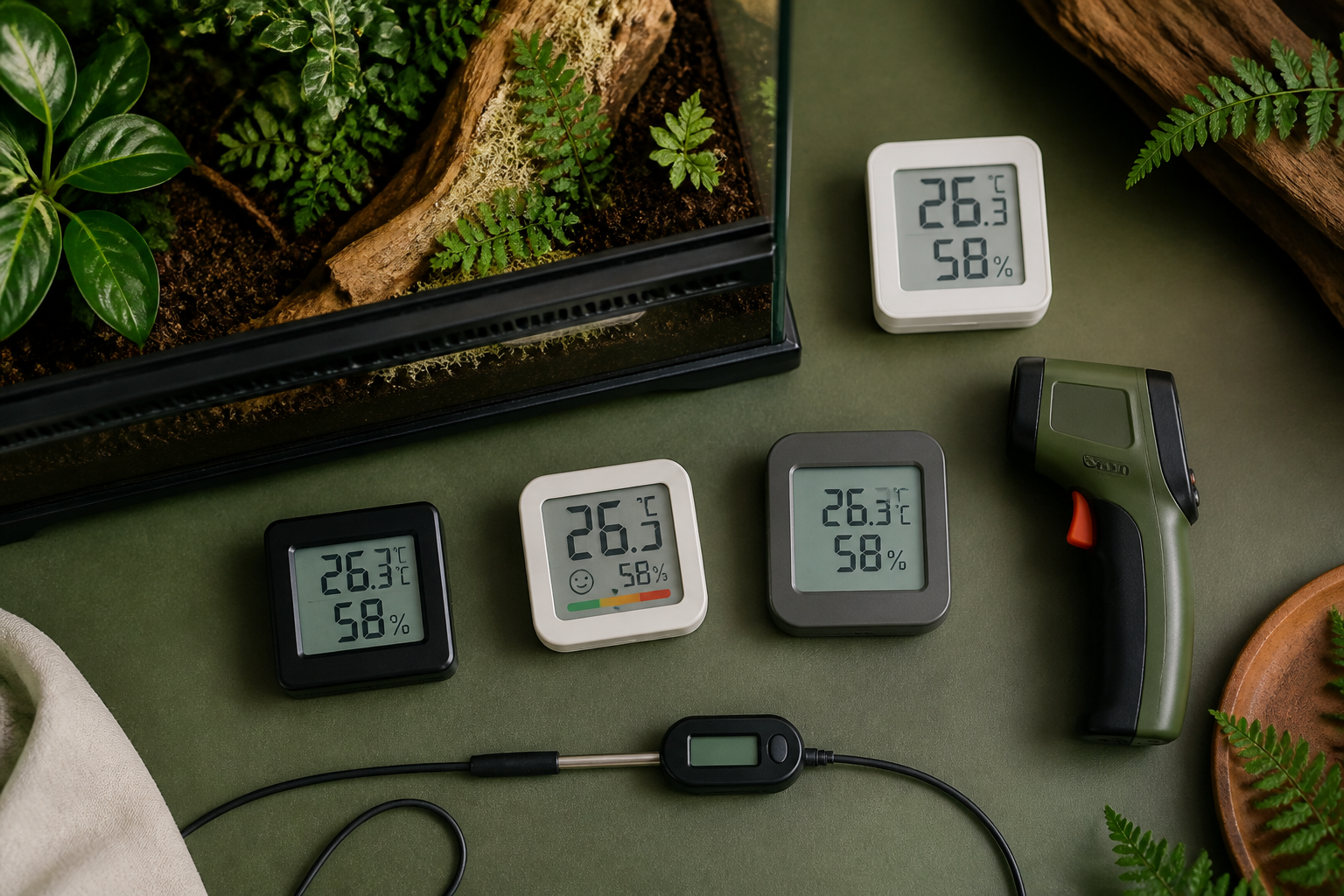
    Digital thermometers and hygrometers compared beside a planted terrarium

    Our shortlist

    Device type Best use Main limitation
    SwitchBot Meter Plus Large display, app history, CSV and optional remote alerts Remote alerts require a hub; body is not designed for direct spray
    SensorPush HT.w Compact logging in humid or splash-prone setups No built-in display; remote access requires a gateway
    Govee H5075 Low-cost Bluetooth history and CSV in ordinary indoor humidity No native Wi-Fi; high humidity and enclosure walls deserve testing
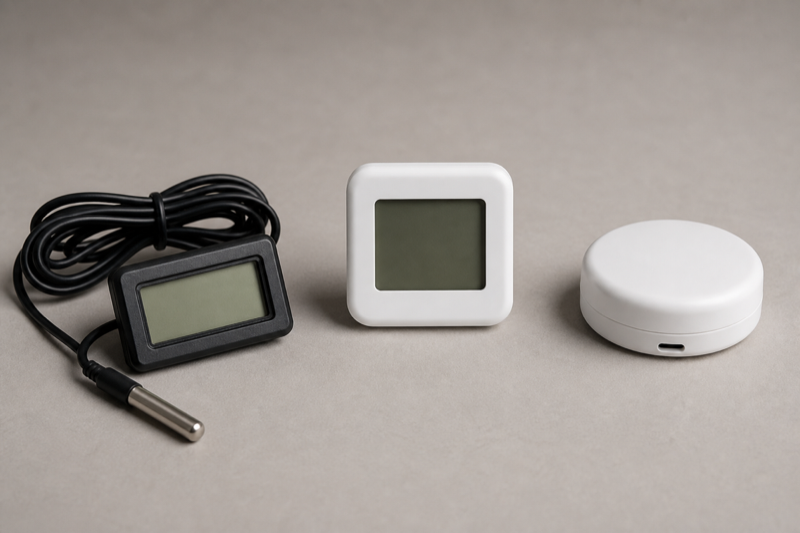
    Wired digital probe display Permanent warm-side or cool-side glance Often no history, alarm or published accuracy detail
    Infrared thermometer Basking surface spot checks Does not measure ambient air or continuous trends

    Measure a gradient, not a single number

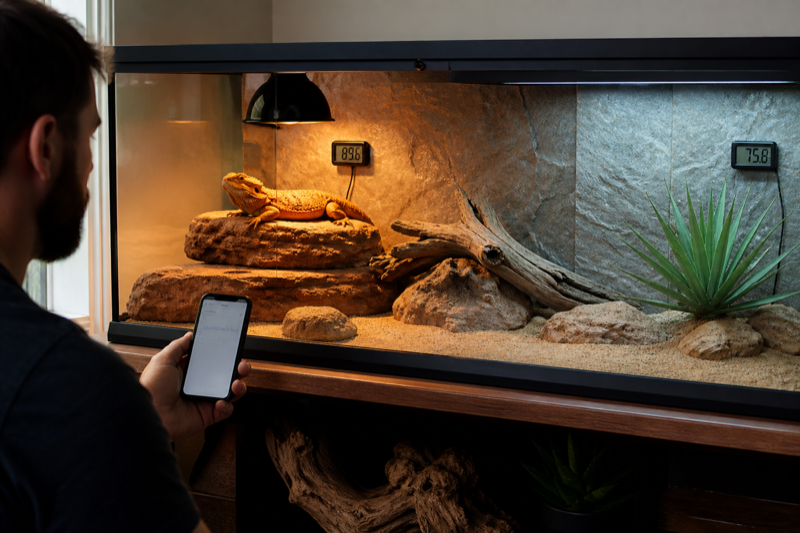
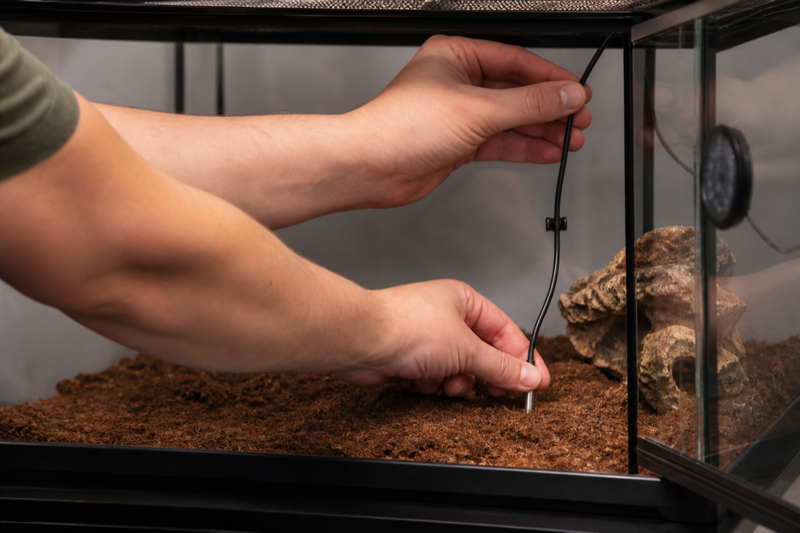
    A reptile enclosure should let the animal move between conditions. One sensor in the center hides the warmest accessible surface and the coolest retreat. Place one air sensor on the warm side at animal height and another at the cool side. Add a surface method for the basking point.

    Do not place the sensor directly on glass, against a heater or in the mist stream unless that is the specific condition being tested. A display mounted outside with a probe inside can be easier to read and keeps batteries away from the animal.

    The existing guide to reptile temperature monitoring tools explains the roles of thermostat probes, air sensors, infrared thermometers and loggers.

    SwitchBot Meter Plus

    SwitchBot publishes typical accuracy of ±0.2°C between 0 and 65°C and ±2% RH between 10 and 90% RH at 25°C. The Meter Plus has a three-inch display, Bluetooth range quoted up to 120 meters in open conditions, about 68 days of onboard history and CSV export. A SwitchBot hub adds remote notifications and cloud history.

    The large screen is genuinely useful in a reptile room. You can spot a problem without opening an app. Local storage also means a phone can reconnect later and collect missed readings. Test sync time before leaving the sensor unattended for weeks.

    Published open-air range will not survive walls, rack material and water unchanged. Put the sensor in the final enclosure, close every door and test from the place where the phone or hub will normally sit.
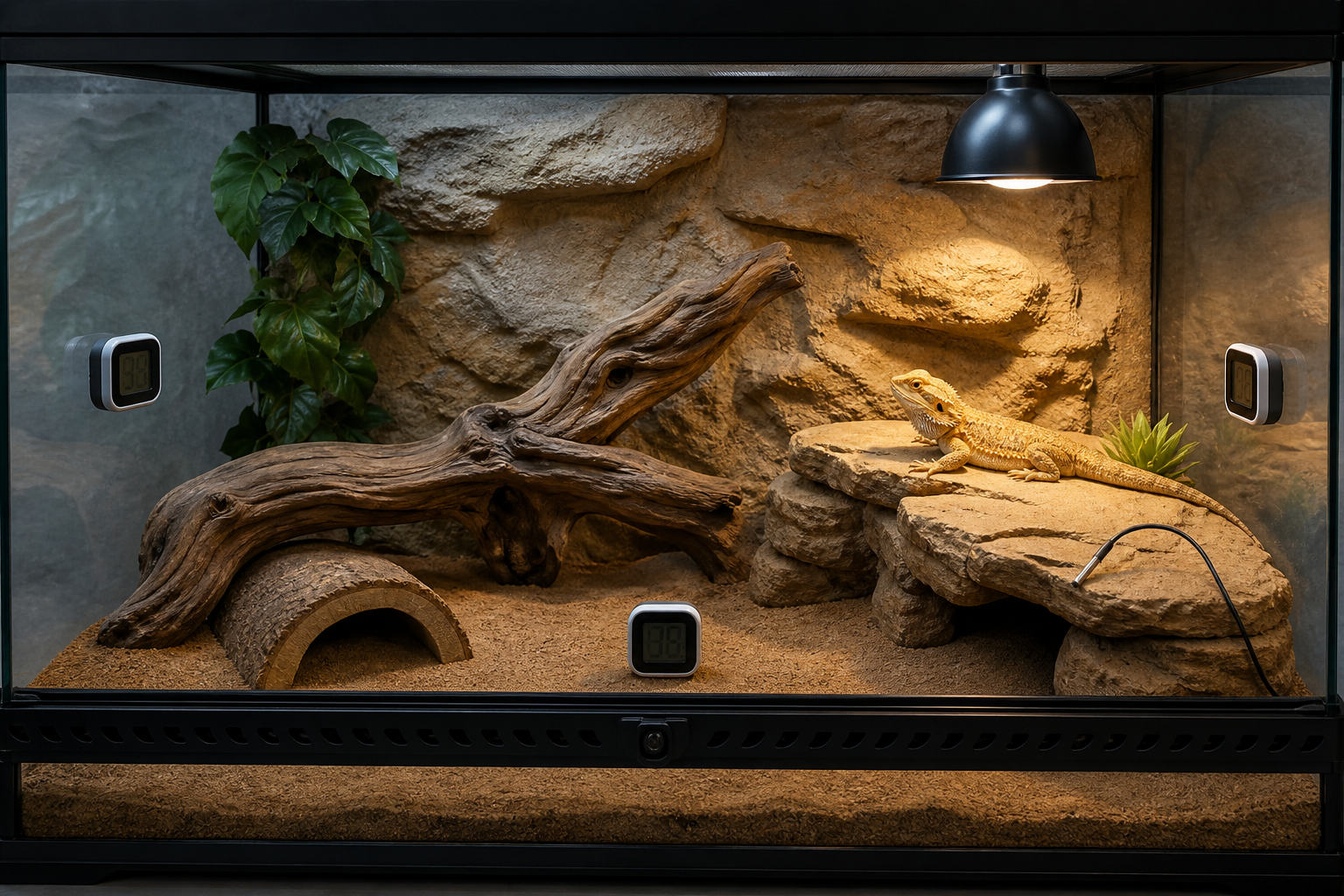
    Warm-side and cool-side sensor placement in a reptile enclosure

    SensorPush HT1 and HT.w

    SensorPush stores readings on the sensor and transfers them by Bluetooth. The HT1 records at one-minute intervals and holds more than two weeks of data. The company lists typical accuracy of ±0.3°C and ±3% RH in the central humidity range. It also warns that prolonged exposure above 80% RH may create a temporary positive humidity offset.

    For tropical enclosures, the water-resistant HT.w is the more sensible starting point. Its seals and protective membrane are designed for splashes, though water-resistant does not mean the sensor should sit under a nozzle. The optional G1 gateway provides remote access for multiple sensors.

    SensorPush has no built-in display, so pair it with a visible local gauge or accept that every check happens in the app. Its compact body makes placement easier, but protect it from chewing, crushing and direct contact with the animal.

    Govee H5075

    Govee H5075 combines a local LCD, Bluetooth app history, alert thresholds and CSV export. The current product page says it uses two AAA batteries, lasts about six months and connects up to 50 meters in open conditions. It does not have native Wi-Fi.

    That makes it a good budget logger for a snake room or drier display enclosure. It is less convincing when the sensor will remain near saturation or receive spray. The detailed Govee H5075 reptile review covers placement, Bluetooth behavior and export checks.

    Why cheap analog dials are hard to trust

    Small stick-on analog gauges often have no useful accuracy specification and respond slowly. Adhesive can also fail in heat and humidity. If one is already installed, compare it at several stable conditions rather than assuming the pointer is correct.

    A digital number can be wrong too. The advantage is easier comparison and, on logging models, a visible trend. Buy published accuracy, calibration support and replaceable batteries before decorative packaging.
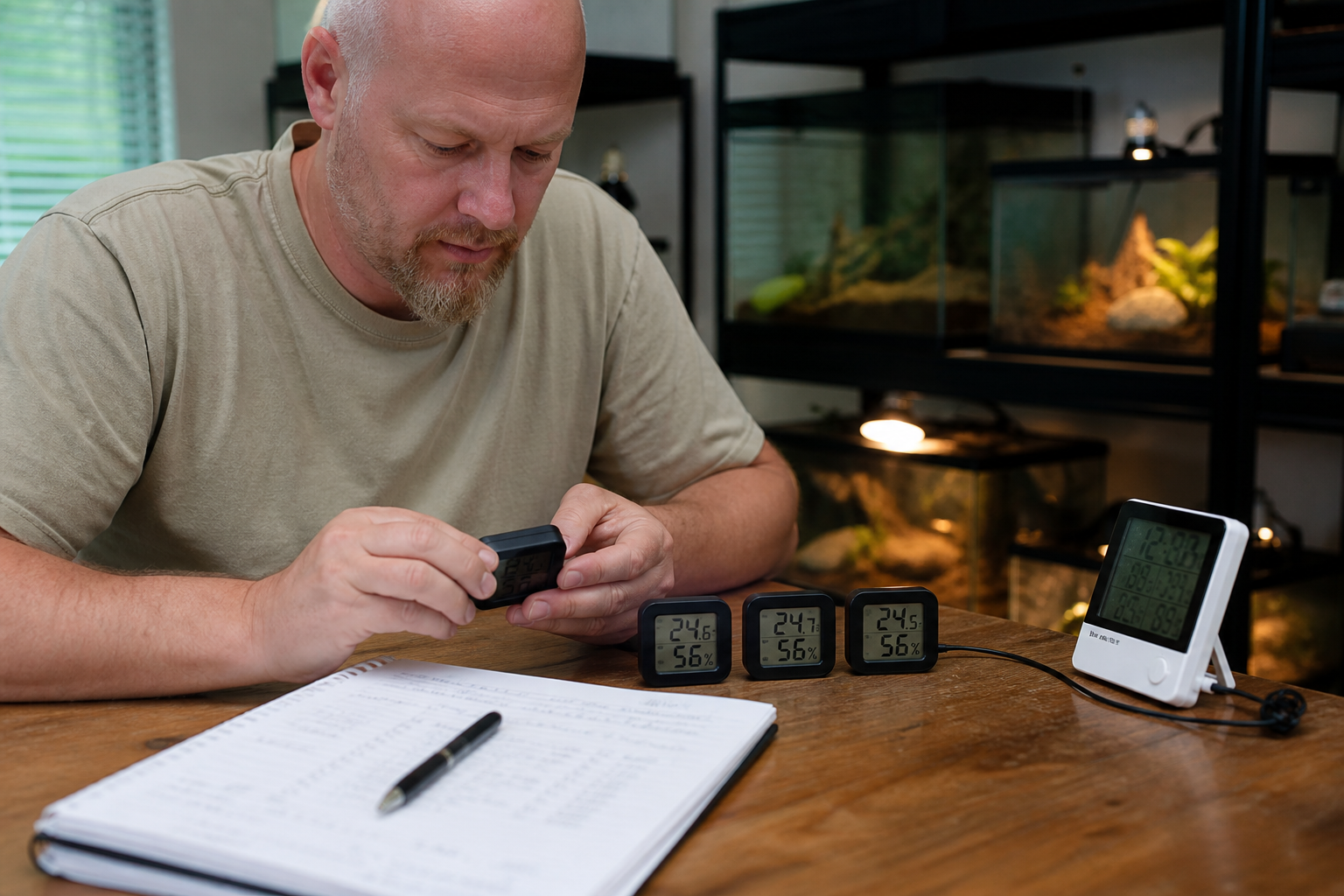
    Keeper comparing reptile temperature and humidity sensors in a stable room

    Humidity is the harder measurement

    Relative humidity changes when temperature changes, even if the amount of water vapor stays similar. A sensor close to a warm lamp can show a lower RH than one in a cooler hide. That does not automatically mean either device is faulty.

    Misting creates a sharp local spike, followed by drying. A sensor in the spray cone reports droplets more than enclosure climate and may become saturated. Place it where the animal spends time, shield it from direct mist and study the recovery curve.

    Persistent high humidity can shift consumer sensors. Compare two devices periodically and investigate widening disagreement. Do not use one unverified number to diagnose respiratory or shedding problems; record conditions and consult a qualified reptile veterinarian when health is involved.

    How to compare accuracy at home

    1. Place all sensors together in a stable room away from sunlight, vents and heaters.
    2. Wait several hours, not several minutes.
    3. Record temperature and humidity from every device.
    4. Repeat at a second condition that still falls inside the published range.
    5. Use calibration offsets only after the difference is repeatable.
    6. Label each device with the date and offset.

    A salt test can create a reference humidity point, but contamination, temperature instability and poor sealing easily spoil the result. Follow a reliable procedure and do not treat a kitchen experiment as laboratory certification.

    Logging and alerts

    History should answer three questions: how high, how low and for how long. A daily minimum and maximum can hide a ten-minute overheat. Inspect the actual curve and learn the sensor’s sampling interval.

    Set alerts wide enough to avoid constant nuisance notifications but narrow enough to catch a real equipment failure. Test them. Put the phone in Do Not Disturb, disconnect Bluetooth and turn off the hub to learn which alerts still arrive.

    Export a CSV before relying on years of app history. Confirm timestamps, units and sensor names. The data export and privacy checklist applies to sensor apps as much as husbandry trackers.

    Placement by enclosure type

    Glass display enclosure

    Keep the display where it can be read without opening doors. Place sensors away from cold exterior glass and direct lamp radiation. Check night-time cooling near the lower vents.

    PVC enclosure

    Wireless signals may behave better than through a metal rack, but foil insulation and dense shelving can still reduce range. Secure sensors so a strong snake cannot push them into the water bowl.

    Rack system

    Do not assume one room sensor represents every tub. Measure representative upper, middle and lower positions, then move a logger periodically to audit variation.

    Tropical vivarium

    Choose a splash-resistant body, keep it outside the nozzle cone and watch recovery after misting. The misting system guide covers nozzle placement and drying cycles.

    A practical monitoring kit

    For one enclosure, use a reliable thermostat, two air temperature sensors, one humidity sensor where relevant and an infrared thermometer for surfaces. A combined thermo-hygrometer can cover one air point, but it does not remove the need to check the cool end.

    For a room, add a logger outside the enclosures. Room temperature explains changes seen across several habitats and can warn when HVAC failure is driving every controller harder.

    Frequently asked questions

    Can a hygrometer control a mister?

    A monitor only reports conditions. Automatic control needs a compatible hygrostat or controller, and timer-based misting is often easier to reason about than chasing a single RH setpoint.

    Is Bluetooth enough for alerts?

    Only while the phone or gateway remains in range and the app is allowed to run. Test the final placement and notification settings.

    How often should sensors be checked?

    Compare them when new, after battery changes, after prolonged high humidity and whenever two devices begin to disagree.

    Can I put a sensor inside a snake enclosure?

    Yes if it is securely mounted, has no exposed adhesive or loose cable, cannot be swallowed or crushed, and stays within the manufacturer’s environmental limits.
  • Scutely review: husbandry, breeding, QR codes and data export

    Editorial note: this review evaluates Scutely’s current public feature set, documentation and pricing against ordinary keeper and breeder workflows. Features and plan limits can change, so confirm them before moving a large collection.

    Verdict: Scutely is one of the more ambitious reptile record systems now available. It combines routine husbandry, breeding records, QR labels, public animal pages and ownership transfers in one web and mobile account. The free plan is useful enough to expose the workflow, while the paid tiers make the most sense for keepers who will use the breeder and batch tools rather than treating the app as a prettier notebook.

    The appeal is breadth, but breadth also creates the main risk. A keeper can spend a weekend building detailed profiles and still discover that the feeding screen, label layout or export does not match the way the room actually runs. Test Scutely with five deliberately awkward records before importing everything: two animals with similar names, a feeding refusal, a breeding loan, a corrected weight and a transfer you do not complete.

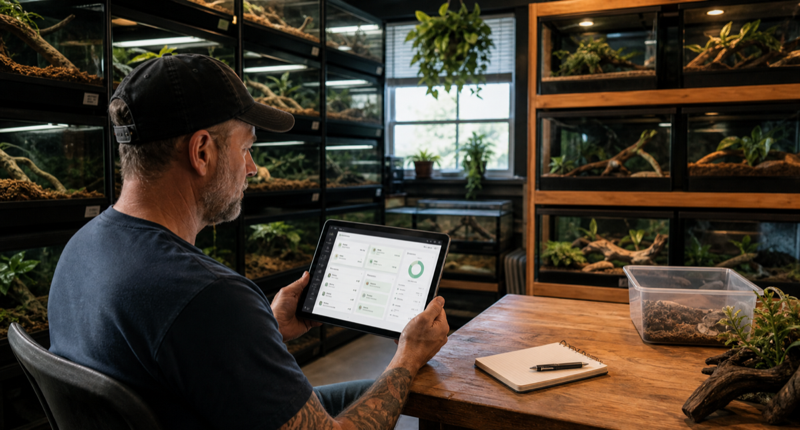
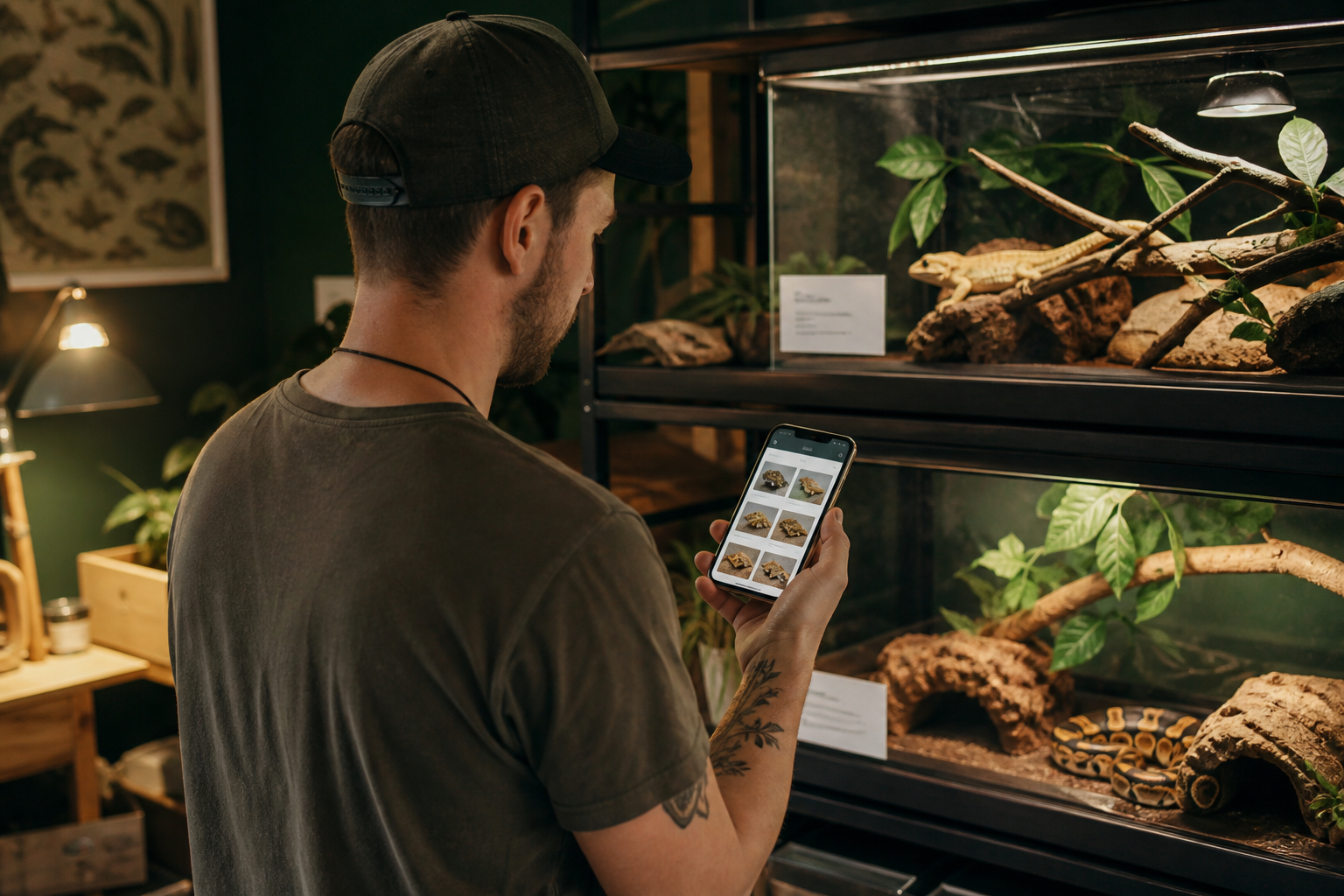
    Keeper using a reptile husbandry tracking app beside organized enclosures

    Scutely at a glance

    Best for Mixed collections and breeders who want care, lineage and QR workflows in one service
    Platforms Web, iOS and Android with account sync
    Free allowance Up to five animals at the time of review
    Paid collection limits 50, 200 or unlimited animals depending on plan
    Notable tools Bulk logging, care schedules, breeding records, pedigrees, QR scanning, public pages and transfers
    Main caution Plan limits and export detail need to be checked with your own sample data

    Daily husbandry is the first test

    Most record apps are easy during setup. The real test arrives on feeding night when one animal refuses, another takes a different prey size and a third needs a medication note. Scutely publishes support for feeding details, supplements, refusals, weight and length, sheds or molts, treatments, environmental readings, cleaning and custom events. That covers the common cases on paper.

    Build a small care group and log the same action for several animals. Then change one animal’s feeder, quantity or result before saving. A useful batch tool keeps the shared parts of the event while making exceptions obvious. If the exception is buried, the speed advantage can create bad data. The reptile feeding tracker comparison explains why refusals and corrections deserve more weight than decorative dashboards.

    Schedules and the feeder pick list are more interesting than a generic reminder. Scutely can group upcoming feedings by prey item and size, which connects the digital record to a practical shopping and thawing workflow. Check how overdue tasks behave, whether a skipped feeding moves the next date and whether several keepers see the same completion state.

    Profiles, IDs and collection structure

    Each animal profile can hold photos, sex, species, traits, lineage and a care timeline. Large collections need stable IDs in addition to names. Two snakes called Luna will eventually cause a mistake. Give every animal a permanent internal ID and store enclosure location separately, because location changes while identity should not.

    Scutely’s care groups and filtering can reduce scrolling, but they need to mirror the physical room. Create groups for racks, rooms or care routines, not every trait you might search later. A keeper who is reorganizing fifty tubs should read the guide to managing a large reptile collection before deciding how much structure to build.

    Quarantine deserves its own test. A visual indicator is helpful, yet the system still needs a clear start date, location, task schedule and rule for moving the animal into the main collection. Software does not enforce physical separation. It should make the status hard to miss and preserve the history after quarantine ends.

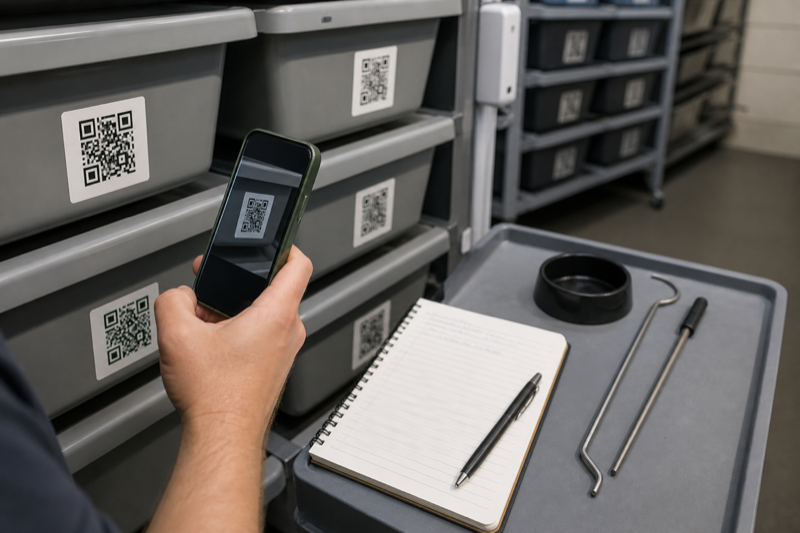
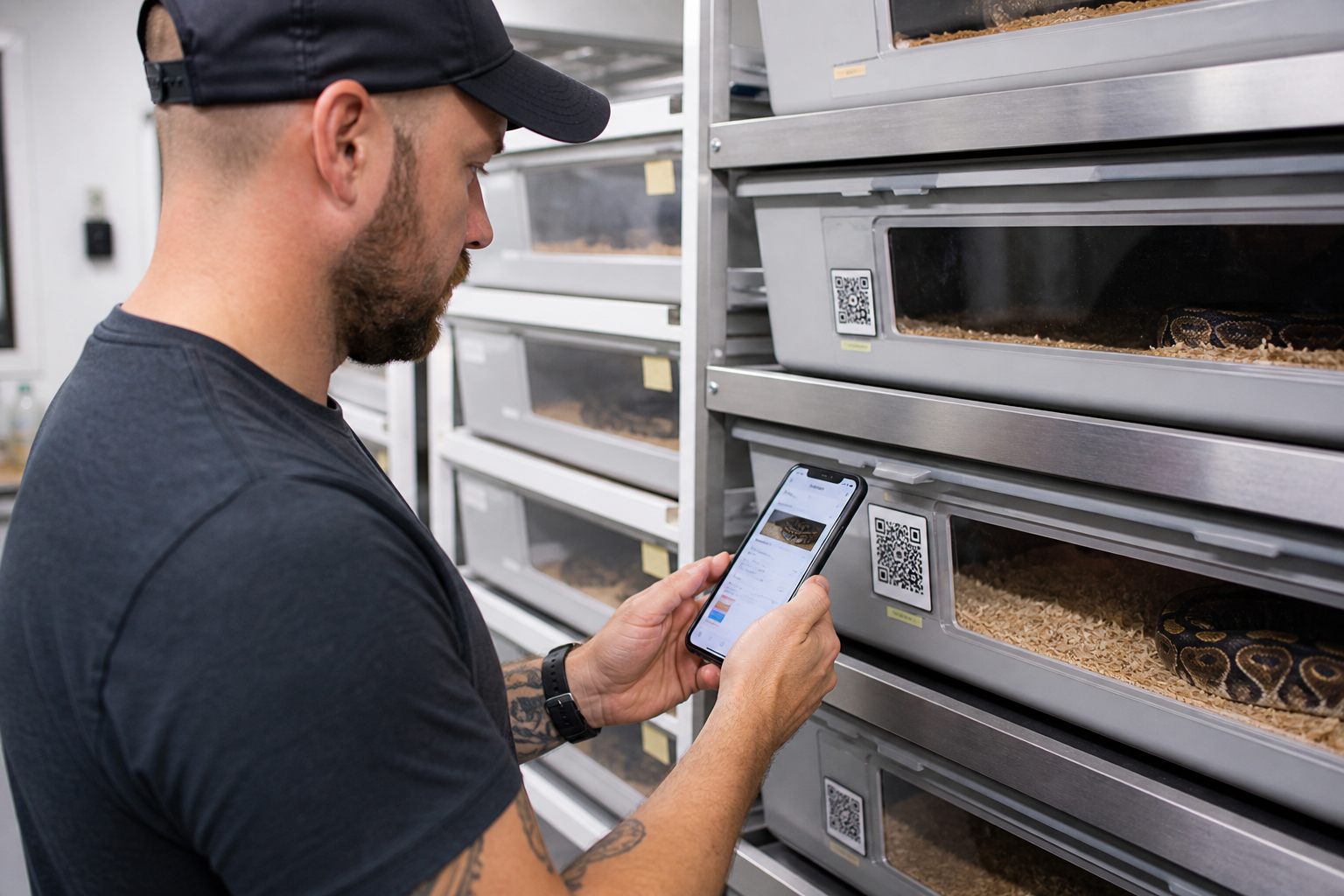
    Keeper scanning a QR enclosure label to open an animal record

    Breeding records and pedigrees

    The Breeder tier adds the reason many people will consider Scutely: fuller family trees, pedigrees and broader customization. The service describes pairing support, clutches, offspring, genetics calculations and lineage that follows an animal through transfer. That is a much deeper job than logging meals.

    Test a three-generation sample before trusting the pedigree view. Include an unknown parent, a possible het, a repeated pairing and an offspring that changes ownership. Check which facts are calculated, which are manually asserted and how corrections propagate. Genetics software can organize claims, but it cannot verify parentage or replace careful identification.

    Breeding loans expose weak permissions quickly. The record should distinguish the owner, current keeper and breeding project without duplicating the animal. Also inspect what the other party can see. Medical notes, purchase price and private contact details should not become public merely because lineage is shared.

    QR scanning and label printing

    Scutely can generate QR codes and open an animal profile for quick logging. Multi-scan mode is intended for batch work, including feeder overrides. This can be excellent in a rack room, but only when the printed label and confirmation screen prevent wrong-animal entries.

    Print several labels at the smallest size you expect to use. Scan them with the oldest phone in the room, under normal lighting, from an uncomfortable angle. Mist one protected sample, clean another and leave a third near a heat source. Keep the human-readable ID beside the code. The practical QR label setup guide covers contrast, privacy and replacement planning in more detail.

    A scan should open a large photo, name, ID and location before the event is saved. Speed is useful only after identity is clear. For rack codes, review the selected occupants and the action date before applying a batch entry.

    Public animal pages, cards and transfers

    Public profiles and sale cards can reduce repetitive buyer questions. Scutely says keepers choose which details appear and medical records stay private. Test that claim from a browser where you are signed out. Inspect the page source, downloadable images and QR destination, not just the signed-in preview.

    Ownership transfer is more valuable than a static PDF when both parties use the same platform. It can preserve history and lineage instead of forcing the buyer to rebuild a profile. Still, export an independent copy before transferring. Confirm whether the sender retains a record of the sale and what happens if the recipient never accepts.

    Public pages should be treated as publishing, not private record keeping. Remove home addresses, acquisition documents and notes that reveal more than a buyer needs. A show card can identify an animal without exposing the rest of the collection.

    Breeder reviewing clutch and pedigree records beside labeled incubation tubs

    Pricing and the point where each plan makes sense

    At the time of review, Free covers five animals. Hobbyist raises that to 50 and adds broader photo, sharing, sales-card and customization allowances. Breeder supports 200 animals and unlocks the pedigree depth aimed at breeding projects. Pro removes the practical animal ceiling and expands customization further.

    Animal count is only one cost driver. A ten-animal breeding group may need pedigree tools more than a 60-animal pet collection. Work out which locked feature solves an actual weekly problem. The reptile app pricing comparison shows how to calculate cost over several years rather than comparing a free badge with a monthly number.

    Downgrades deserve attention. Scutely states that animals above the new plan limit are locked rather than deleted. Make sure you understand which animals remain accessible, whether exports still work and how long inactive accounts are retained. The pricing page currently notes that an account unused for five years may be removed with its data.

    Export, backup and leaving the service

    Scutely describes collection export and per-animal history reports. Those are not necessarily the same thing. A readable report is good for a buyer or veterinarian; structured data is better for migration. Export a sample and inspect animal IDs, dates, units, events, lineage, notes and image references.

    Open the file in a spreadsheet, then try to rebuild one animal elsewhere. If important relationships exist only as formatted text, moving later will take manual work. Our data export and privacy checklist covers account deletion, permissions and backup frequency.

    Do not rely on account sync as backup. Sync keeps devices consistent, including accidental changes. Store dated exports outside the service and keep the original import file if you migrate from a spreadsheet.

    How Scutely compares with the main alternatives

    Scutely overlaps with Husbandry.Pro and Reptile Scan more than with a minimal pet diary. Husbandry.Pro remains the obvious comparison for a broad breeder system. Reptile Scan is worth considering when a web-managed, scan-first rack workflow is the priority. Reptile Rocket and Terrarium Tracker are lighter choices for smaller collections.

    Read the Husbandry.Pro review if customization and established breeder workflows matter most. The Reptile Scan review focuses on labels, registrations and the split between web setup and mobile work. For a broader shortlist, start with the best reptile tracking apps guide.

    A sensible seven-day trial

    1. Create five animals with stable IDs, including two with similar names.
    2. Import or enter a short history with feeding, refusal, weight, shed and treatment events.
    3. Build one care group and complete a batch action with an exception.
    4. Print and scan labels from the actual enclosures.
    5. Create a sample pairing and follow the lineage into one offspring.
    6. Open a public page while signed out and inspect every visible field.
    7. Export the collection, open the file and confirm that the records are usable.

    If those seven steps feel natural, Scutely has a credible chance of replacing a mix of notes, spreadsheets and label tools. If two or three steps fight the way the room operates, do not assume a higher plan will fix the workflow.

    Who should choose Scutely?

    Scutely is a strong candidate for a keeper who expects a collection to grow and wants breeding, sales and QR features without running separate systems. The web and mobile combination also suits people who prefer detailed setup on a larger screen and quick actions beside enclosures.

    A keeper with one or two animals may not need this scope. A large commercial operation should test exports, permissions and support response before committing. The app looks most convincing in the middle: serious hobbyists and breeders who need more than a diary but still want a modern interface.

    Frequently asked questions

    Is Scutely free?

    There is a free plan for up to five animals at the time of review. Paid tiers raise collection limits and add more photos, customization, public pages and breeder features.

    Does Scutely work on desktop?

    Yes. Scutely provides a web app and syncs the account with its iOS and Android apps.

    Can Scutely print QR labels?

    It supports animal QR codes, cards and label workflows. Test the exact label size, printer and scan distance you use before producing a full rack.

    Can I export my data?

    Scutely describes collection export and history reports. Verify the file format and included fields with a sample because a readable report and a migration-ready export solve different problems.

  • Best snake tracking apps for feeding, weight and sheds

    Verdict: The best snake tracking apps make refusals, sheds and weight changes easy to record without turning routine care into paperwork. Snake keepers need a clean timeline more than a busy dashboard.

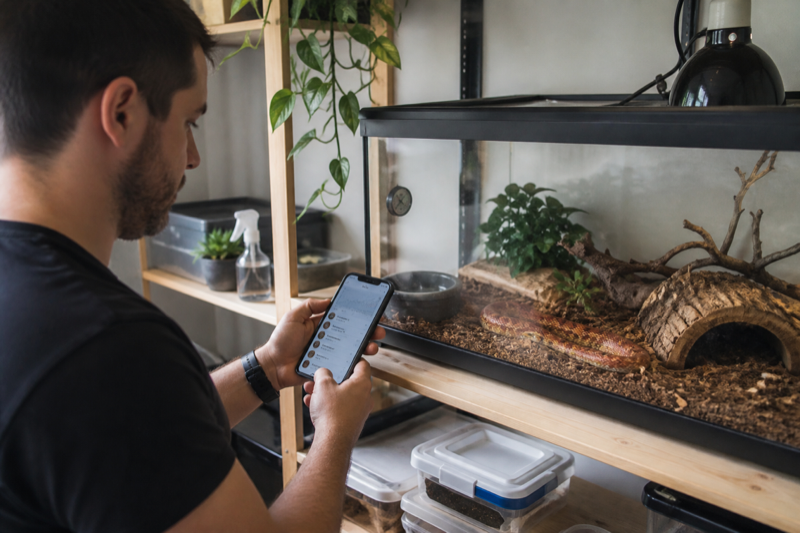
    Snake keeper using a tracking app beside a corn snake enclosure

    What a snake tracking app should handle

    Feeding records need more than a yes or no field. Useful entries include prey type, prey size, feeding method, refusal and any note that explains an unusual response. The history should remain easy to scan months later.

    Shed logging also needs context. A date, complete or incomplete result and a short observation are usually enough. Keepers who track humidity may want to compare environment readings with a difficult shed, but an app should not imply medical causation from a single event.

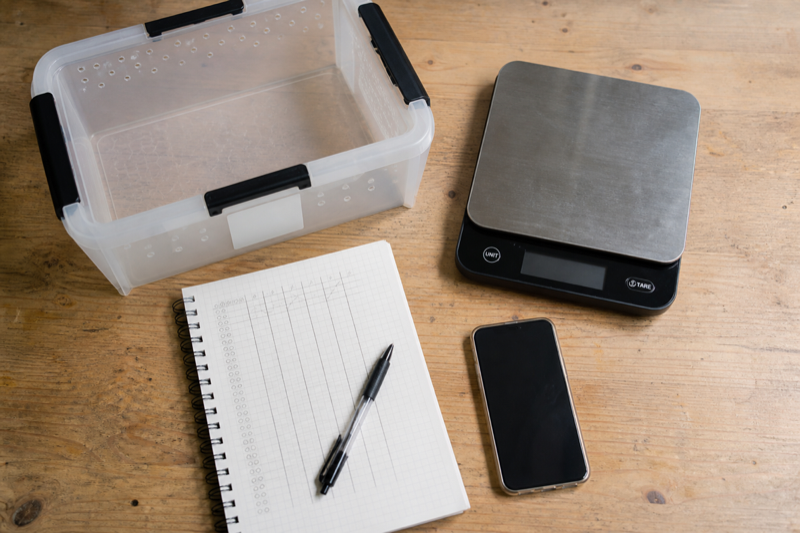
    Snake weighing kit with scale secure tub notebook and phone

    Weight trends without false alarms

    A graph is helpful when its source entries are visible. Check whether you can correct a typo, change units and see the original measurement date. A smooth line can hide messy data, so the underlying log still matters.

    For one snake or a collection

    One-animal homes can choose for speed and clarity. Collection keepers need better navigation. Search, filters and labels become essential once similar names and morphs fill the list. Test the app with at least a dozen sample animals before committing.

    Before you migrate

    Shortlist for snake keepers

    For a single snake, Reptile Rocket and other simple profile trackers can cover the basics without turning each feeding into data entry. Husbandry.Pro becomes more attractive as the number of animals rises because it adds collection, task and breeder workflows. Reptile Scan is the better match when labels and rack-side scanning are part of the routine.

    A general pet app can still work, but it needs a true refusal event. Writing “did not eat” in a note makes later filtering harder. The same applies to sheds. Complete, incomplete and pre-shed observations should not collapse into one undated text box.

    A practical snake record

    Keep feeding entries modest. Date, prey type, prey size or weight, accepted or refused, and a short note usually cover the useful ground. Record body weight on its own schedule rather than every time food is offered. That keeps the chart readable and avoids handling a snake simply to satisfy the app.

    Shed records are most useful when they show the beginning of a cycle, the completed shed and whether retained skin or eye caps were seen. Add a photo only when it helps document a change. A tracker is a memory aid, not a diagnosis engine.

    Test the timeline before committing

    1. Backdate several feedings, including two refusals.
    2. Add weights in the unit you normally use.
    3. Record a shed and a husbandry change on the same date.
    4. Find the last accepted meal without opening every note.
    5. Export the record and check dates, units and animal IDs.

    That final search is revealing. A decorative dashboard may show totals while hiding the answer you need: what happened immediately before the animal stopped eating?

    FAQ

    Does a feeding refusal need a reminder?

    Not automatically. A missed meal can be normal in context. Use reminders for your planned recheck or next offer, not as a medical alarm.

    Can an app predict sheds?

    It can estimate from past intervals, but individual cycles vary. Treat predictions as prompts to observe the animal and review humidity.

    Is a spreadsheet better?

    A spreadsheet wins on customization and portability. An app wins when fast phone entry and reminders keep you consistent.

    For a wider view: Compare the broader options in our reptile tracking app guide, then use the feeding tracker comparison to test refusal and prey-size workflows.

  • Best reptile apps for breeders and large collections

    Verdict: The best reptile apps for breeders reduce repeated work. A breeder gains more from reliable identity, fast batch entry and clean exports than from decorative charts.

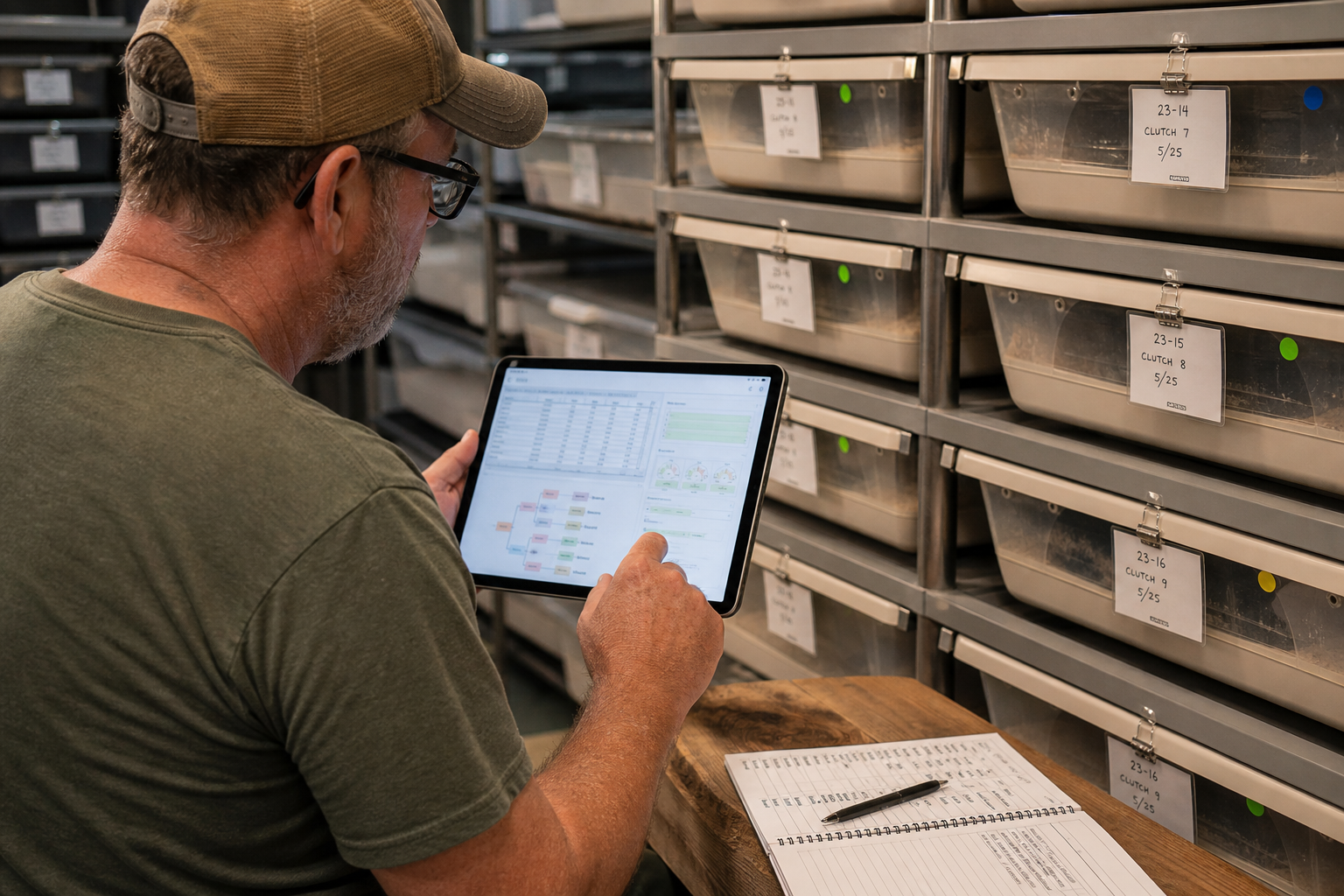
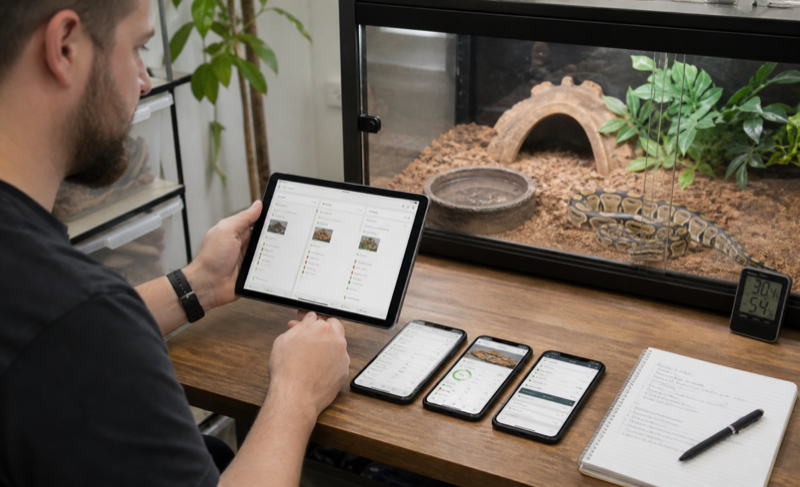
    Breeder reviewing a reptile collection dashboard on a tablet

    Why breeder workflows are different

    A collection of twelve animals already exposes friction that a one-pet demo hides. The app must keep similar animals distinct, move quickly between profiles and make routine events easy to repeat. Search should work with names, internal IDs and enclosure labels.

    Breeding records add pairings, clutches, hatch dates and lineage. Those fields are useful only if they remain connected to each animal and can leave the platform in a sensible export.

    Keeper scanning a QR label in a reptile collection workflow

    Batch tools to test

    • Record the same event for several animals
    • Filter by species, group or status
    • Print or scan stable identity labels
    • Find overdue tasks without duplicate reminders
    • Export animals and events with consistent IDs

    Reliability comes before speed

    Batch entry is risky if a tap applies an event to the wrong animal. Test cancellation, undo and edit behavior. Then close the app, reopen it and confirm that every record is still attached to the intended profile.

    How we will rank breeder apps

    Best choices for a breeder workflow

    Husbandry.Pro Next and Reptile Scan are the two clearest starting points for a serious comparison. Husbandry.Pro publishes tiered plans from a small free account through breeder, commercial and institutional levels. Its higher plans add breeding systems, QR scanning, sales tools, multiple users and stronger account controls. Reptile Scan combines web management with mobile scanning, clutch records, racks, reports and batch registrations.

    The distinction is less about which list is longer and more about where work happens. Reptile Scan expects much of the setup and administration to happen in its web console, while the phone app is built for quick actions. Husbandry.Pro Next positions the phone, tablet and desktop as parts of the same broader workspace.

    Collection features that save real time

    • Permanent animal IDs that survive name changes and sales
    • Rack and enclosure locations that can be updated in batches
    • Pairing, clutch and offspring links that remain traceable
    • Feeder inventory and planned feeding lists
    • Role-based access for staff or family helpers
    • Export files that can be opened without the original service

    Batch actions need guardrails. The screen should show exactly which animals are selected, what event will be added and how to undo a mistake. Saving thirty cleanings to the wrong rack is faster than paper, but it is not progress.

    Run a breeder-sized trial

    Do not test with one animal. Create at least twelve sample profiles across two racks, add a pairing and follow a clutch through laying, incubation and offspring IDs. Move several animals, record a batch feeding and invite a second user if the plan supports it. Then export everything.

    Also check what happens when an animal is sold. A good system preserves your history, creates a useful transfer record and removes the animal from daily task lists without erasing it.

    FAQ

    Are QR codes required?

    No. They are useful when enclosure identity is the slow part of logging. Small collections may be faster with search or favorites.

    How much history should a breeder keep?

    Keep enough to document identity, care, breeding and transfers under the rules that apply to your animals and location. The app should not decide that policy for you.

    Plan the workflow: Our guide to managing a large reptile collection covers IDs and room routines. The pricing comparison helps estimate the cost as animal numbers grow.

  • Husbandry.Pro alternatives: how to choose a safer switch

    Verdict: The best Husbandry.Pro alternatives depend on why you are leaving. Price, workflow friction and weak export each point to a different replacement, so define the problem before moving data.

    Keeper comparing alternative reptile record apps

    Why people look for Husbandry.Pro alternatives

    Common reasons include collection limits, subscription cost, a preference for simpler logging or the need for a specific export. Write down the reason in one sentence. It keeps the search focused when every competitor presents a different feature list.

    Checklist for switching reptile tracking apps

    Test the replacement before migrating

    Create two sample animals and log a week of events. Try reminders, corrections and search. Then export the sample. If the basic loop already feels slow, a full migration will not improve it.

    Protect the original records

    Download every available backup before closing an account. Keep the untouched file and work from a copy. Photos may need a separate download, and attachment links in a spreadsheet may stop working after account deletion.

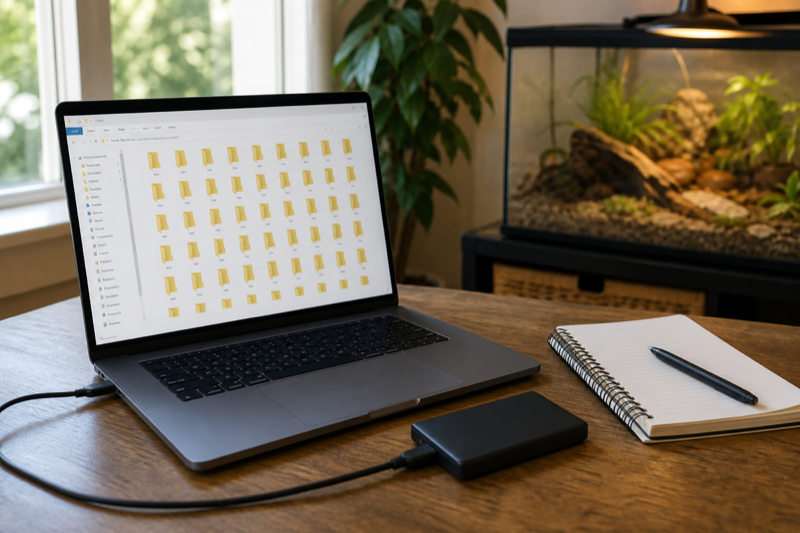
    Reptile record backup files on a laptop and external drive

    Candidates will be added after import, export and daily logging tests. Each recommendation will explain who gains from switching and who should stay put.

    Start with the reason you want to leave

    If Husbandry.Pro feels too complex, a smaller tracker such as Reptile Rocket or Terrarium Tracker may reduce daily friction. If the problem is scale, Reptile Scan offers rack scanning, batch registrations and team features on its Professional plan. If customization and ownership matter most, a well-designed spreadsheet can still be the better answer.

    Alternative paths

    • Reptile Scan: best starting point for QR labels, racks and enclosure-side actions.
    • Reptile Rocket: lighter mobile records for a small collection.
    • Terrarium Tracker: mixed terrarium pets and readable PDF histories.
    • Spreadsheet plus form: maximum control over columns and backups.

    A feature match is not a migration match. Husbandry.Pro may hold custom fields, breeding relationships, photos and long activity histories that another app cannot import. List the fields you cannot afford to lose before comparing interfaces.

    Safe switching sequence

    1. Export every available file and keep an untouched copy.
    2. Create a small sample in the new system.
    3. Compare dates, units, IDs and notes after import or manual entry.
    4. Run both systems through one normal care cycle.
    5. Export from the new system before cancelling the old plan.

    When to stay

    Do not migrate merely because another app looks cleaner in screenshots. If the current system is reliable, your helpers understand it and exports work, the switching cost may outweigh a modest interface improvement.

    FAQ

    Can I import Husbandry.Pro data directly?

    Import support varies. Ask the destination service which exact format and fields it accepts before changing the source file.

    Should I delete the old account immediately?

    No. Keep it until the new records and independent backup have been checked.

    Recheck the baseline: The full Husbandry.Pro review clarifies which limits justify a switch. Then compare the broader market in our reptile tracking app guide.

  • Best reptile tracking apps: what to compare before you switch

    Verdict: The best reptile tracking apps are the ones you will still use after the novelty wears off. Fast event entry, clear animal histories and a usable export matter more than a long feature list.

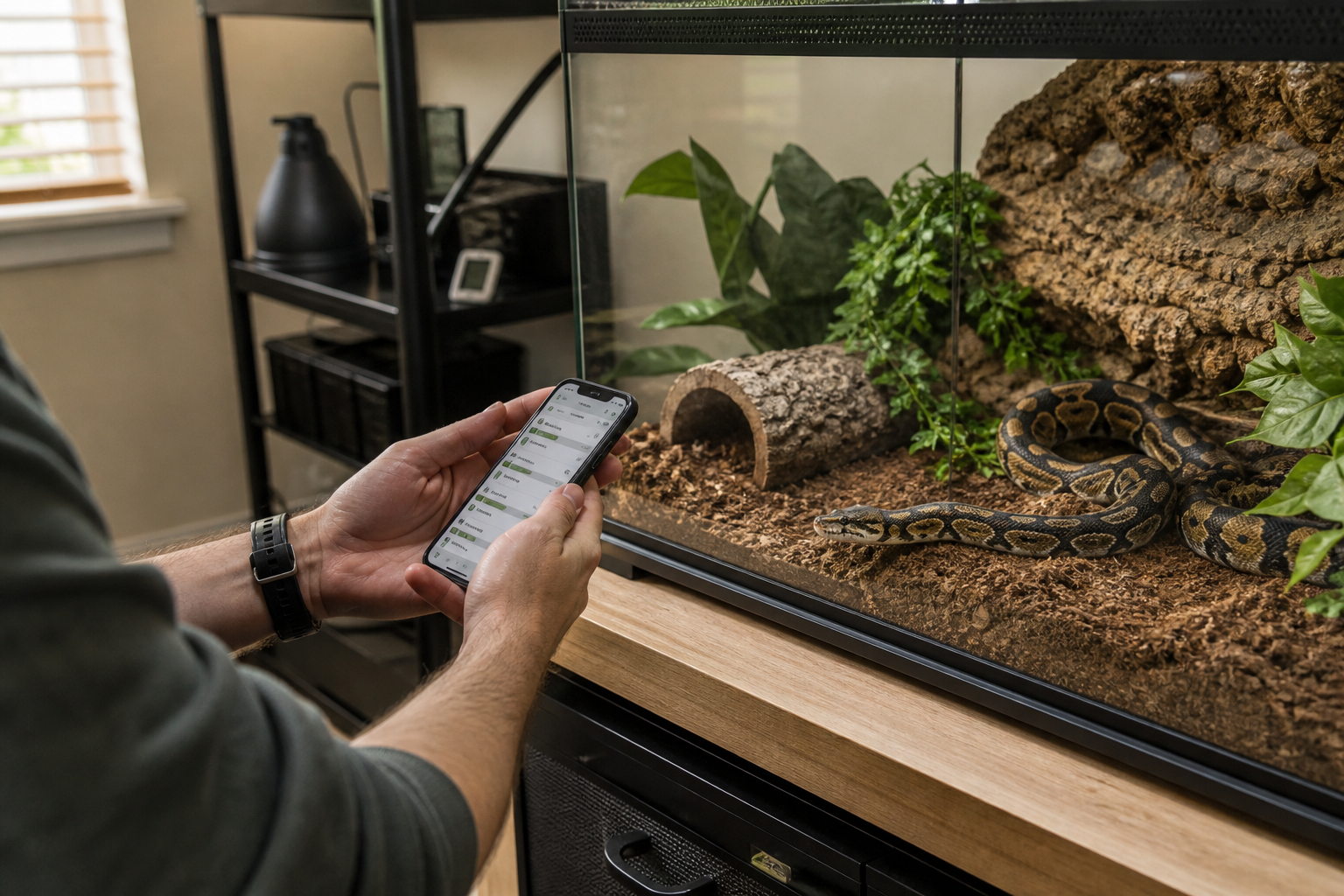
    Keeper checking a reptile tracking app beside a ball python enclosure

    How to compare the best reptile tracking apps

    Start with one ordinary week. Log a feeding, a refusal, a weight, a shed and a reminder. Then try to find each entry again. A polished dashboard is pleasant, but it cannot rescue a slow daily workflow.

    Multi-animal keepers should count taps. If switching from one animal to another takes too long, small records get skipped. Breeders also need filters, batch actions and reliable identity labels. Someone with one gecko may prefer a much simpler app.

    Reptile record keeping setup with phone notebook scale and handling tub

    Features worth testing

    • Feeding entries that include refusals and prey details
    • Weight history with dates and units
    • Shed, medication and observation notes
    • Reminders that can be edited or dismissed
    • CSV or another usable export format
    • Clear account deletion and privacy controls

    Export deserves a real test. Download a copy, open it on a computer and check whether animal names, dates and event types survive. A button labeled export is not enough if the file is incomplete or unreadable.

    Keeper recording a reptile feeding event on a phone

    Free plans and subscriptions

    A free plan can work well for one or two animals. Limits become more noticeable when you add photos, reminders or a larger collection. Before paying, check whether the subscription covers every device you use and whether you can leave without losing access to your records.

    Our picks by keeper type

    There is no single winner for every collection. Husbandry.Pro Next makes the most sense when you need breeder tools, multiple users or room to grow. Reptile Scan is the strongest fit for enclosure-side QR workflows and batch records. Reptile Rocket is easier to justify for a small personal collection, especially if spreadsheet export matters. Terrarium Tracker is worth a look when you want a lighter journal for mixed terrarium animals.

    Those labels are starting points, not a substitute for a trial. Add two sample animals first. Record a meal, a refusal, a weight, a shed and a health note. Set one reminder, correct one mistaken entry and export the result. A useful app should make all seven jobs obvious.

    What separates a good tracker from a feature list

    Speed matters because most records are created while you are holding a tub, prey tongs or a scale. Look for defaults that remember common prey, units that remain consistent and a timeline that does not bury refusals. Editing is just as important as entry. One wrong decimal point can ruin a weight chart if the correction is difficult to find.

    For multiple animals, test search and identity safeguards. Names alone are fragile when a collection includes siblings or repeated morphs. Stable IDs, enclosure locations and clear profile photos reduce mistakes. Breeders should also check clutch links, pairing history, inventory and whether helpers can work without sharing the owner password.

    How we would choose

    • One or two pets: favor fast logging and a low ongoing cost.
    • A growing collection: prioritize export, filters, batch actions and reliable IDs.
    • A breeding room: add clutch records, label printing, team access and auditability.
    • Mixed reptiles and invertebrates: confirm that custom event types do not force every animal into a snake-shaped workflow.

    Questions people ask before switching

    Is a free reptile app enough?

    Often, yes, for a small collection. The catch is usually an animal limit, monthly event cap, advertising or restricted export. Test the limit you are most likely to hit.

    Should temperature data live in the same app?

    It can be convenient, but care records and safety control are different jobs. A tracking app does not replace a thermostat, independent thermometers or an alarm plan.

    What should I export?

    At minimum: animal identifiers, dates, event types, notes, measurements and units. Photos and documents may need a separate download.

    Keep comparing: The breeder app guide looks at larger collections, while the feature index helps turn a long feature list into a practical shortlist.

  • Best free reptile apps: where the limits really show

    Verdict: The best free reptile apps cover basic records without trapping them behind a later paywall. Free is useful, but only when the animal limit, backup policy and export options match your plans.

    Keeper using a free reptile app beside a leopard gecko enclosure

    What the best free reptile apps should include

    A workable free plan needs animal profiles, feeding records, weight entries and a simple history. Reminders are helpful, though a phone calendar can cover that job if the app limits them.

    Phone calendar and thermometer beside a reptile enclosure

    Limits that change the decision

    Animal count is the obvious limit. Photo storage, device sync and export are easier to miss. Some limits only appear after you have invested time in setup, so read the upgrade screen before entering months of history.

    Advertising also matters. A small banner is different from a full-screen interruption during routine logging. Privacy conscious keepers should check whether an account is required and what data the app collects.

    Keeper comparing a generic free and paid reptile app plan

    When paying makes sense

    A subscription may be reasonable for reliable sync, larger collections or responsive support. Calculate a full year, not the monthly headline. Then confirm that cancellation does not block access to existing records.

    Free plans worth comparing

    Husbandry.Pro Next currently lists a free Personal plan for up to five animals. Reptile Scan lists a free plan for up to ten reptiles, two clutches and 100 registrations per month. Reptile Rocket allows one animal without a subscription. These limits are different enough that “free” does not describe the same experience.

    A keeper with one snake may never care about a five-animal ceiling. Someone logging daily conditions can hit an event cap long before reaching ten animals. Count your normal entries for one month before choosing.

    The hidden cost of a free account

    Advertising is easy to see. Lock-in is not. Check whether export works on the free tier, whether photos can be downloaded in bulk and whether old records remain readable after a subscription ends. A free plan is much less attractive if leaving means copying years of notes by hand.

    Pay attention to reminders too. Some free trackers record history but reserve useful notifications, charts or cloud backup for paid plans. That can still be fair, provided the boundary is obvious before you invest time.

    When a spreadsheet is the better free tool

    Google Sheets or another spreadsheet remains a strong option if portability and custom fields matter more than quick entry. A simple form can send feeding, shed and weight entries into a table without exposing the whole sheet beside an enclosure. Spreadsheets become awkward when photos, recurring tasks, clutches and multiple helpers enter the picture.

    Free-plan checklist

    • Animal and monthly record limits
    • Export availability and file type
    • Cloud backup or local-only storage
    • Ads, notification limits and photo storage
    • What remains accessible after cancellation
    • Account deletion instructions

    FAQ

    Should I avoid subscriptions?

    No. Ongoing hosting and support cost money. The better question is whether the paid limit matches your collection and whether your data remains portable.

    Can I use two free apps?

    You can, but split records are harder to search and back up. One dependable system plus an independent export is usually cleaner.

    Before choosing a free plan: Check the limits in our reptile app pricing comparison and review the data export and privacy checklist before entering a full collection.

  • Reptile feeding tracker apps: a practical comparison guide

    Verdict: Good reptile feeding tracker apps record an event in seconds and make the history useful later. Refusals, prey details and notes should be first-class entries, not awkward workarounds.

    Keeper logging a feeding record beside a ball python enclosure

    Test the everyday entry flow

    Open an animal profile and time a normal feeding entry. Add prey type, size, result and one note. Repeat it for several animals. The app should preserve the details without forcing you through unrelated fields.

    A refusal needs its own clear status. Treating it as a missing entry can make the history misleading. The same applies to skipped feeds that were planned rather than refused.

    Feeding record setup with notebook scale tongs and phone

    Reminders need restraint

    Feeding reminders should adapt when a schedule changes. Look for easy snooze, edit and cancel controls. Duplicate alerts train people to ignore the app, which defeats the point.

    Reading the history

    Check whether the timeline can separate successful feeds, refusals and notes. Filters help in a large collection. For a single reptile, a simple chronological view is often quicker.

    What a tracker cannot decide

    What feeding trackers need to record

    A useful feeding event has enough structure to answer later questions without asking you to type an essay. The core fields are date, animal, prey or food, amount, accepted or refused, and an optional note. Snake keepers may add prey weight and feeding method. Lizard keepers may care more about insects, greens and supplement rotation.

    Refusals belong in the same timeline as accepted meals. Deleting a failed offer makes the history look cleaner but removes context. Apps should also let you correct a mistaken event without leaving a duplicate behind.

    Reminders should follow your plan

    Rigid schedules are a poor fit for animals whose feeding changes with age, season, breeding condition or veterinary advice. Look for editable intervals, one-off reminders and a way to mark a task complete without automatically creating the next one. Snooze is helpful, but it should not quietly change the underlying care plan.

    For frozen prey, a separate preparation reminder may be more useful than another “feed today” alert. In insect-eating collections, feeder care and supplement rotation can matter as much as the animal’s meal entry.

    How to compare apps in fifteen minutes

    1. Create two animals with different feeding routines.
    2. Log an accepted meal and a refusal.
    3. Backdate one event and edit another.
    4. Set different reminders for each animal.
    5. Filter the timeline to feeding events only.
    6. Export or print the history.

    If any step feels slow with two profiles, it will feel worse with twenty. Do not assume a premium tier fixes a clumsy entry screen.

    Reading patterns without overreacting

    Charts can reveal a longer interval between meals or a change in body weight. They cannot explain the cause. Review enclosure conditions, season, reproductive context and the animal’s broader behavior. Persistent or worrying changes belong in a conversation with an experienced reptile veterinarian.

    FAQ

    Should I log every feeder insect?

    Usually a count or portion is more practical. Choose a method you can repeat consistently.

    Do automatic feeding predictions help?

    They can remind you to review the schedule. They should not override species, age, body condition or veterinary guidance.

    Build the rest of the record: The tracking app comparison covers complete animal histories, while the guide to large collection management explains repeatable feeding-night checks.

  • Reptile temperature monitoring tools: sensors, probes and apps

    Verdict: Reptile temperature monitoring tools answer different questions. A fixed probe shows conditions at one point, an infrared thermometer checks surfaces and a wireless sensor can reveal trends. None of them replaces a correctly configured thermostat.

    Keeper checking temperature readings in a bearded dragon enclosure

    Monitoring is not control

    A thermometer reports temperature. A thermostat controls a heat source. Keeping those jobs separate prevents a common and dangerous misunderstanding. An app alert may warn you, but it cannot guarantee that heating equipment will switch safely.

    Generic probe thermometer hygrometer and wireless sensor

    Choose the tool for the measurement

    • Probe thermometers are useful for continuous readings at a fixed location.
    • Digital hygrometers track humidity where the sensor sits.
    • Infrared thermometers check surface temperature at the moment of use.
    • Wireless sensors can store trends and send remote alerts.

    Placement changes the reading

    A sensor near a vent, water bowl or heat source may not represent the area the animal uses. Secure cables and probes so they cannot shift or create a hazard. Compare devices in the same position before blaming a difference on accuracy.

    Keeper placing a temperature probe inside an empty terrarium

    Monitoring and control are separate jobs

    A thermometer tells you what happened at its sensor. A thermostat changes power to a heat source. An app may store readings or send alerts, but it does not make an uncontrolled heater safe. Every heat source that needs regulation should use an appropriate thermostat, with independent thermometers used to verify the enclosure.

    Surface and air temperatures are not interchangeable. An infrared thermometer reads a surface at that moment. A digital probe or sensor reads the air or the point around the probe over time. The readings can differ while both instruments are working correctly.

    What to buy first

    • Digital thermometers for the warm and cool areas
    • An infrared thermometer for basking surfaces and spot checks
    • A suitable thermostat for each controlled heat source
    • A remote sensor or alarm if off-site warnings matter to you

    Wireless sensors add graphs and alerts, but their connection type matters. Bluetooth usually requires you to stay nearby. Wi-Fi or a separate gateway can support remote access, provided the home internet and power are working. An offline alert inside the room and a backup thermometer still have value.

    Placement changes the reading

    Put monitoring sensors where the animal experiences the environment, not wherever the display looks tidy. Use more than one point to understand the gradient. Secure cables and probes so the animal cannot pull them into a different location or become tangled.

    A thermostat probe has a different purpose and its placement depends on the heat source and enclosure. Follow the thermostat and heater instructions. If the probe can be covered, moved or detached, the controller may respond to the wrong temperature.

    A simple accuracy check

    Place comparable sensors together for several hours and note their spread. Check them again at a stable room temperature and after a battery change. Large disagreements, slow response or impossible jumps deserve investigation. Do not “calibrate” a sensor merely to match the reading you hoped to see.

    FAQ

    Can one sensor cover a large enclosure?

    One point cannot describe a gradient. Warm and cool side readings are a sensible minimum for many setups.

    Do app alerts work during an outage?

    Often they do not. The sensor, gateway, router and internet connection all need power unless the system has a separate backup path.

    Connect readings to routine care: Use the guide to managing a large reptile collection to schedule equipment checks, and review app export and privacy before storing long-term sensor history.

  • Husbandry.Pro vs Reptile Rocket: which workflow fits you?

    Side by side test setup for two reptile record apps
    Keeper comparing two generic reptile app workflows

    Small collection or breeder room

    Migration decides the real cost

    Spreadsheet export comparison for two reptile tracking apps

    What is not decided yet

    The short answer

    Choose Husbandry.Pro when you need a system that can grow into breeding plans, sales tools, custom animal structures and multi-user work. Choose Reptile Rocket when you want a smaller mobile tracker with structured care history, backups and XLSX animal-list export. The gap becomes more obvious as the collection grows.

    Side-by-side workflow

    QuestionHusbandry.ProReptile Rocket
    Best fitGrowing collections and breedersSmall personal collections
    Free entry pointNext Personal plan, up to five animalsOne animal
    Desktop workflowYes, with Classic and Next web platformsPrimarily mobile
    Breeder depthPlans include breeding, sales and team featuresBreeding projects, with a lighter scope
    ExportConfirm the exact export available on your planCurrent Android listing mentions XLSX animal-list export

    Which friction bothers you more?

    Husbandry.Pro asks for more setup. That work pays off when IDs, genetics, pairings and permissions matter. Reptile Rocket has less administrative weight, but a larger operation may eventually miss rack labels, batch tools or staff roles. Neither tradeoff is automatically bad.

    Migration test

    Build the same five-animal sample in both services. Include a refusal, several weights, a breeding record and a long note. Time ordinary entry, then try to find and correct the same event. Finally, export and check what survives. Do not move the full history until one option passes that test.

    FAQ

    Which is cheaper?

    It depends on animal count, platform and billing period. Compare the tier you will need next year, not only the introductory allowance.

    Which is better for one pet?

    Reptile Rocket is the simpler starting point. Husbandry.Pro may still win if you expect the collection to grow quickly.

    Choose with a three-year view

    A one-pet account can become a breeding collection surprisingly quickly. Estimate the number of animals, users and active projects you expect in three years. Husbandry.Pro has a clearer path into high collection limits and operational tools. Reptile Rocket keeps the commitment and learning curve lower if growth is unlikely.

    Reliability checks

    Use each service on the devices that will actually be beside the enclosures. Turn the network off, restart the phone and correct an old event. Review backup behavior and support contacts. A polished feature table cannot reveal whether a notification arrives late or an export omits notes.

    Final choice

    Husbandry.Pro wins for structured growth, breeding work and multiple people. Reptile Rocket wins for a smaller personal collection that values simpler mobile records. If neither export gives you confidence, keep the existing system and revisit the comparison after the products change.

    Read the individual tests: The full Husbandry.Pro review examines Classic and Next, while the Reptile Rocket review covers its strongest collection workflows and practical limits.